Stuff I've shipped
for

startups
agencies
Founders
startups
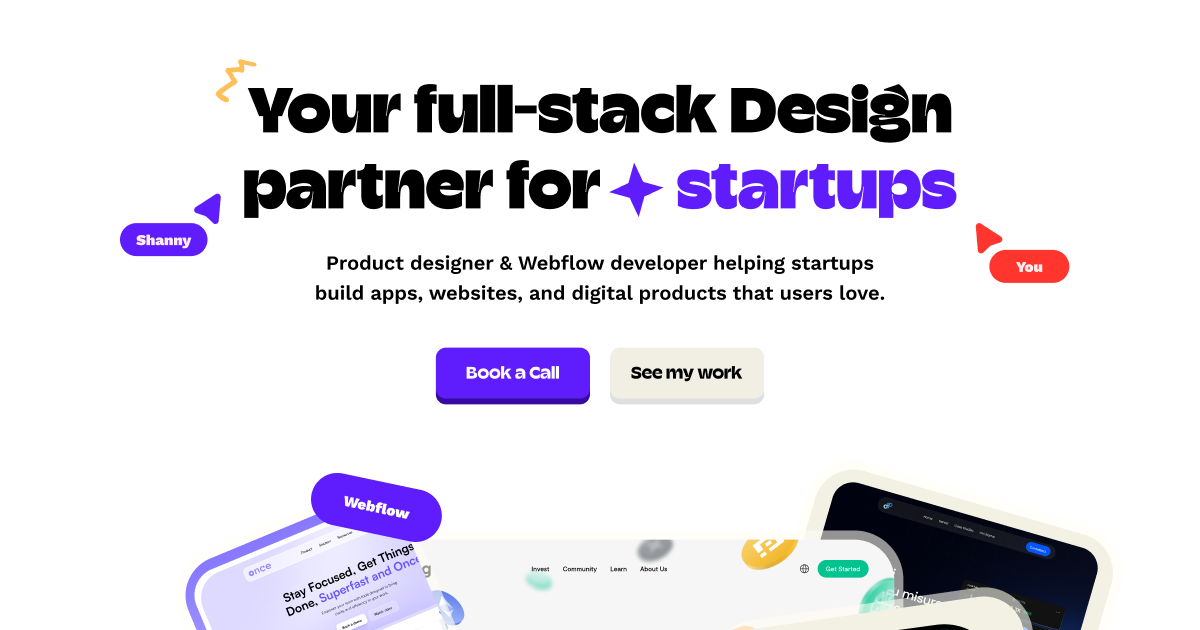
Product designer & Webflow developer helping startups build apps, websites, and digital products people actually want to use.

Design + Webflow
Dep Consulting
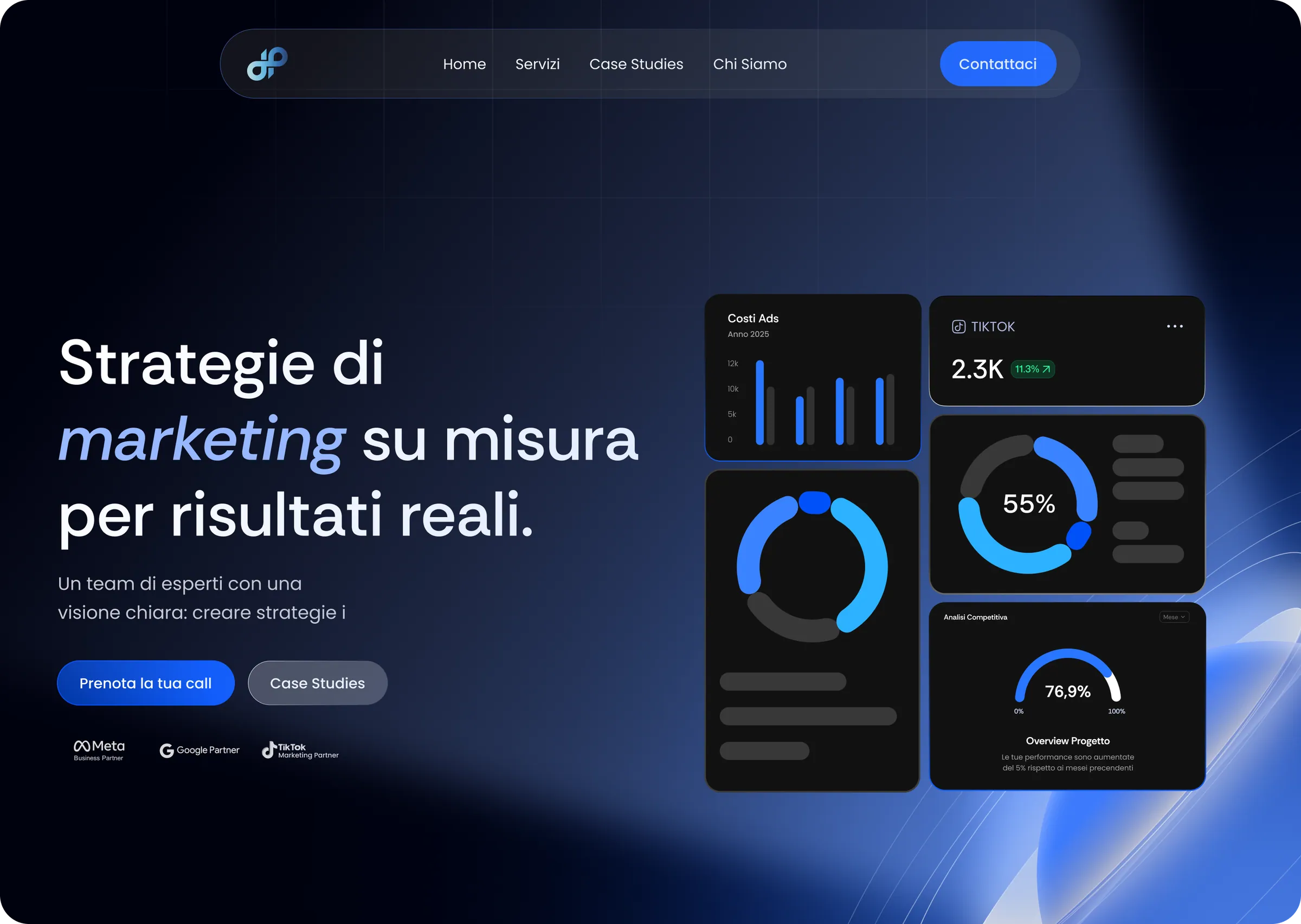
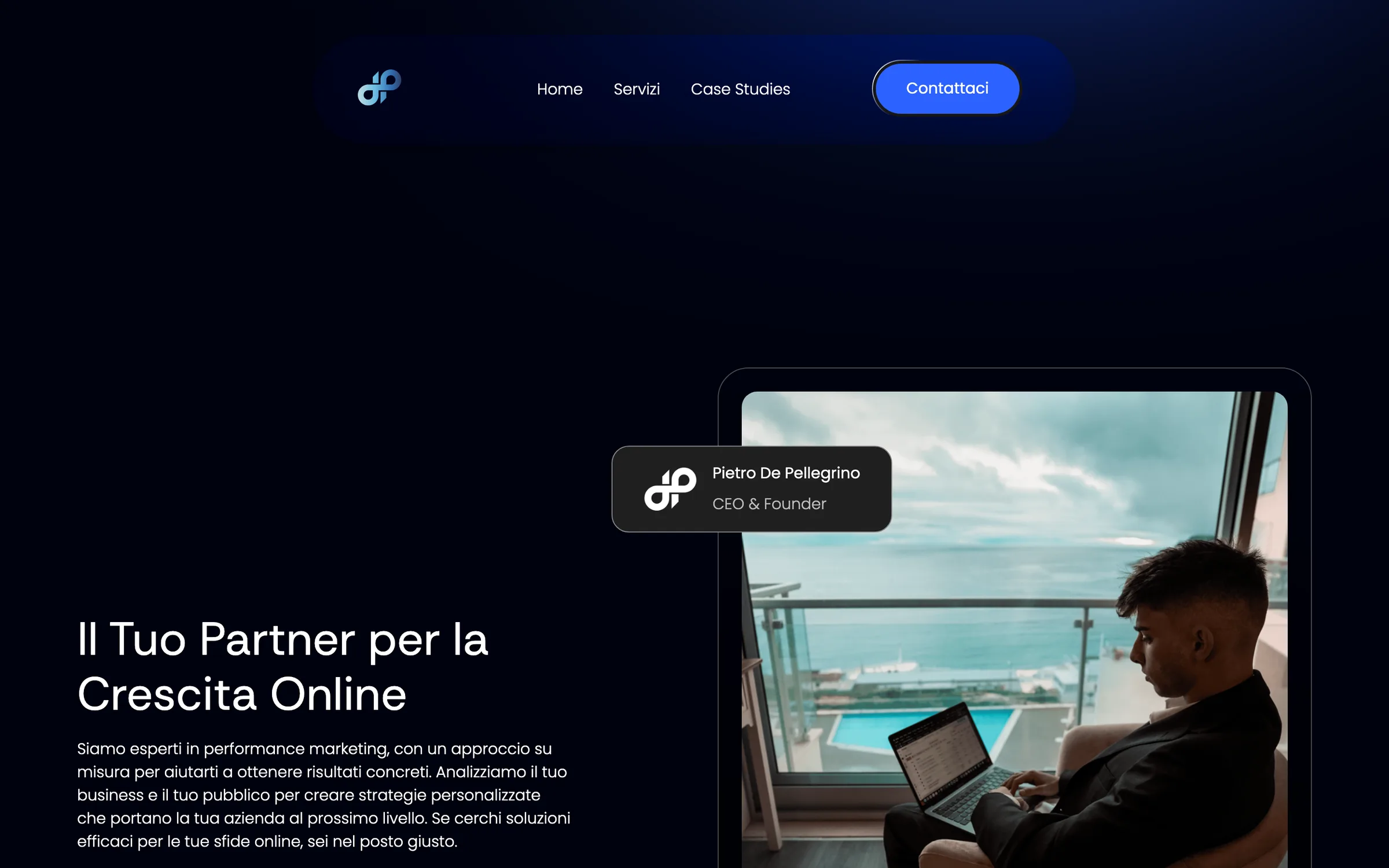
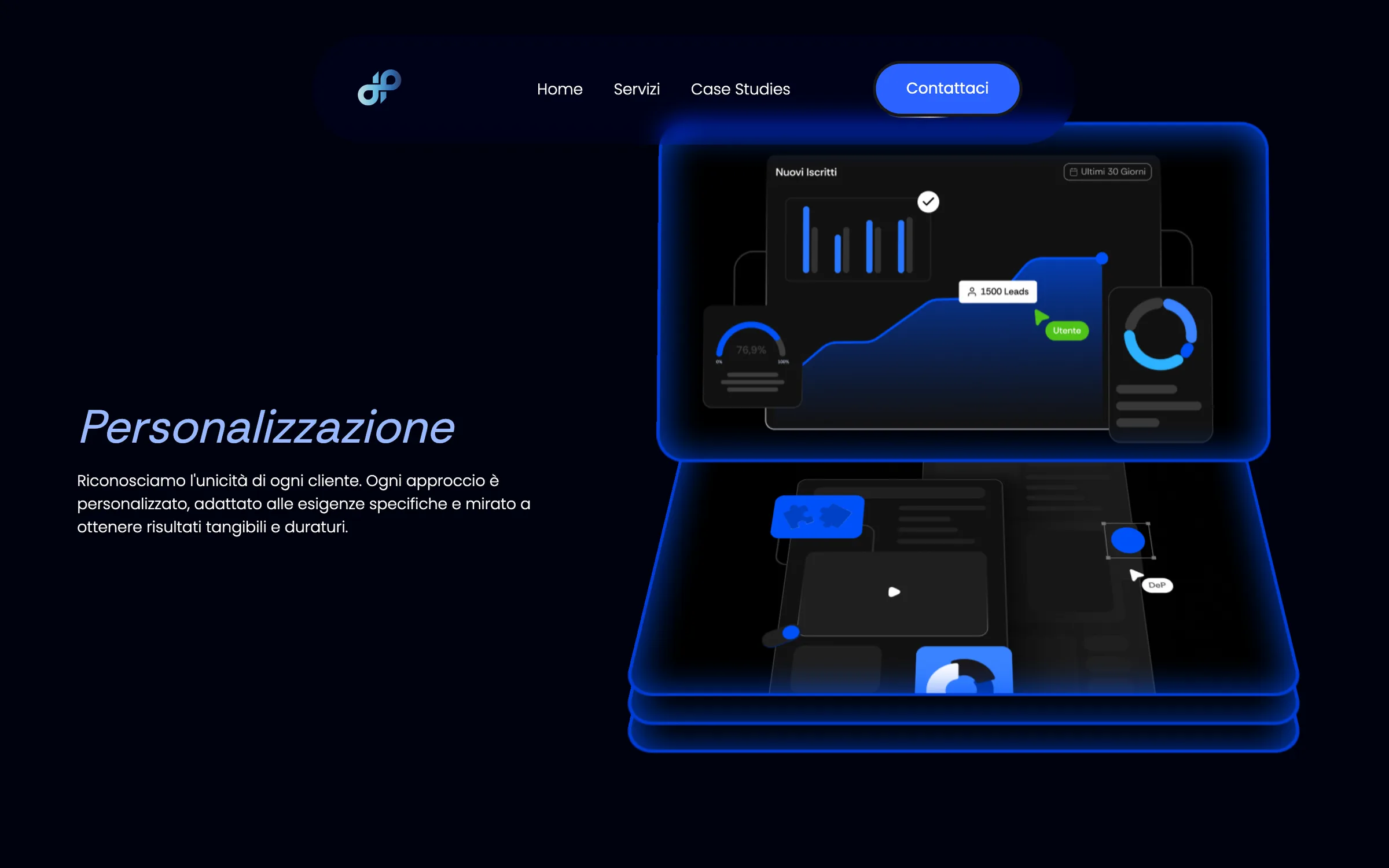
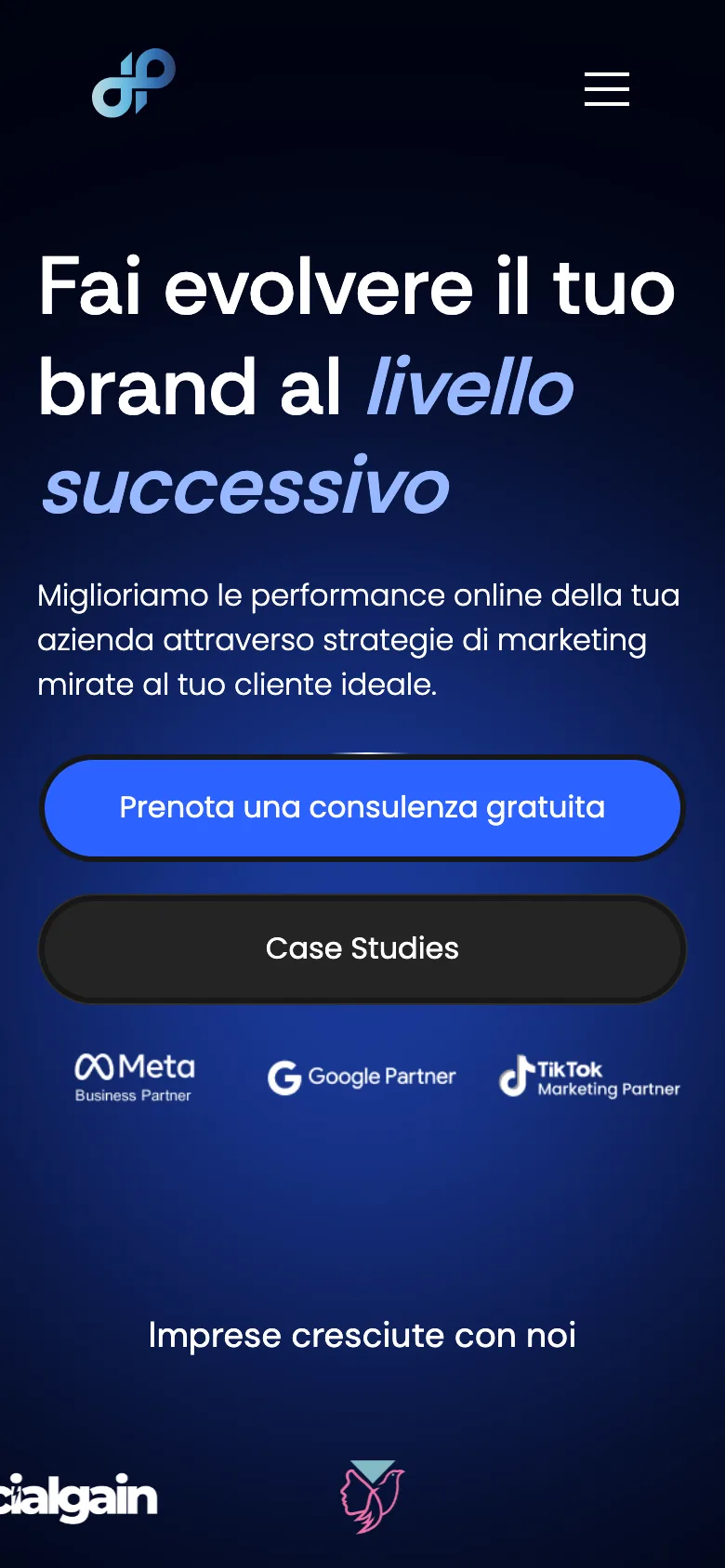
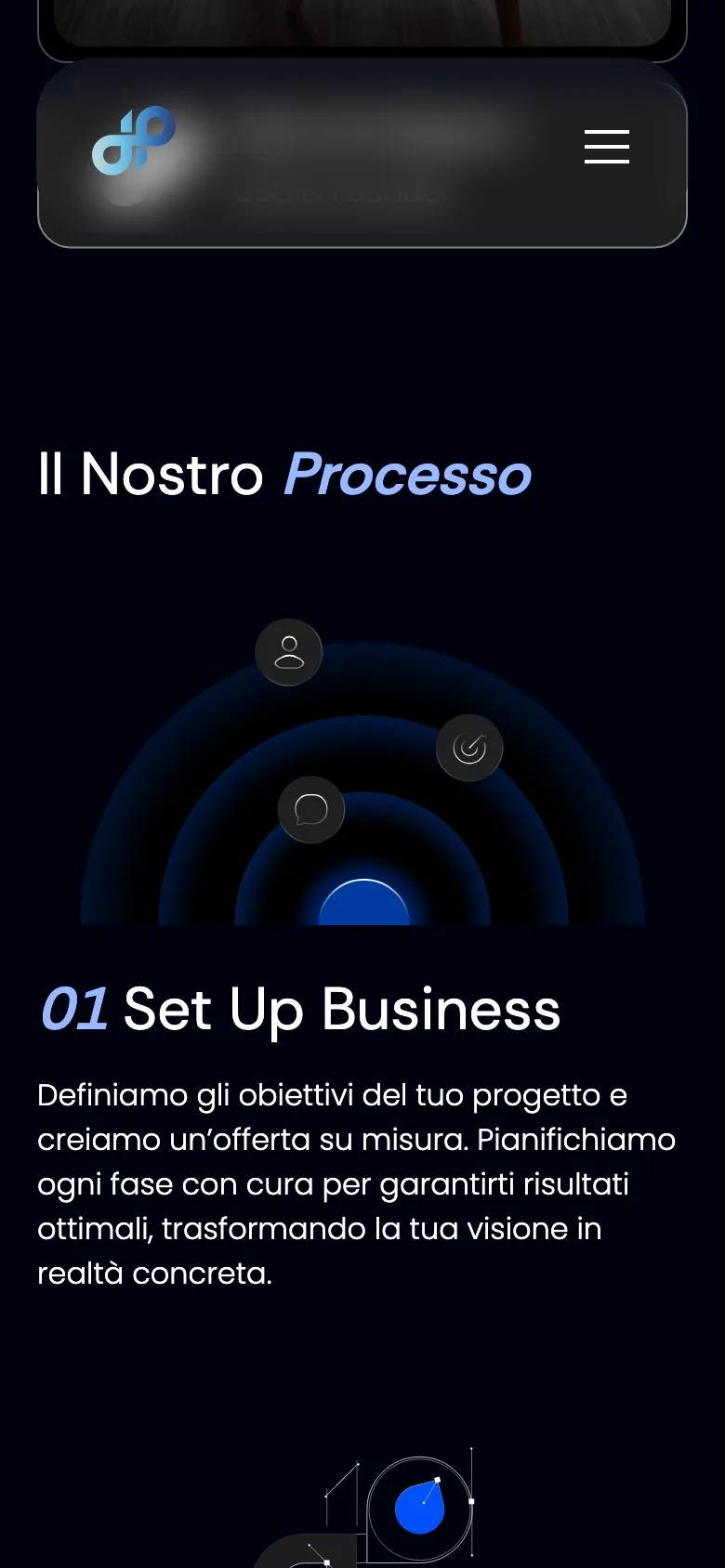
Dep Consulting sells performance marketing. Their own site wasn't converting. I rebuilt it from zero in 3 months: strategy, design, and the Webflow build.
0
Case studies on the old site
3
Months from strategy to launch
100%
Design and development by me
The Challenge
Pietro De Pellegrino runs Dep Consulting. Performance marketing for personal brands and small companies launching a service.
Ads, Meta campaigns, tracking, business setup. He sells measurable results. His own site produced none.
The problem was trust. It had two causes.
No case studies, so nothing proved the work had ever worked. No identity, so nothing separated him from every other agency making the same promise. He was closing clients one call at a time, because the site could not.
The Approach
Strategy came before layout, and it settled the build. The site's job was evidence, not persuasion.
The case study system became the spine. An index where prospects scan for work like their own. A template built to carry real campaign results. The homepage was the door. The case studies were the product.
I designed three templates in Figma: homepage, case study index, single case study.
Alongside them, custom graphics and project mockups, so every service had something concrete to show. Then I built it in Webflow with custom JavaScript and GSAP. Design and build in one pair of hands, so the animations were designed to be built.
The Outcome
Positioning landed and trust followed. Pietro stopped pitching and started closing.
Prospects arrive having already read the proof, so the conversation starts at when do we begin. For a performance marketing agency, trust is the first conversion.
UX strategy
Web design
Webflow development
GSAP animation

Design + Webflow
Drenlab
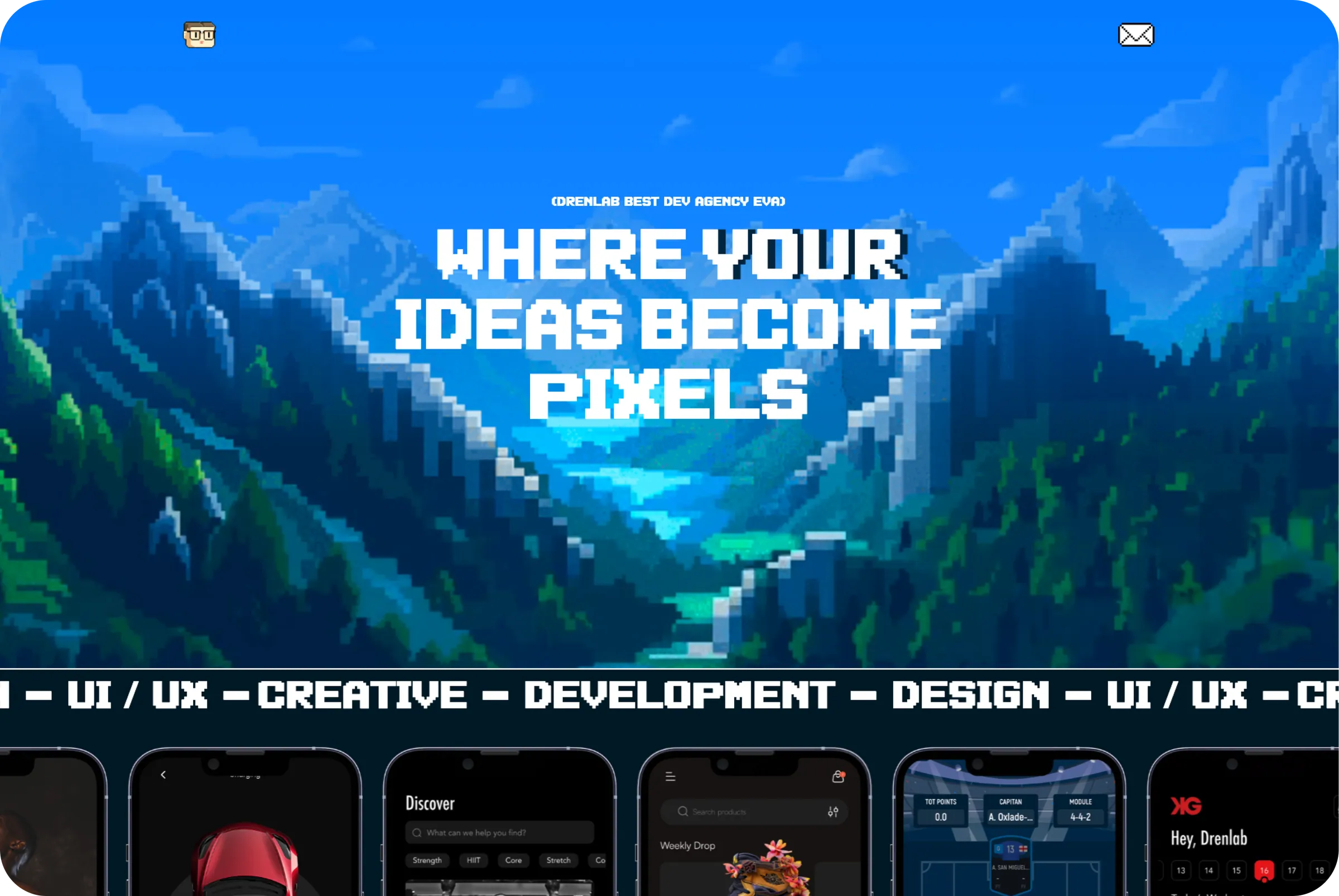
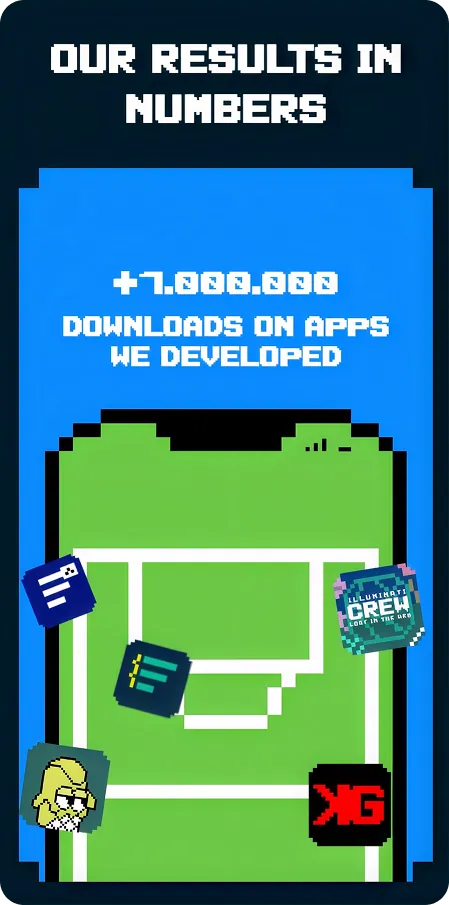
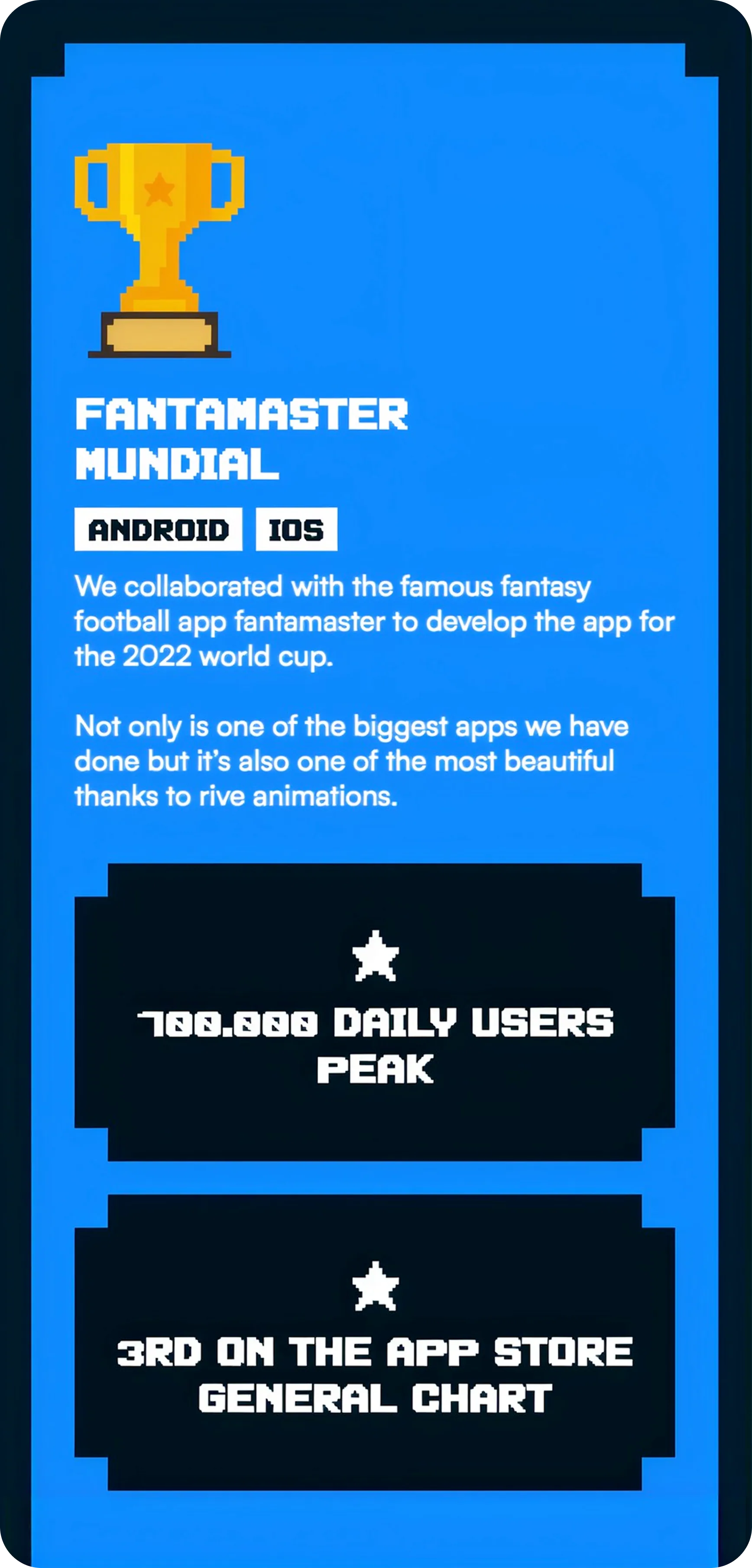
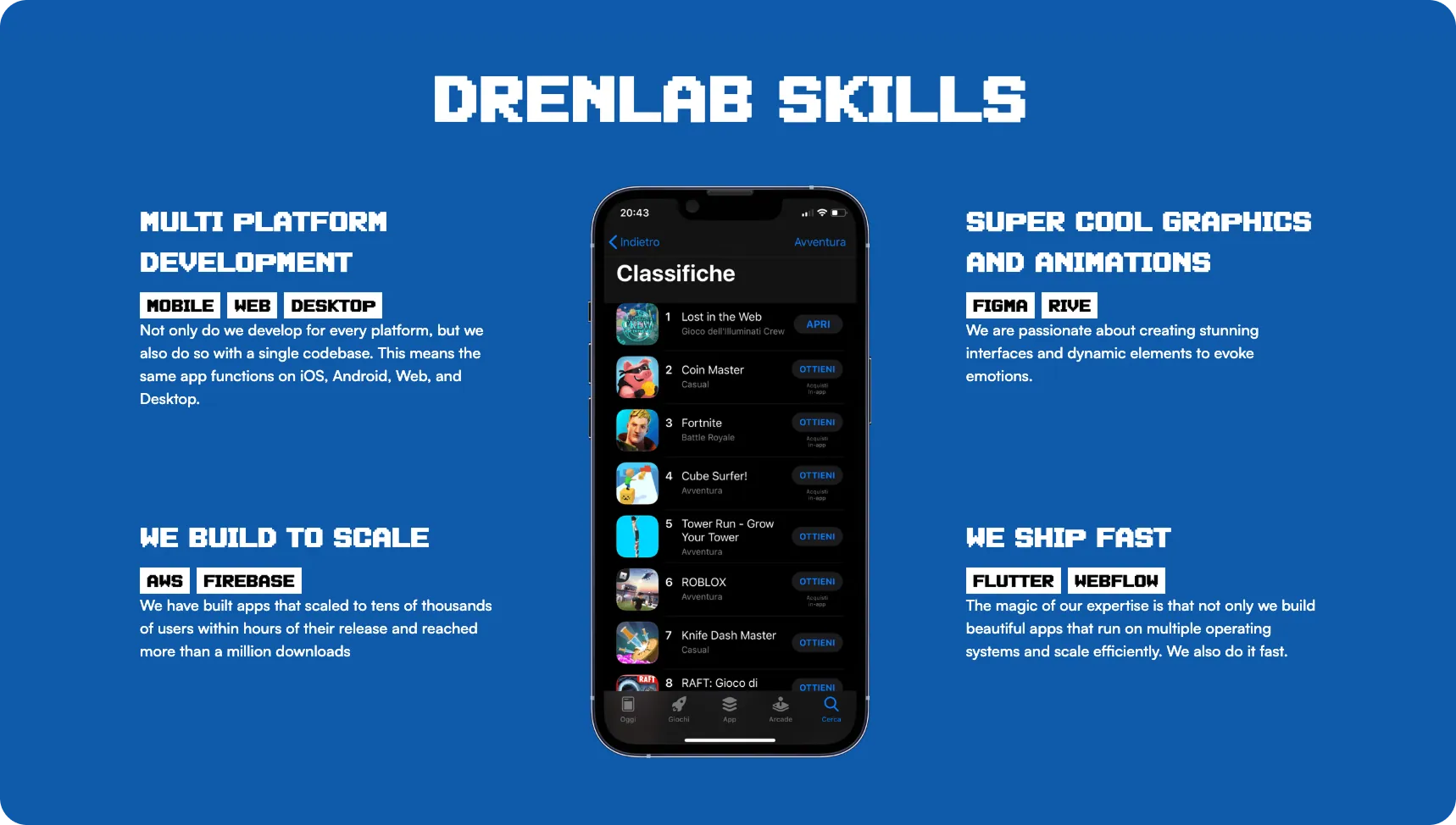
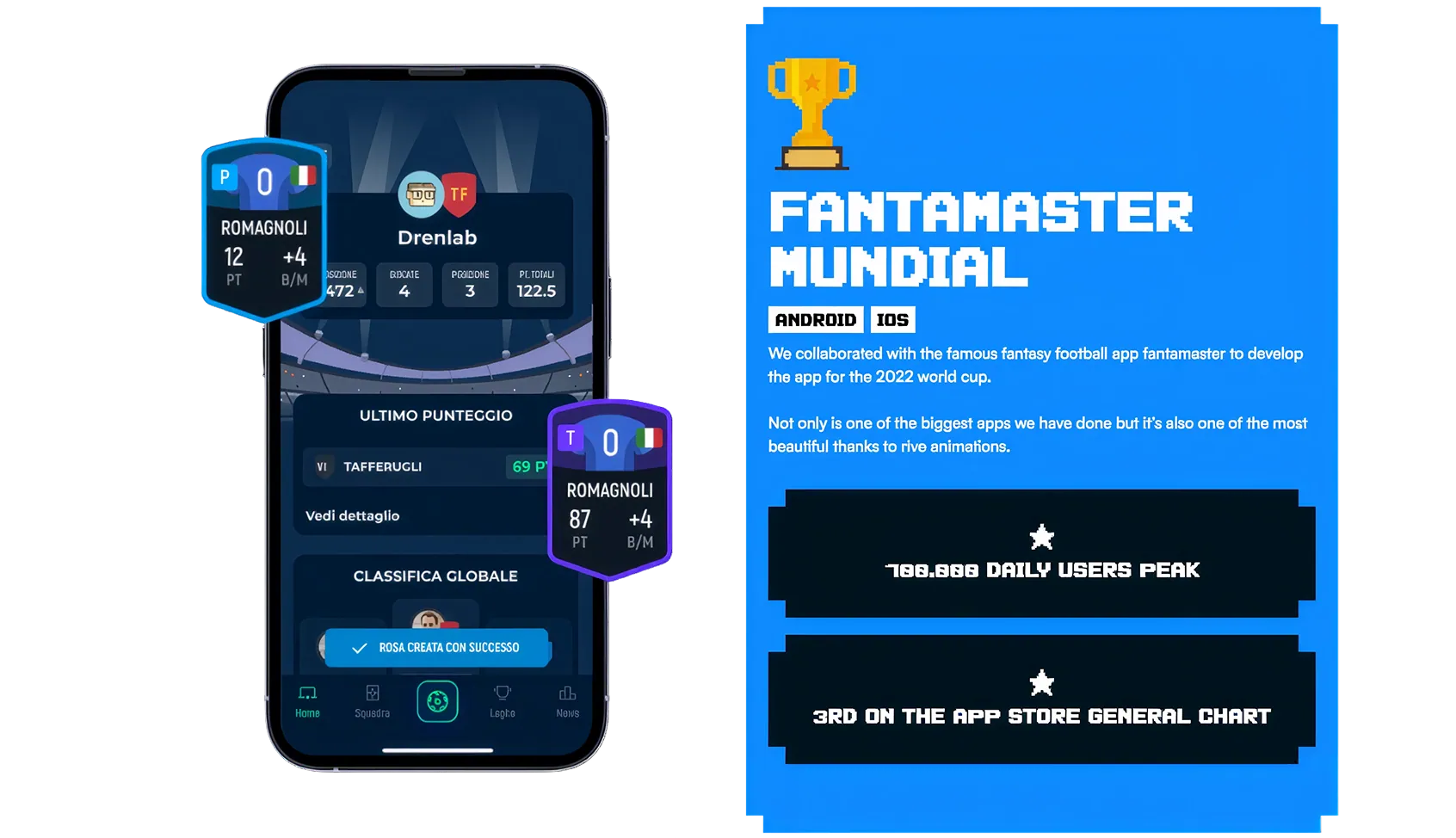
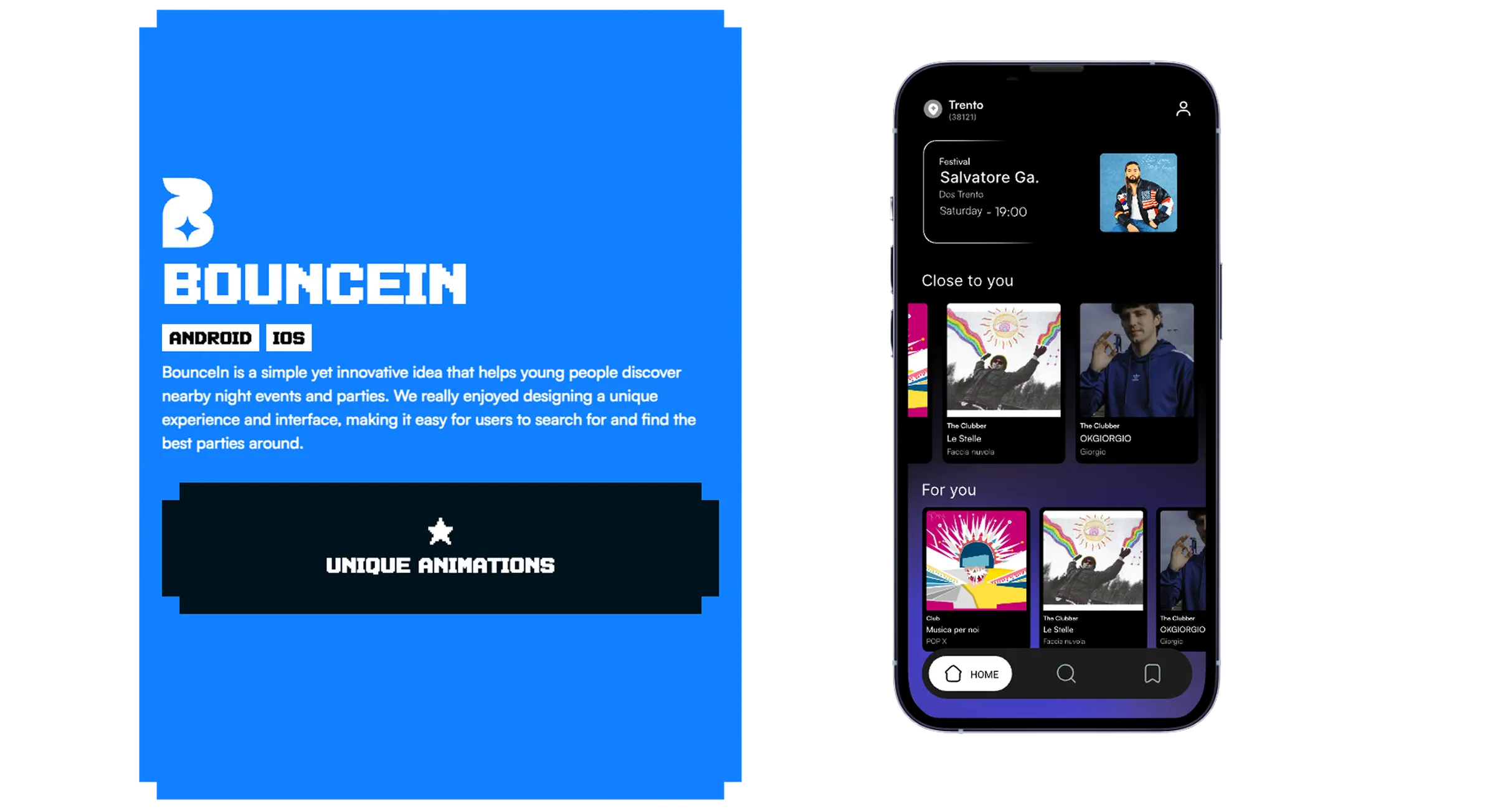
Drenlab builds cross-platform apps in Flutter and FlutterFlow. They had no website at all. As their in-house designer I built one from zero: identity, design, GSAP motion, and the Webflow development.
0
Websites before this one
2
Platforms they build on: Flutter and FlutterFlow
100%
Design and development by me
The Challenge
Drenlab is a cross-platform development agency, building apps in Flutter and FlutterFlow.
They shipped interfaces for other companies every week. They had no website of their own.
That gap is harder to close than it looks. A consultancy can describe its results in a sentence. An agency selling build quality cannot.
What they sell is how an interface feels to use, and a static page describing it proves nothing. Whatever we made would be judged by developers, the least forgiving audience a website can have.
The Approach
One rule for the whole build: the site had to be the demo.
If Drenlab sells interfaces that feel good, the site's own motion is the portfolio and everything else is a claim. That decided the scope. Layout animation in GSAP. Custom interaction states on anything touchable. A case study system showing real product work instead of a screenshot grid.
The identity followed the same logic. I built the look around a pixelated visual language, close to the raw material of a screen, so the brand read as technical rather than decorative.
Designed in Figma, developed in Webflow, the GSAP motion built as I designed it. Working in-house helped. I could design an interaction knowing exactly how it would be built, so nothing got simplified in handoff.
The Outcome
Drenlab went from no web presence to a site that makes the argument before anyone takes a call.
Prospects can read the work. More usefully, they can feel the standard of execution in the thing they are already using. For a development agency, the website is the first deliverable a client ever sees.
UX strategy
Web design
Interaction design
Webflow development
GSAP animation

Development
Avisio Noleggio
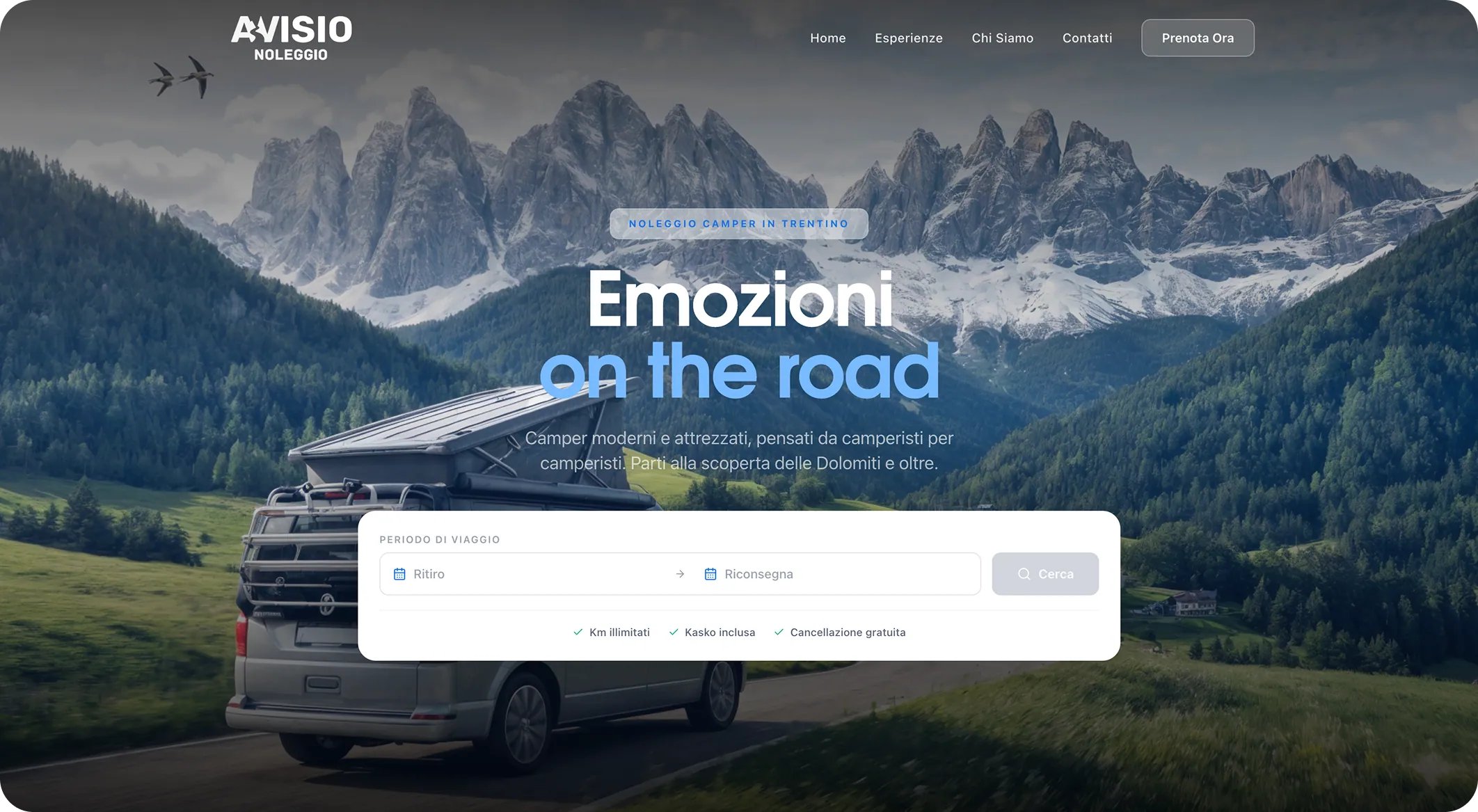
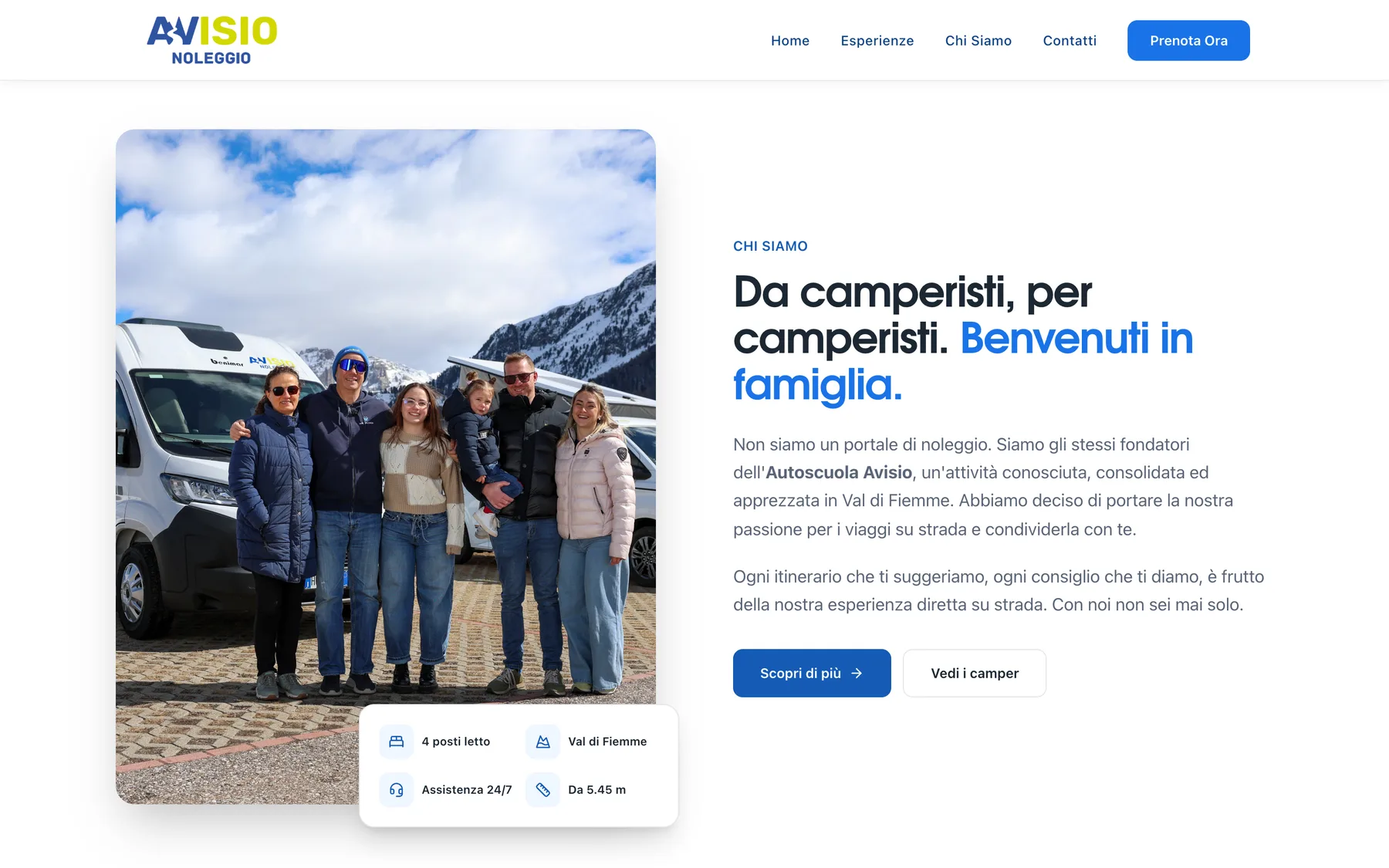
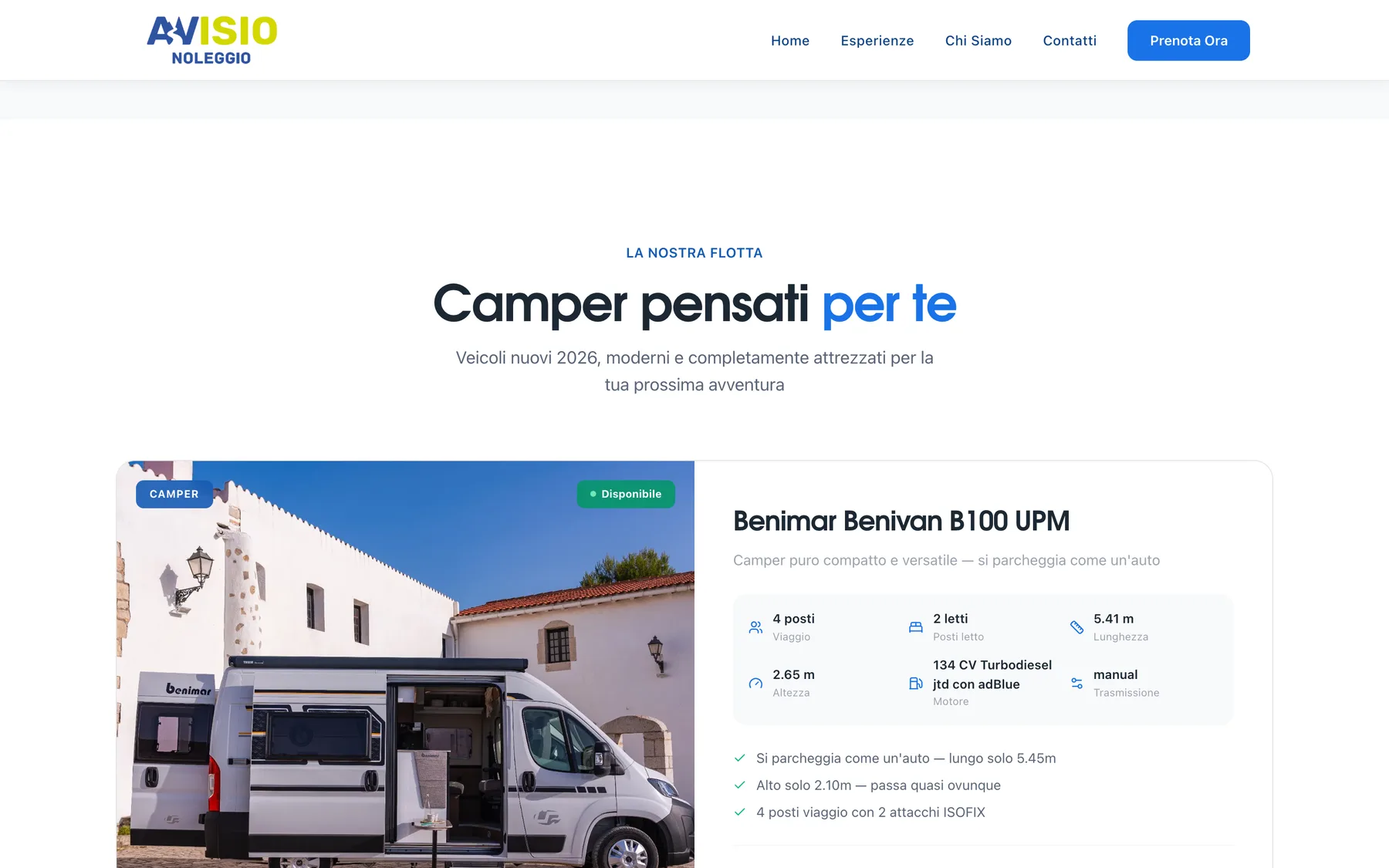
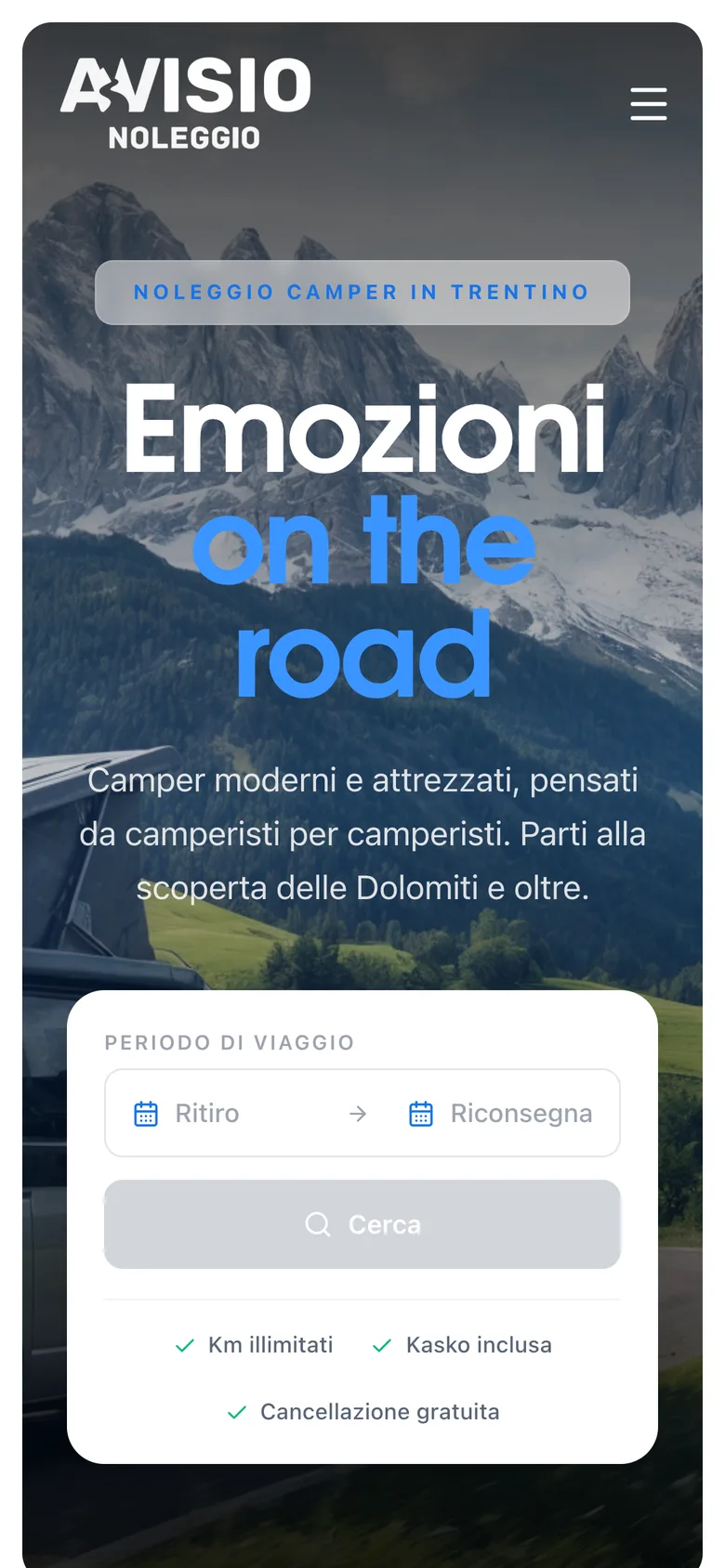
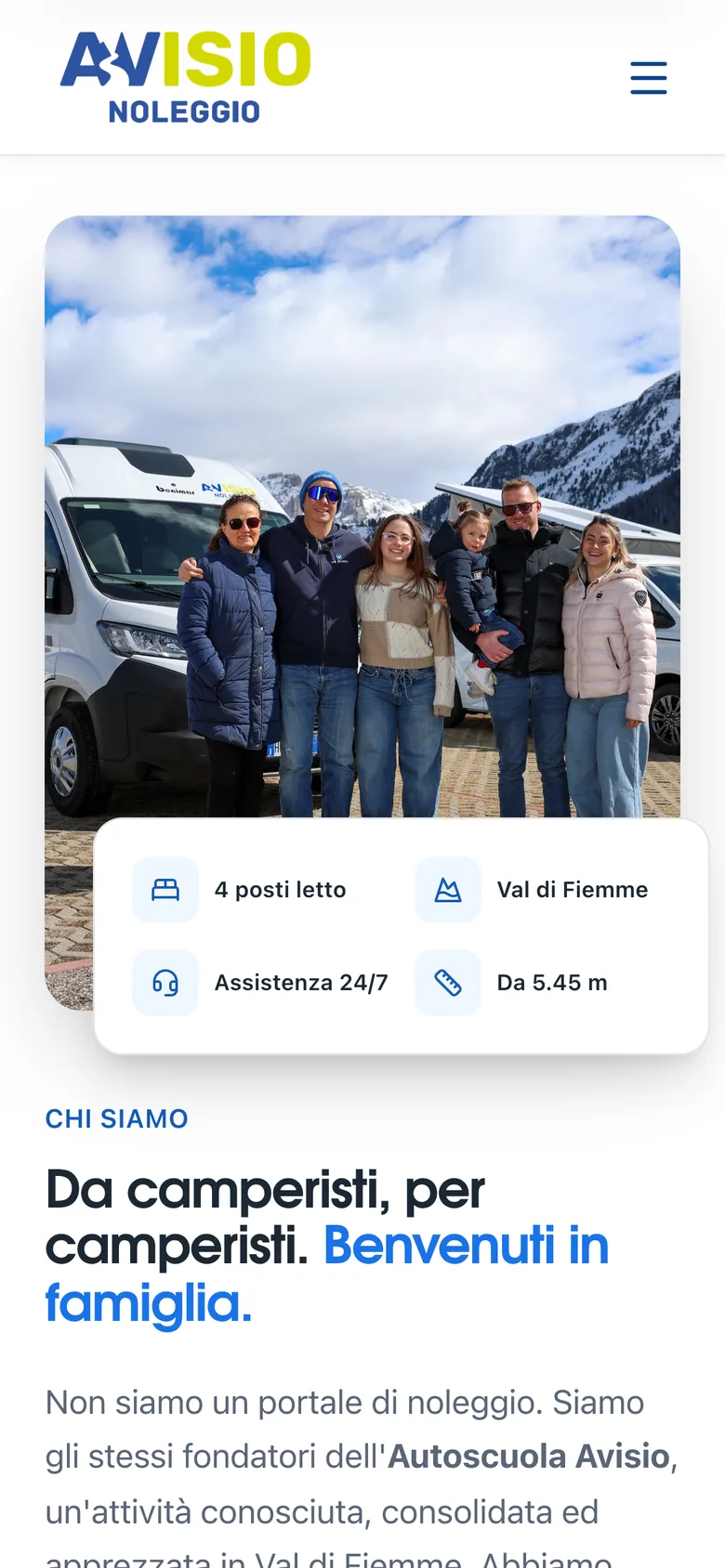
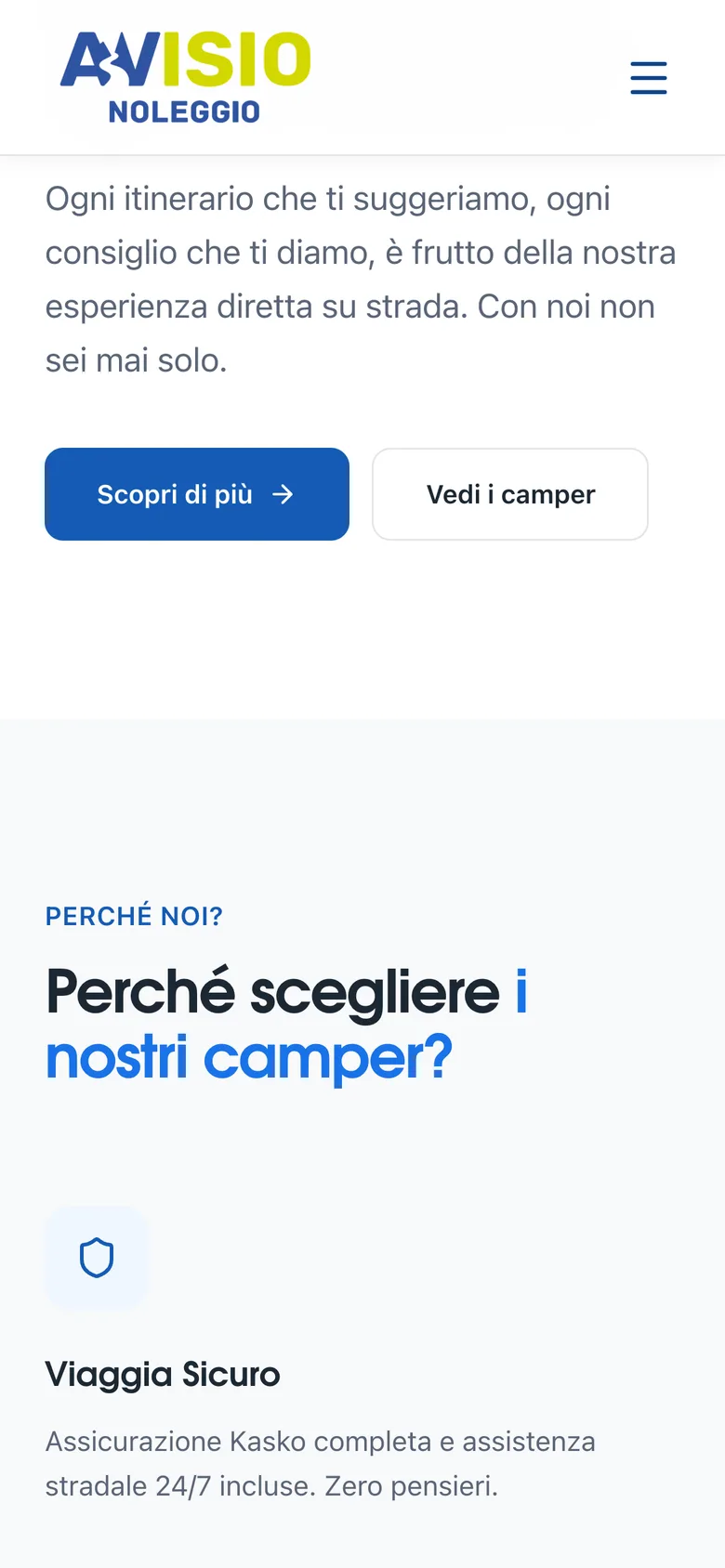
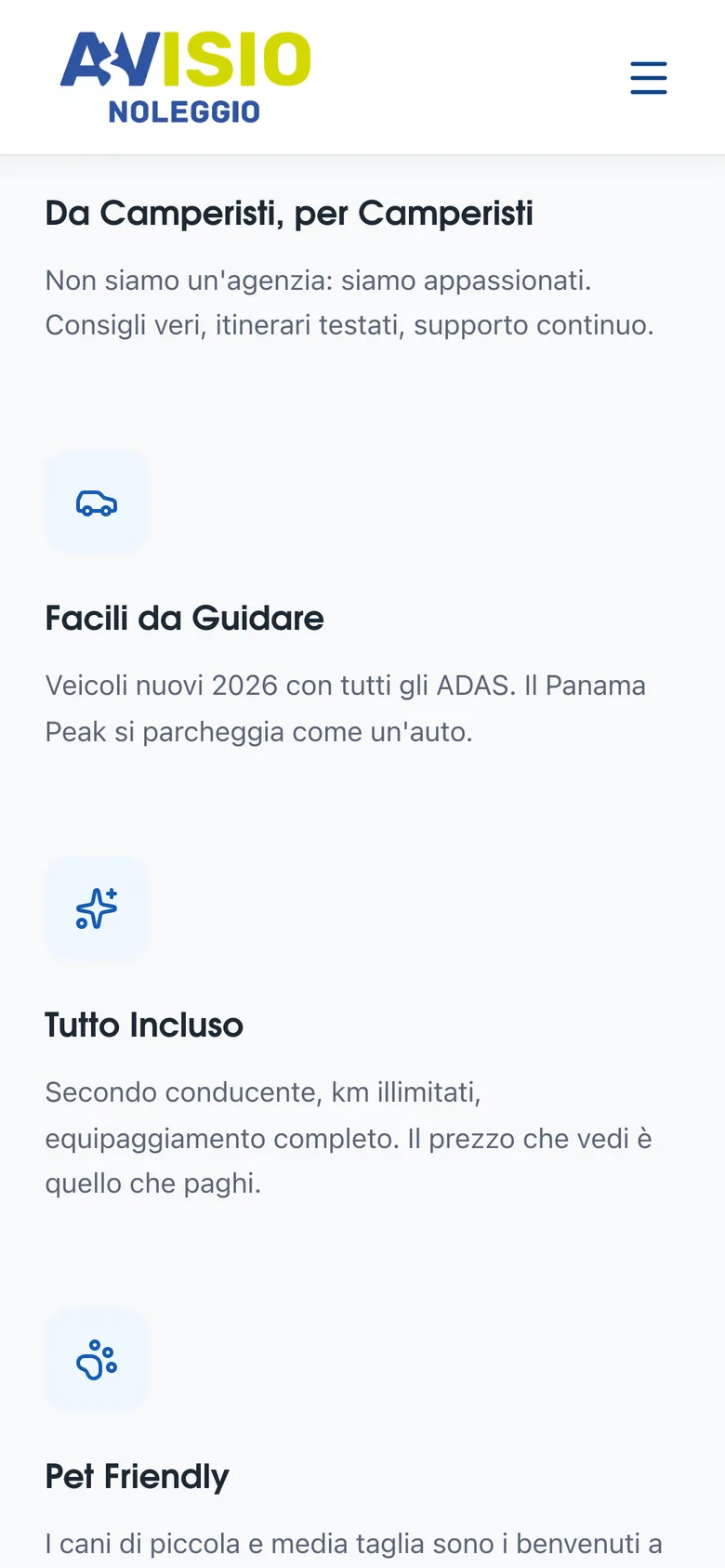
Avisio Noleggio rents campers in Trentino. They launched with nothing: no site, no booking system, no way to take a payment. I designed and built the whole thing in 4 months, the customer booking flow and the admin panel they run it from.
4
Months from nothing to live bookings
0
Developers needed to run it day to day
+1
Camper bought to keep up with demand
The Challenge
Avisio Noleggio is a camper rental business in Trentino.
When they came to me they had nothing, because the business did not exist yet. No website. No booking system. No way to take a payment or track which vehicle was where.
The brief was specific, and it was not really a website.
Customers had to book and pay online. The owners had to run the operation themselves: vehicles, services, appointments, customers, and a calendar that stayed truthful while all of it moved. Two products with opposite requirements, sharing one system.
The Approach
Design came first, before any code. Renting a camper is a high value, date locked decision.
Avisio was a brand new name with no reputation to lean on, so the booking flow had to do the reassuring a known brand gets for free. Real availability instead of an enquiry form. Pick dates, see which campers are genuinely free, pay. Stripe closes it, so a booking is a booking and not a request someone has to chase.
The more consequential decision was the other half. I built the admin panel into the site itself, behind a login.
The owners change pricing, availability, vehicles and appointments without a developer in the loop. A rental business whose calendar depends on someone else's response time loses bookings. Next.js on the front, Supabase behind it, so the customer view and the operations view read from the same source.
The Outcome
They went live in February 2026 and took real bookings from a standing start.
Within six months they were outperforming established competitors in the area, and demand ran far enough ahead of supply that they bought another camper. The system runs without me. No developer has been needed to change a price, open a date or add a vehicle since launch.
UX strategy
Web design
Next.js development
Supabase
Stripe integration
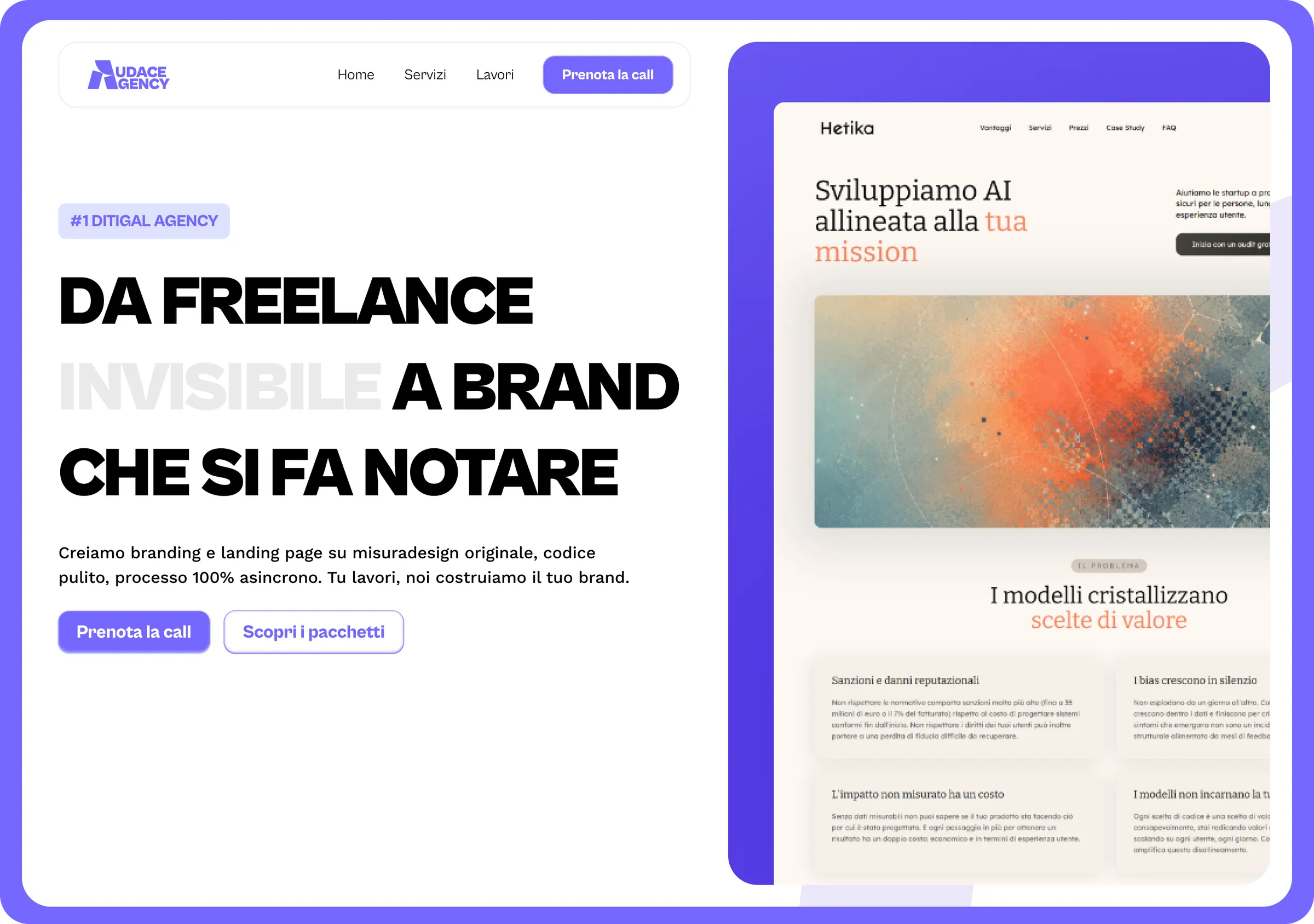
Design
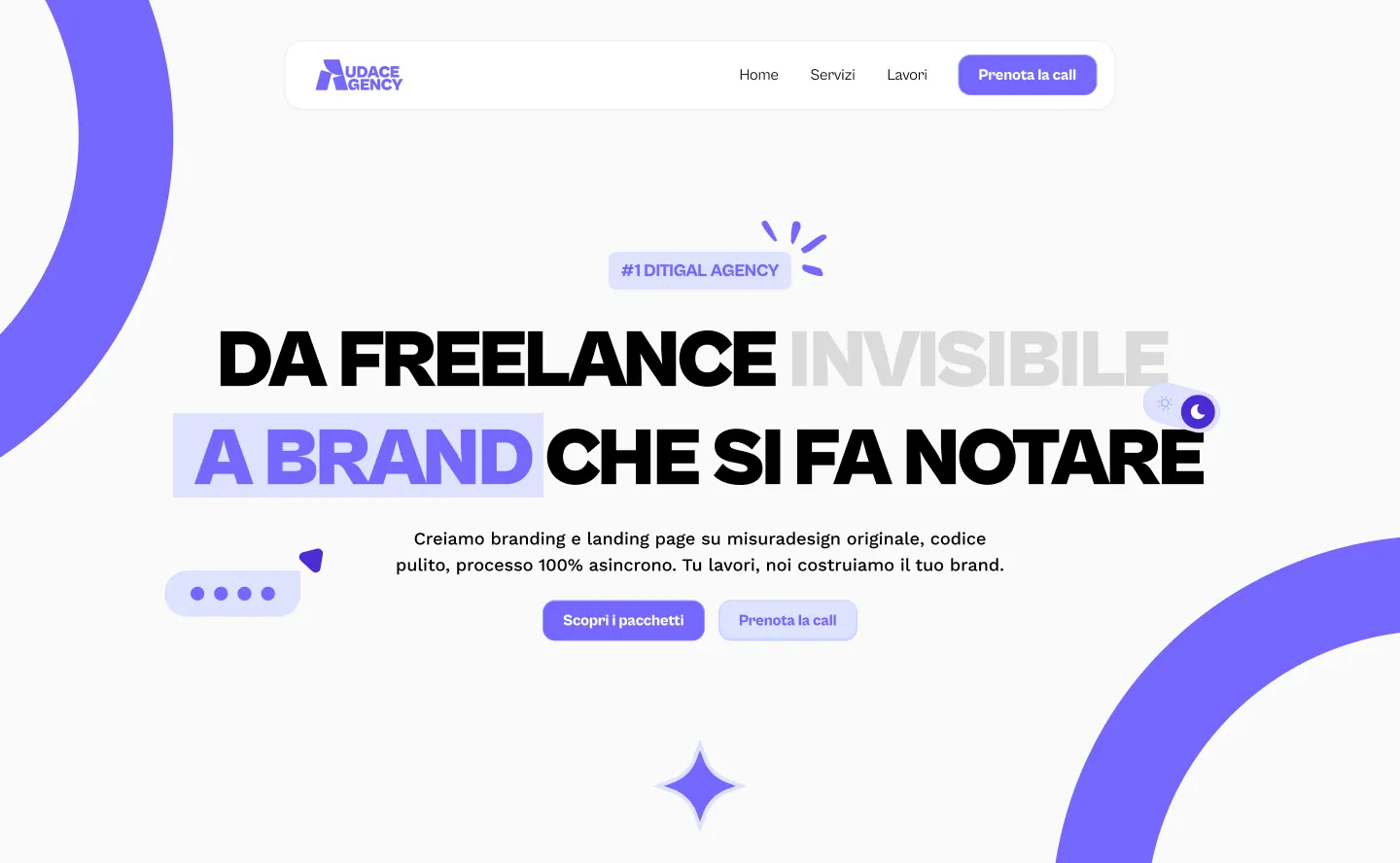
Audace Agency
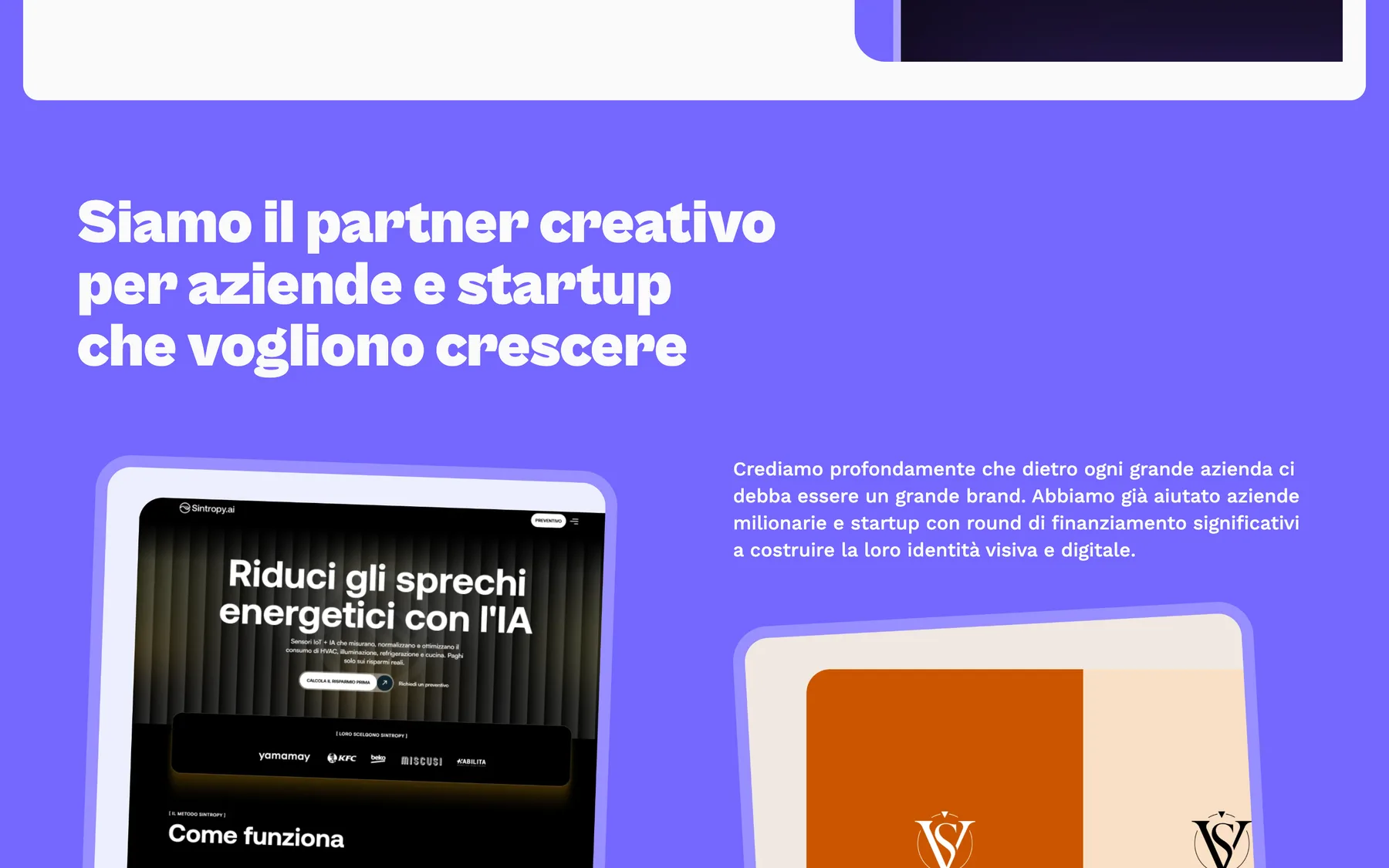
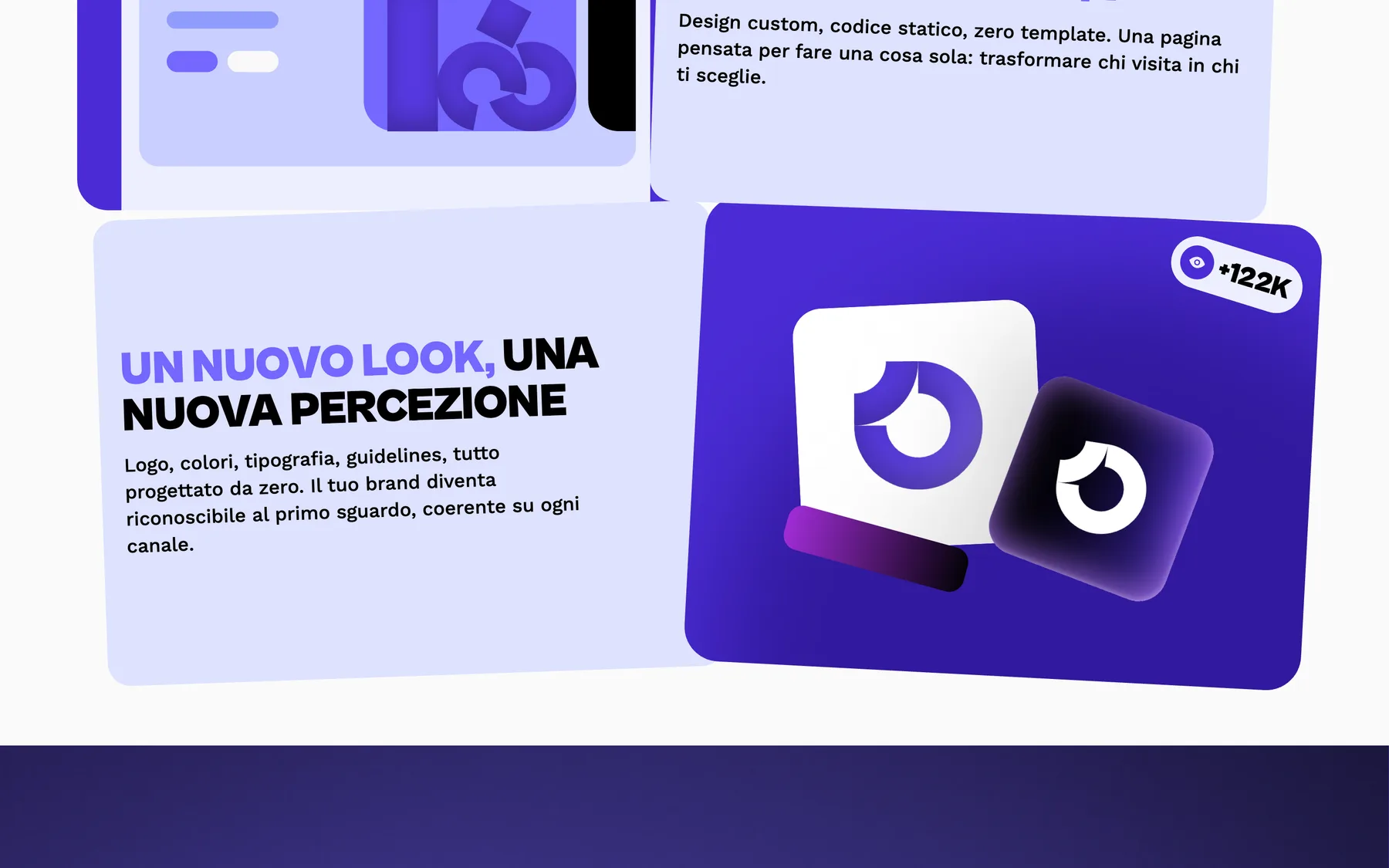
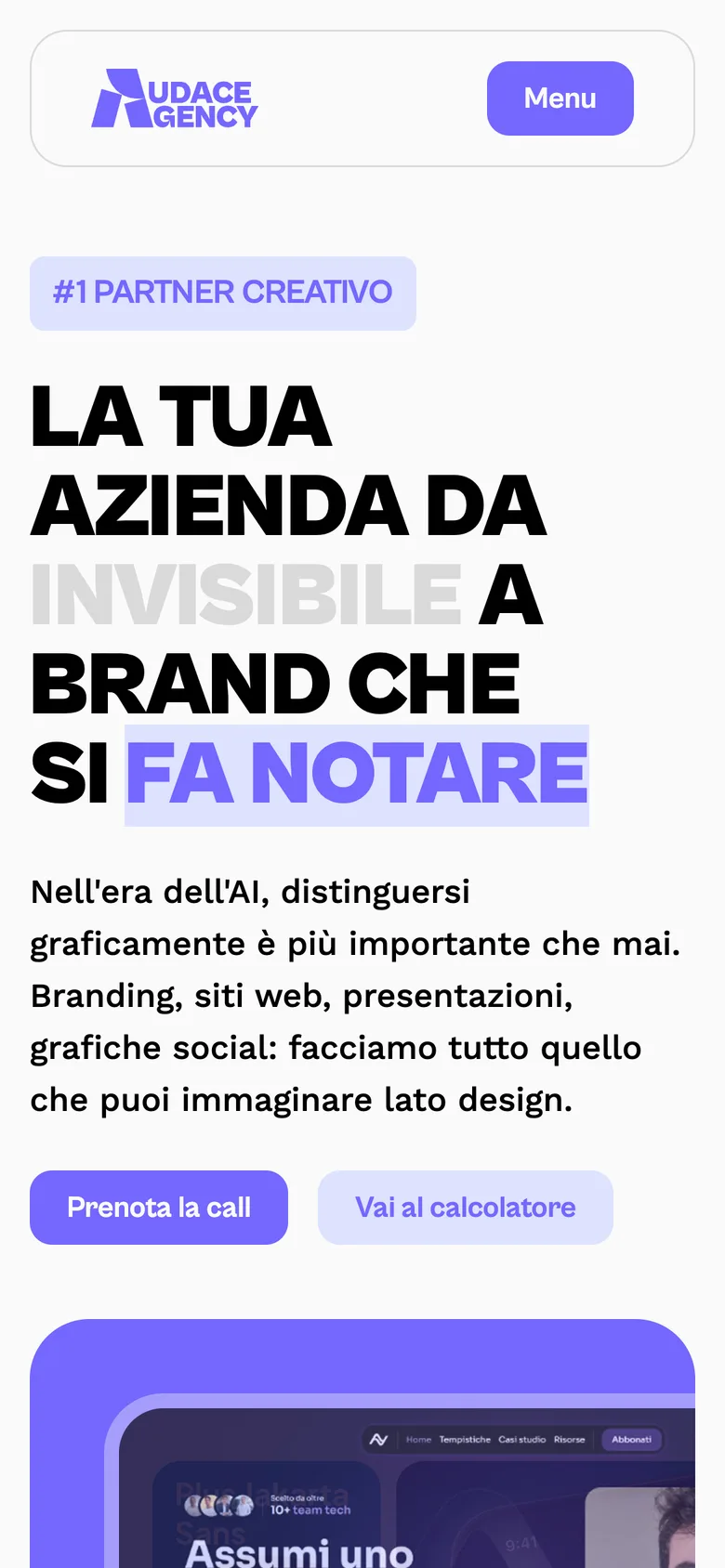
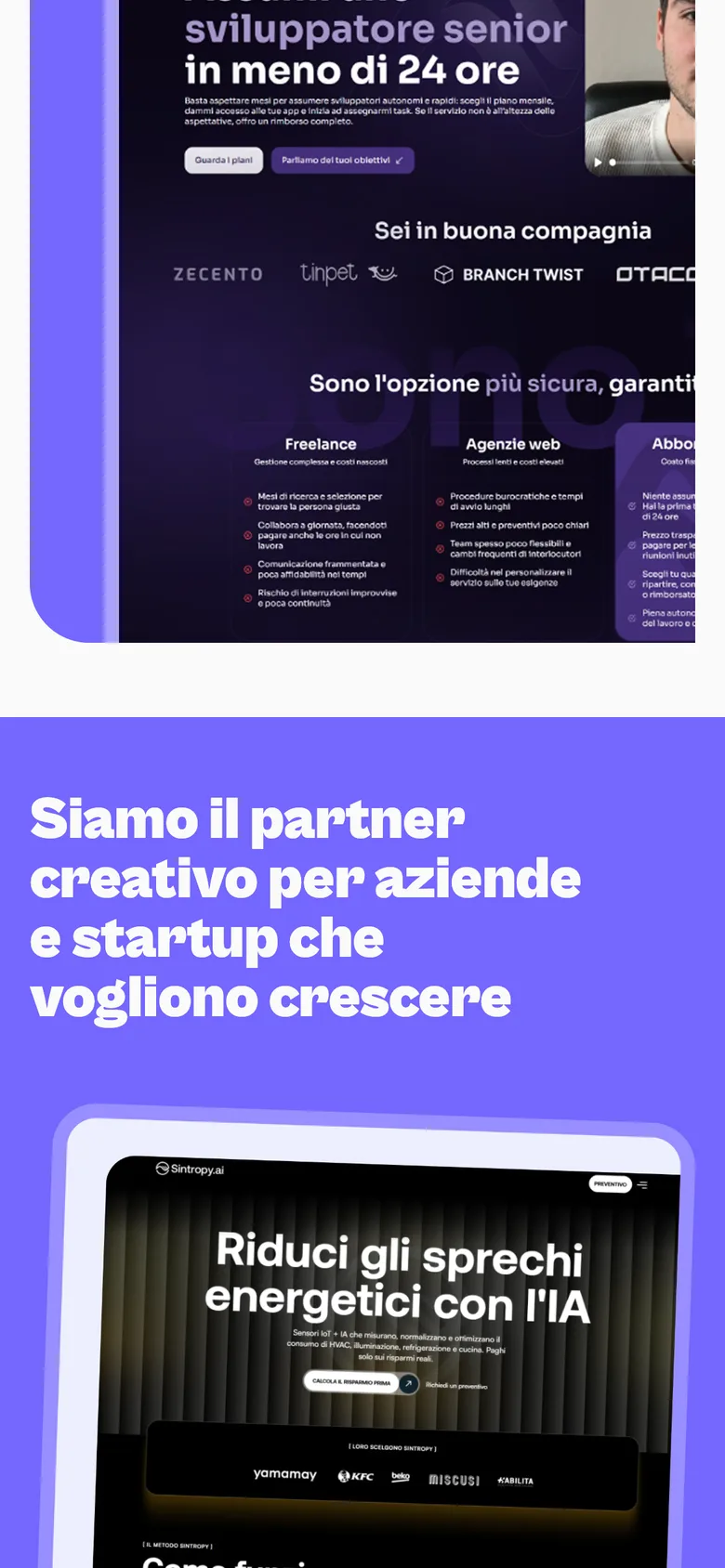
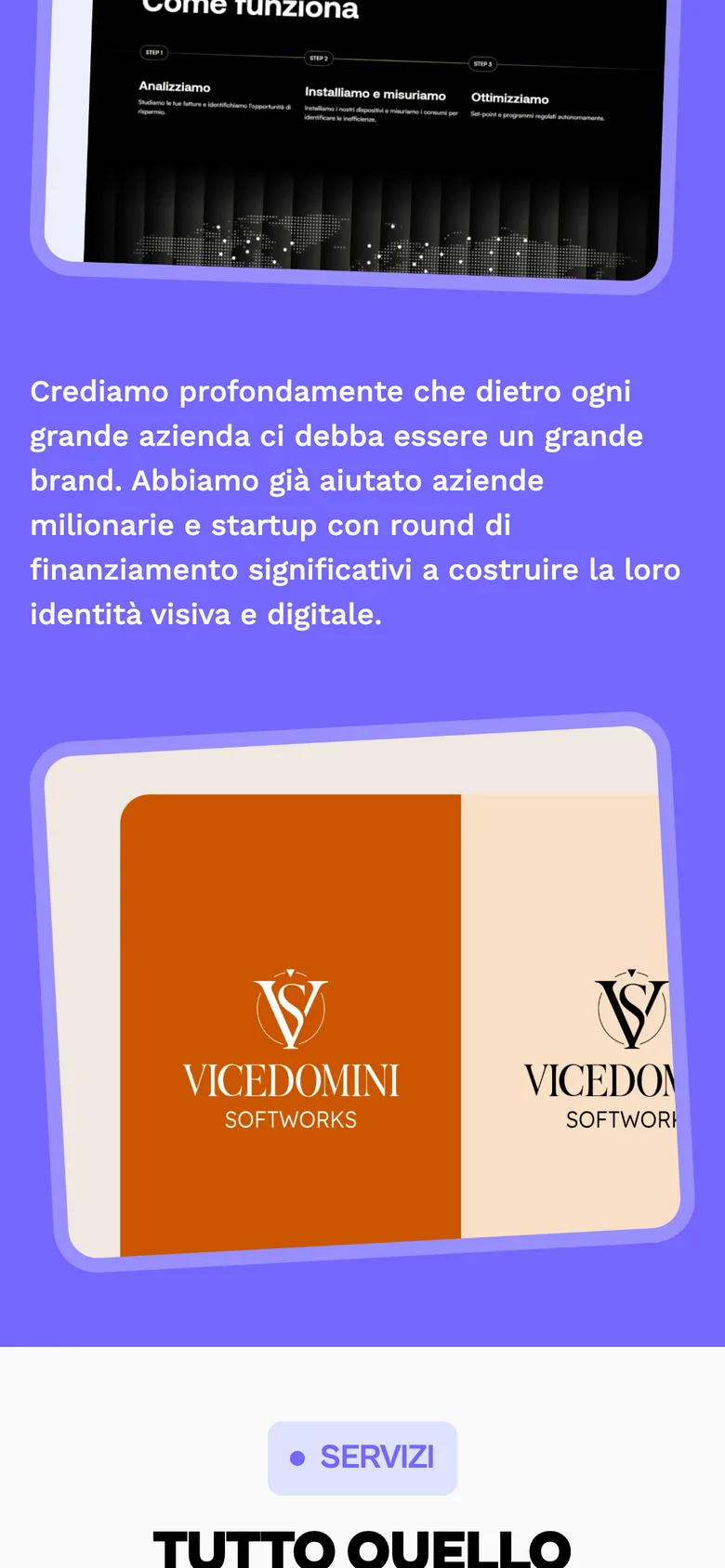
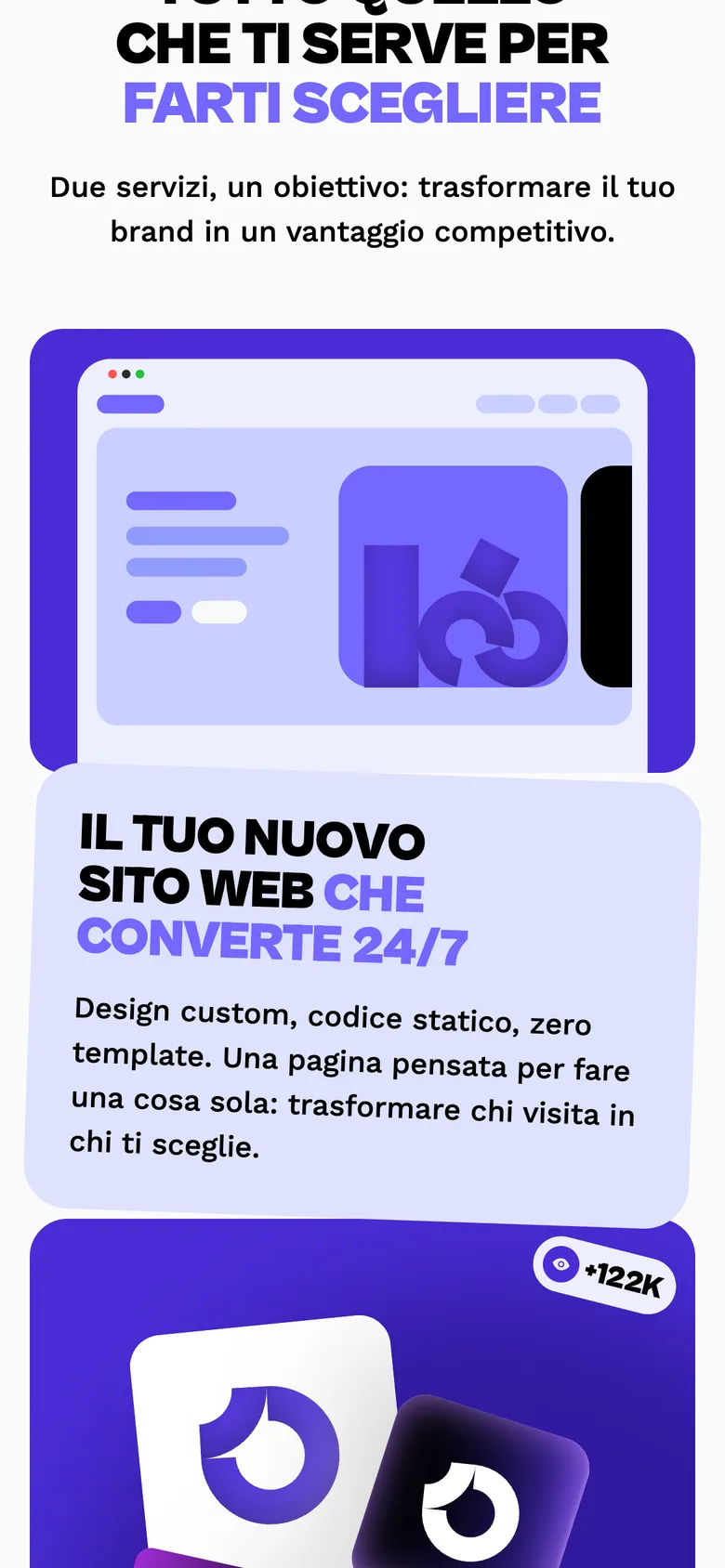
Nicolas is a developer who wanted to sell design alongside code. Audace Agency is the result: branding and landing pages for freelancers. I designed the brand it goes to market with, logo, palette, typography and the site.
0
Brand Nicolas had before this
4
Foundations designed: logo, palette, type, site
360
Degree offer it had to support, logo to launch
The Challenge
Nicolas is a developer. He wanted to sell design alongside code.
Audace Agency was the vehicle: branding and landing pages for freelancers, the full 360 from logo to live site to social kit. It did not exist yet. No name to trade on. Nothing to show.
Its customers made that sharper. Audace sells to freelancers who are good at their craft and bad at positioning it.
Those people judge a design agency on how it looks. It is the only evidence they know how to read. So the brand would not be marketing for the service. It would be the sample.
The Approach
The identity had to work as a demonstration, not a decoration.
I built the foundations: logo, palette, typography, and the rules holding them together. One test for every decision. Would a freelancer look at it and think I want that for mine. That thought is the whole sales pitch.
The harder part was pitch. Audace sells to people who find design intimidating and are careful with money. Too austere reads as expensive. Too loud stops reading as expertise.
I aimed for confident and legible. Enough polish to prove the craft. Enough warmth that a photographer or a personal trainer sees themselves as the client. The site follows the same logic: a landing page that shows work instead of describing process. Design only here, no build.
The Outcome
Nicolas went from developer to an agency with a face.
Audace has an identity it can put in front of a freelancer as proof that positioning is something you can buy. And a landing page that explains before he has to. For an agency selling identity, its own is the first thing a client buys.
Logo design
Visual identity
Art direction
Web design
Design + Webflow
Albergo le Terme
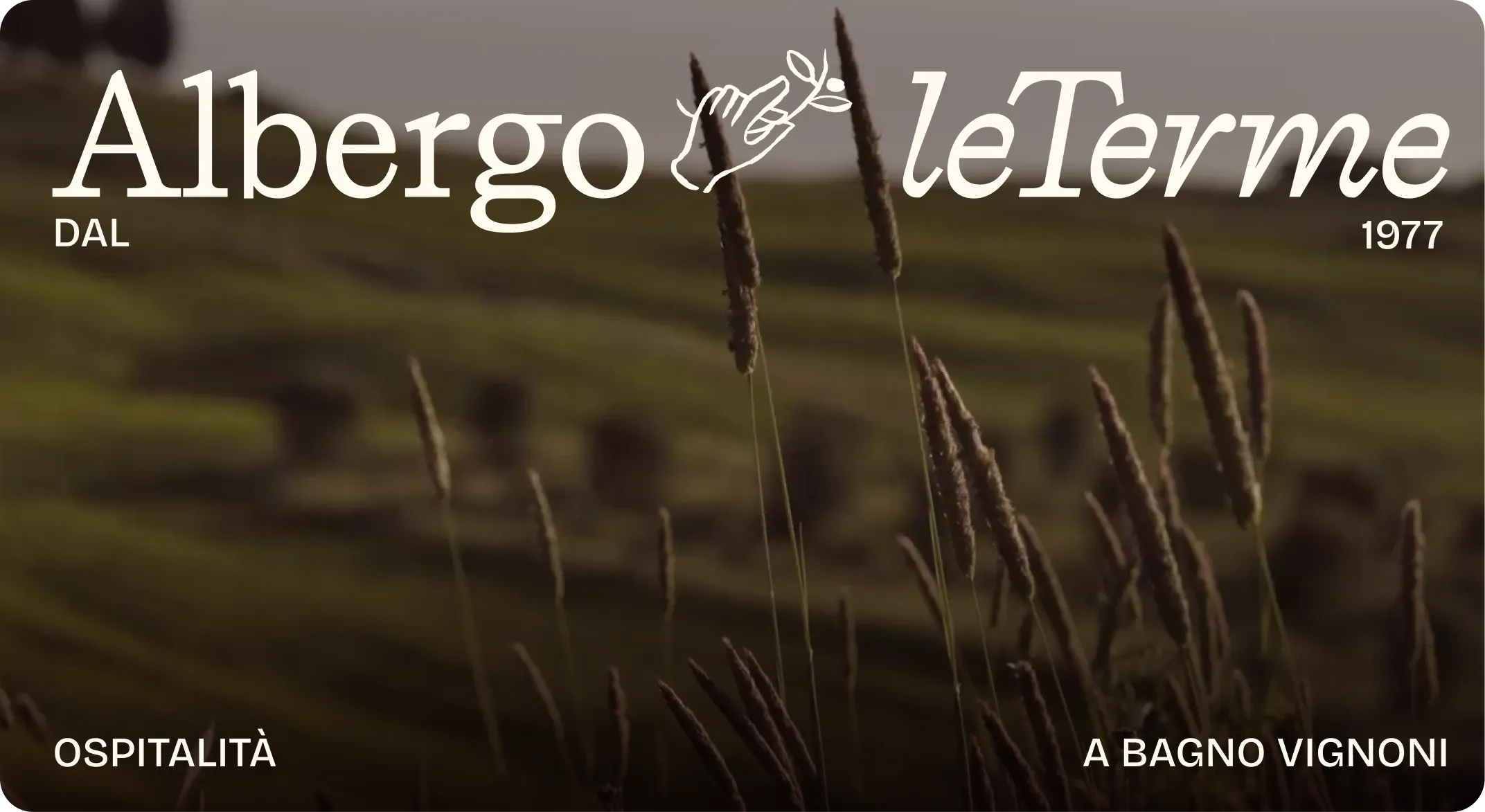
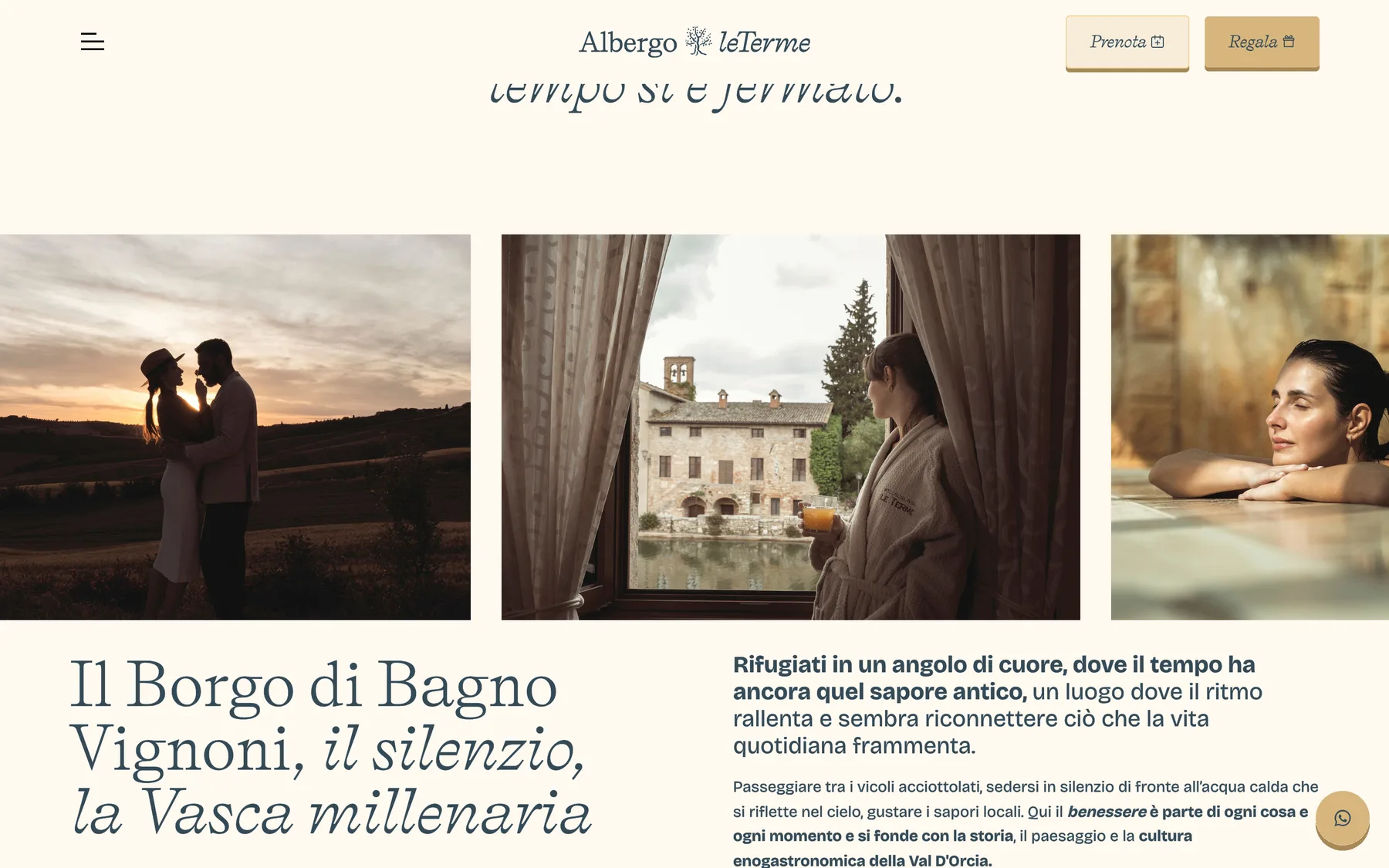
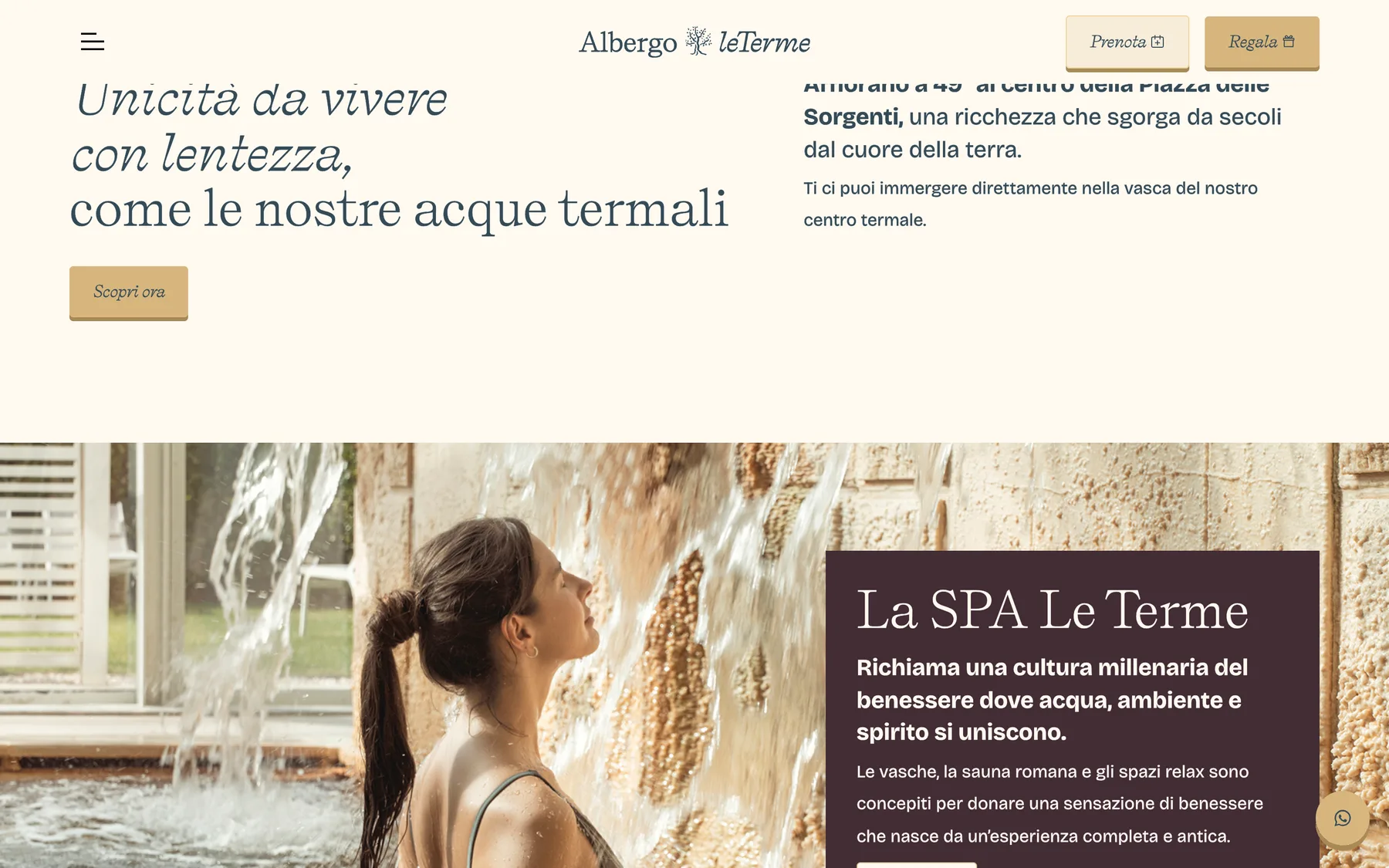
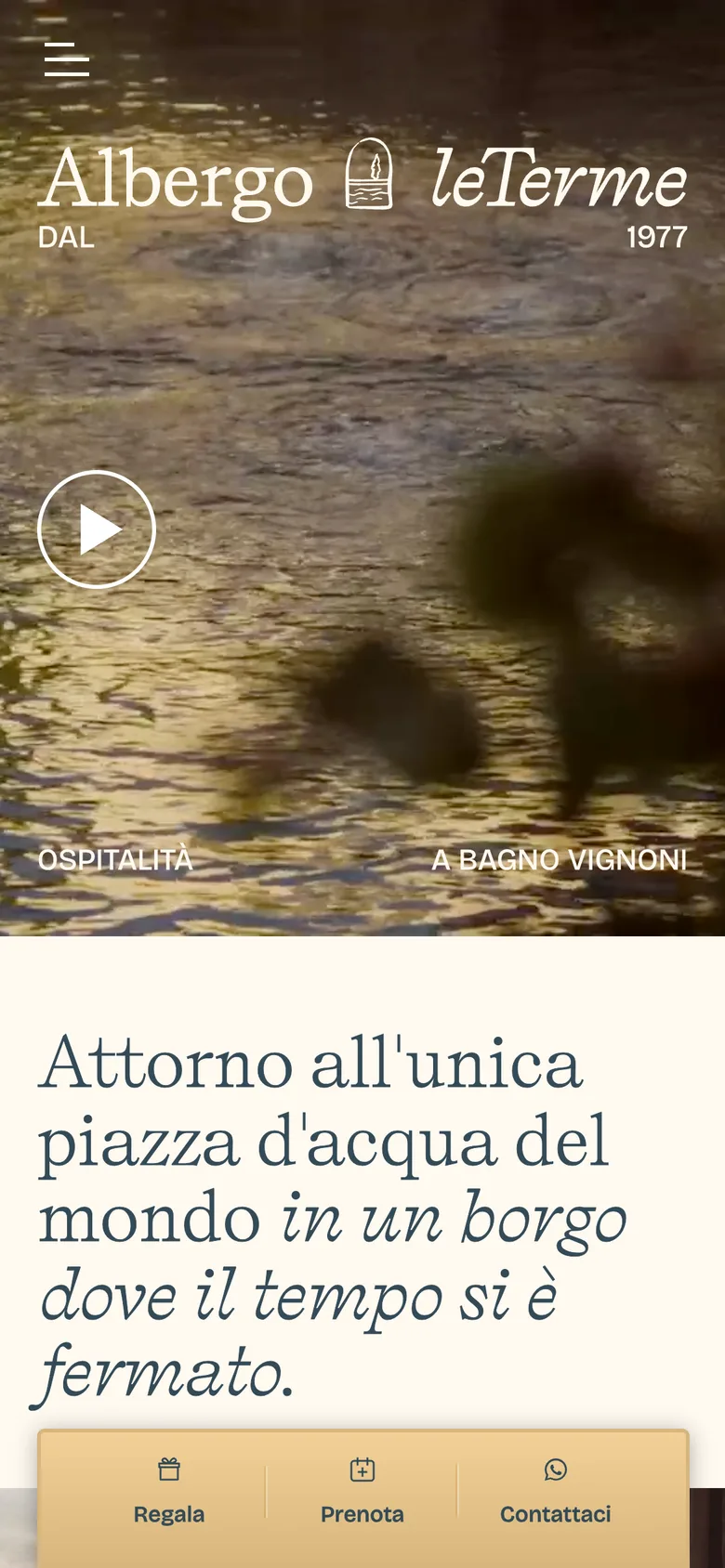
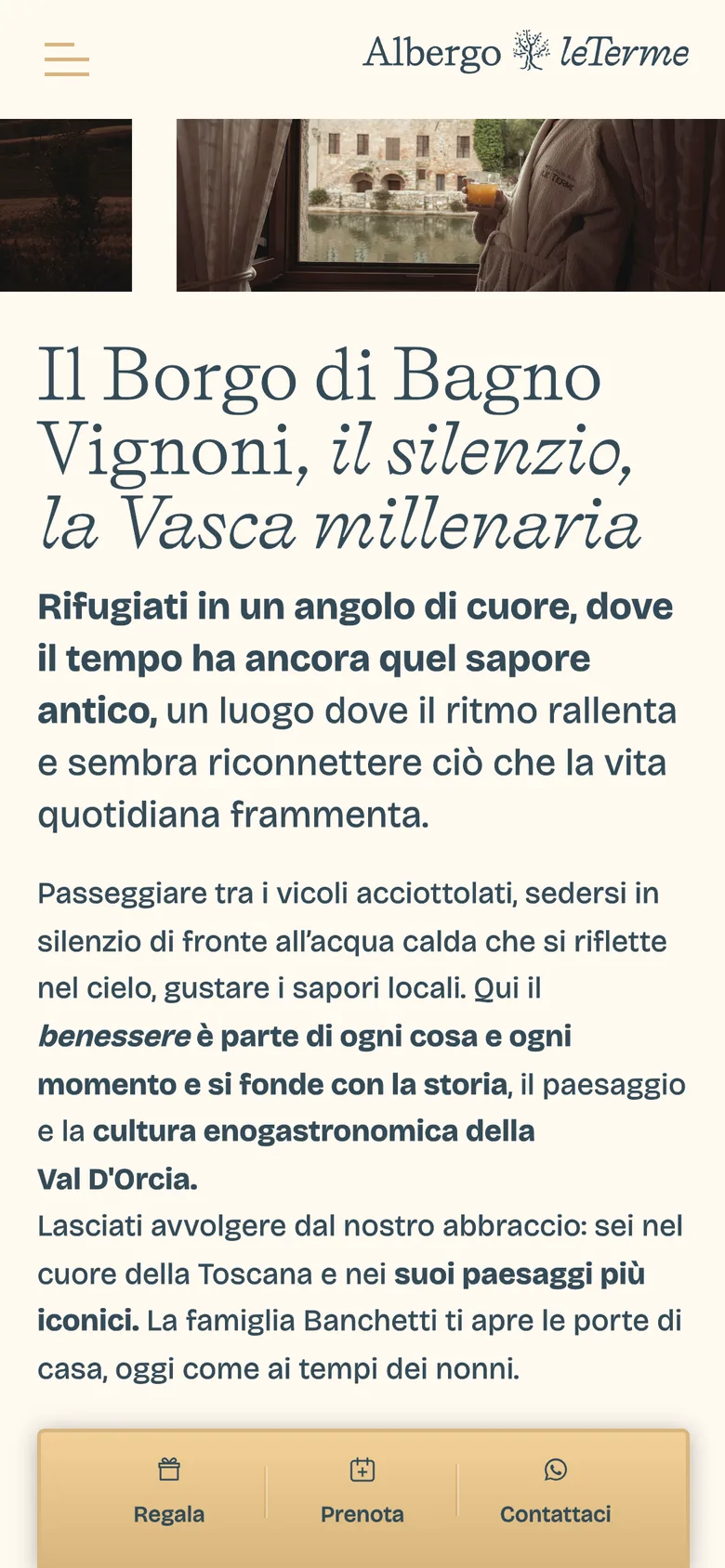
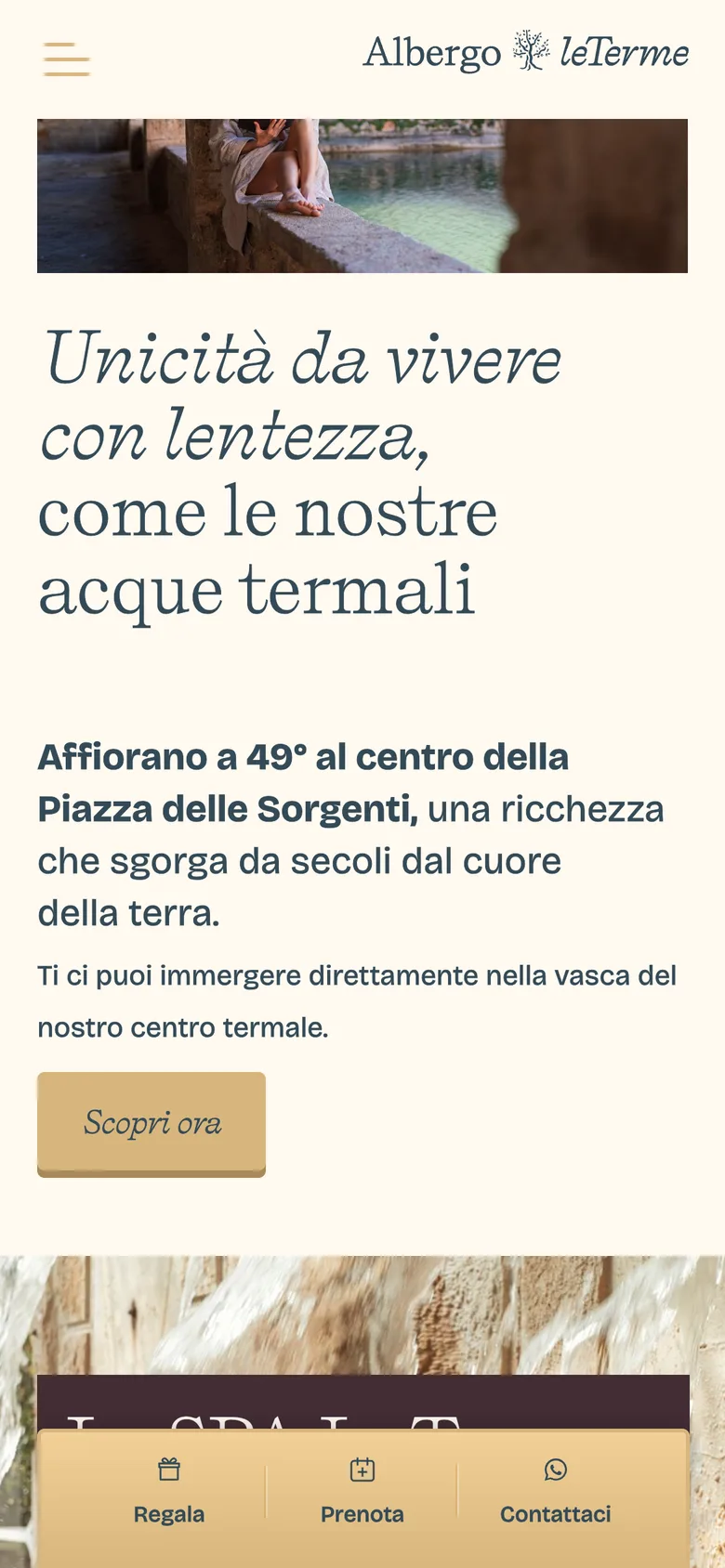
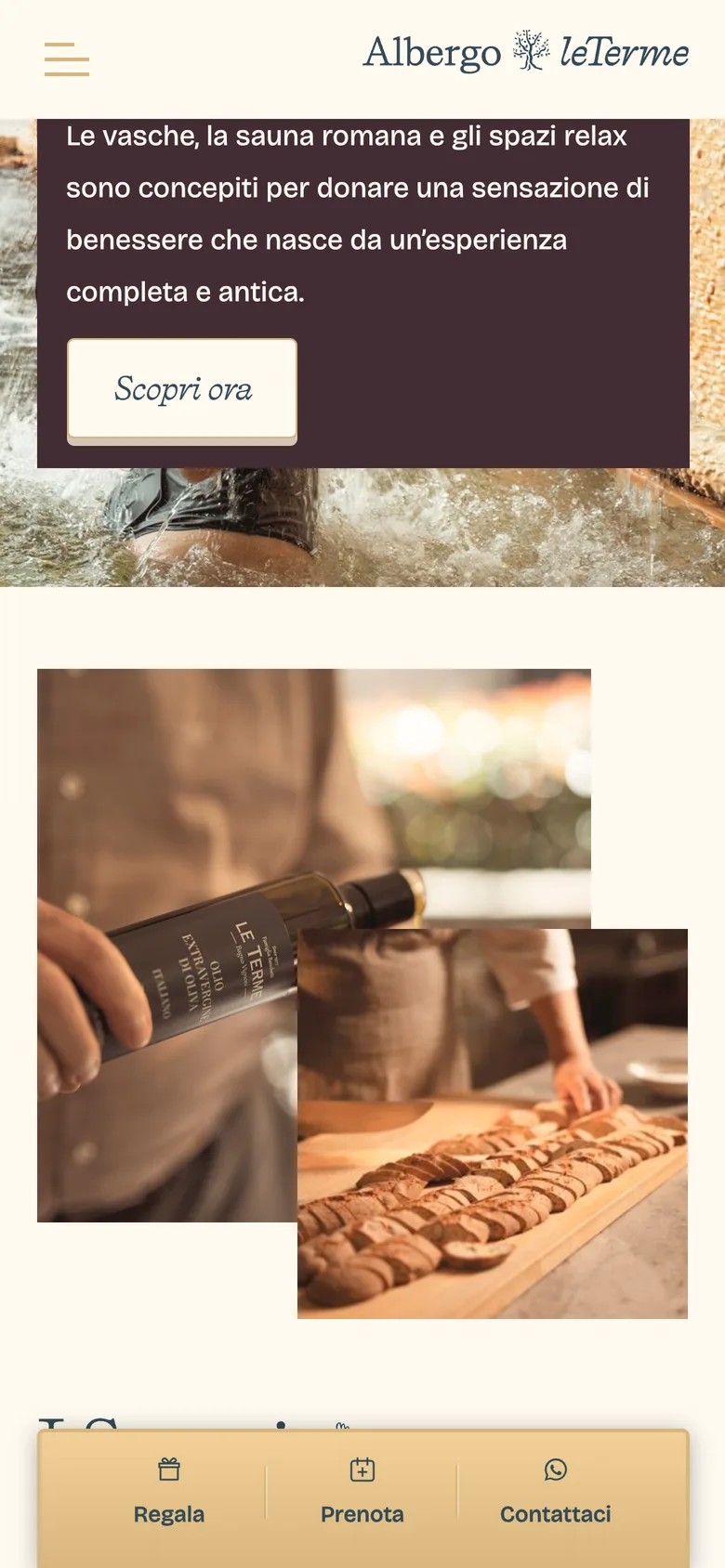
Albergo le Terme is a resort in Tuscany. Onlab brought me in to build the website while they rebuilt the brand: 80+ pages, a deep CMS, and a launch date tied to the season's events. Six months, design and Webflow development.
80+
Pages built and structured in Webflow
6
Months from start to launch
2
Layouts per component, desktop and mobile, one system
The Challenge
Albergo le Terme is a hotel and spa resort in Tuscany. Onlab SRL held the client and was rebuilding the identity.
My part was the website, and the website was the largest piece. More than 80 pages covering rooms, spaces and every part of the resort, all running on the CMS.
The hard requirement was coherence. Desktop and mobile were not one layout reflowed. They were genuinely different compositions.
The obvious way to get there is to build everything twice. At 80 pages that is not a workload problem, it is a consistency problem. Two sets of pages drift apart the moment anyone edits one. And the launch date was fixed, because the resort had events booked against it.
The Approach
So the answer was not pages. It was a system.
I structured the CMS around how a guest decides, by room and by space rather than by how the hotel is organised internally, so one collection could feed every surface. Then the components: each designed with its desktop and mobile composition as two states of one thing, never two builds. Change it once and it changes correctly in both.
That decision is what made the deadline survivable. The component system was the schedule.
Pages became assemblies instead of bespoke work, so the time went into getting a handful of pieces right rather than eighty pages nearly right. Built in Webflow, with the CMS structure carrying the load so the hotel can keep it current without a developer.
The Outcome
It shipped on time at 80+ pages, one of the largest Webflow builds I have done.
Desktop and mobile read as the same site rather than two versions of it, and the resort can add a room or a space without anyone touching layout. The size is not the achievement. Eighty pages that stay consistent is.
UX strategy
Web design
CMS architecture
Webflow development
UI / UX
Just in Shop
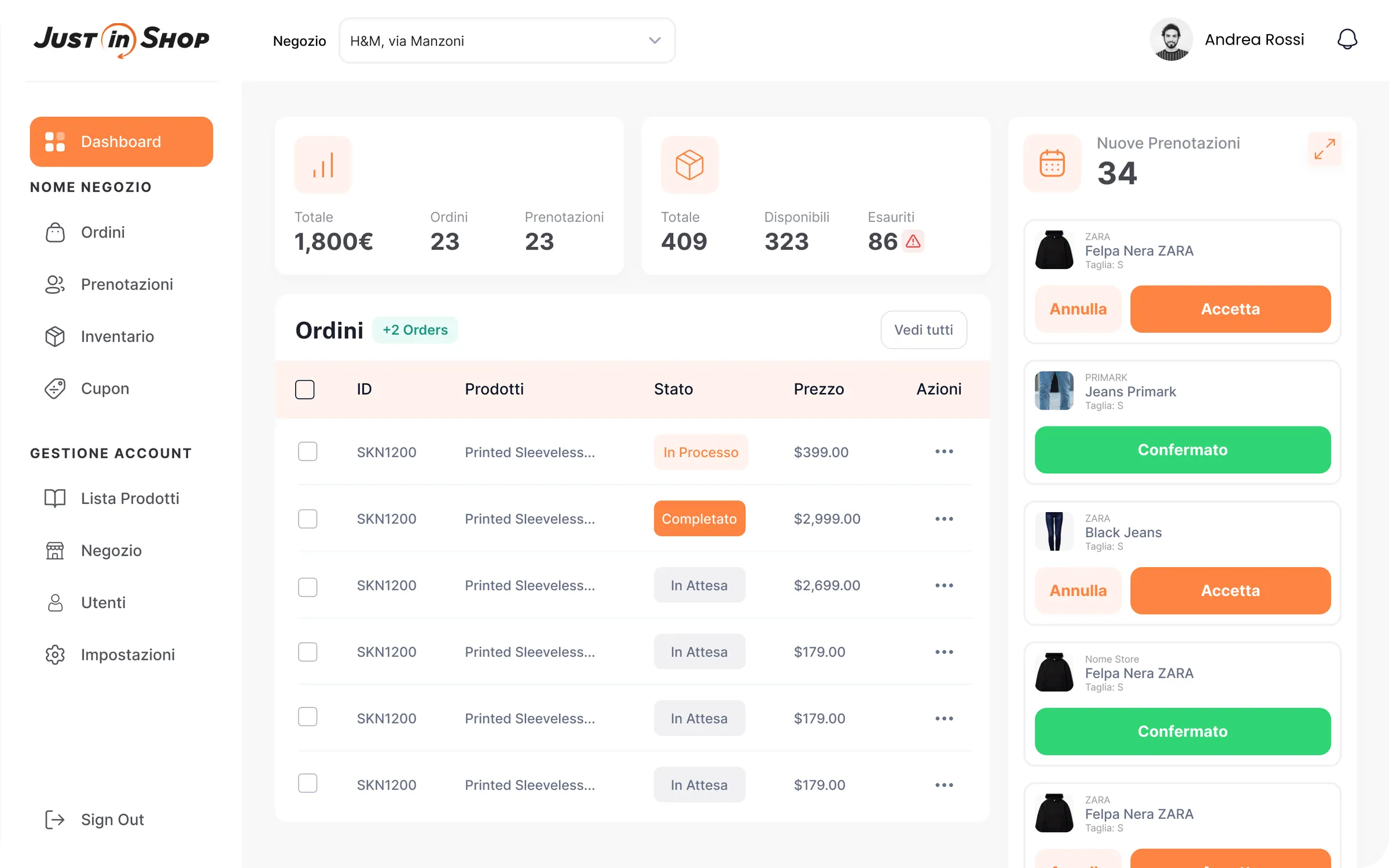
Just in Shop is a startup bringing local clothing merchants online. I designed the whole platform: the shopper app, the desktop experience, the admin panel, and the inventory tools the merchants actually use. Design only, built by a separate Drupal team.
4
Surfaces designed, from shopper app to inventory back office
1
Design system, tokens and components, shared across all four
0
Technical experience assumed of the merchants using it
The Challenge
Local clothing manufacturers and shops are traditional businesses. They are not online.
As buying moves to the web their sales quietly decline. Just in Shop's answer was a marketplace: let those merchants list their own products, and let shoppers find them.
Which puts the whole business on a UX problem rather than a shopping one.
A marketplace with no stock is worth nothing. It only works if merchants who have never sold online can get their inventory in and keep it current. They will not tolerate something that feels like software. That, not the shopper experience, was the thing most likely to kill it.
The Approach
So I treated the merchant tools as the product and the storefront as the consequence.
The upload flow assumes nothing technical. Scan an item rather than type it, mark it, set quantities, and let inventory follow from that instead of being maintained as a separate chore. Every step that could be a scan became a scan, because typing is where a non-technical user stops.
Above that sat four surfaces with different jobs: a mobile app for shoppers, a desktop experience, an admin panel, and the merchant tools.
I worked it through in Figma from structure and hierarchy to flows, wireframes, UI and a prototype, with a design system of tokens and components underneath. That was not tidiness. The build was a separate Drupal team, so the system was the handoff.
The Outcome
Just in Shop went into build with the whole platform specified. Every flow, every state, one component set and the tokens behind it.
The shopper side looks like a marketplace anyone would use. The merchant side looks like something a shop owner will actually keep up to date. For a marketplace, that second one decides whether the first exists at all.
UX strategy
UX design and flows
UI design
Design systems
Prototyping

UI / UX · Mobile
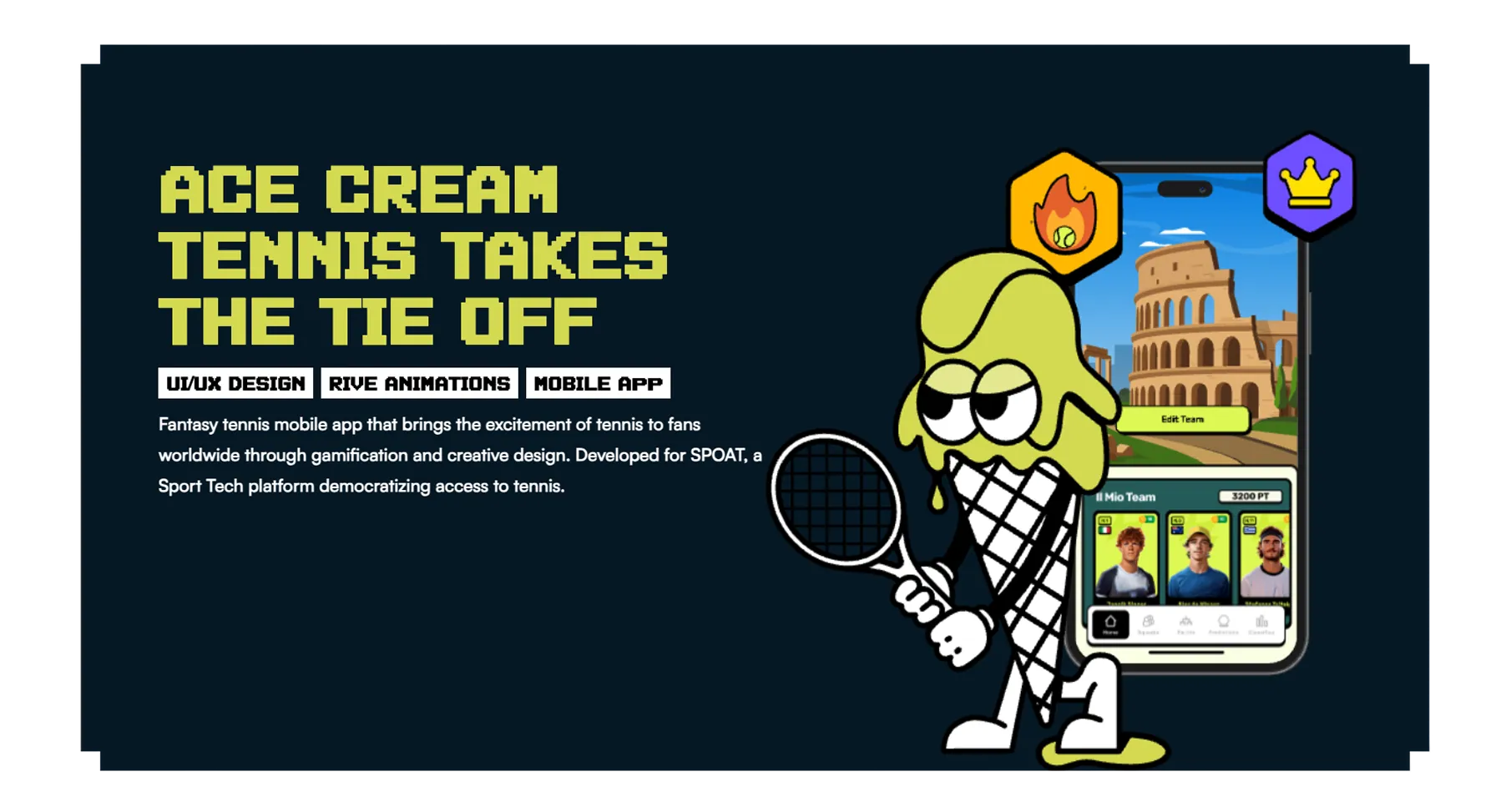
Ace Cream
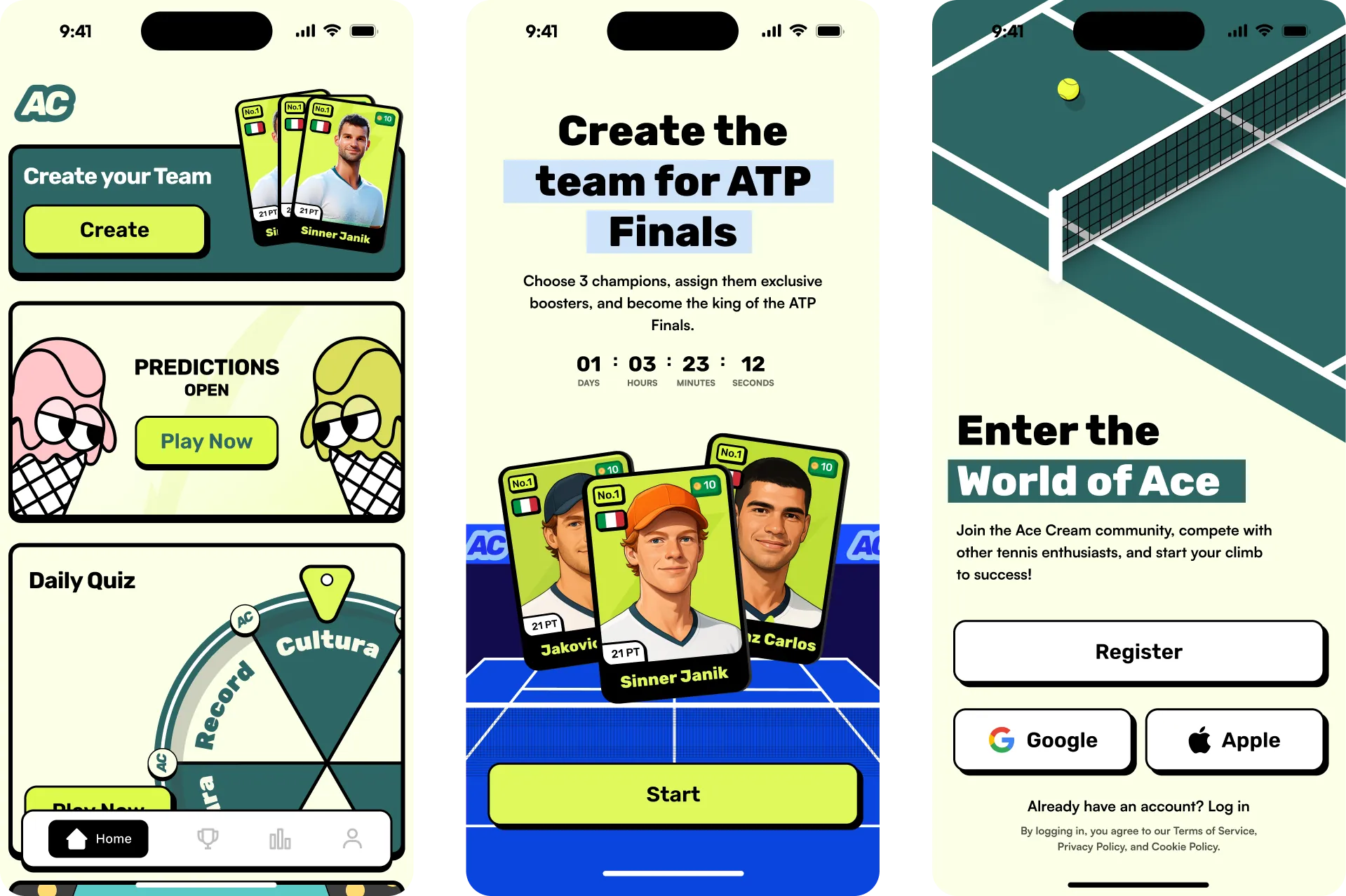
Ace Cream is a fantasy tennis game for SPOAT: predict ATP matches, build a team of players, compete against friends. The client arrived with a clear picture of what they wanted and no map for getting there. I ran the discovery, designed the game and the system it runs on, and it shipped.
10K+
Downloads on Google Play since launch
7
Game surfaces: teams, predictions, boosters, quiz, leaderboard, events, tournaments
1
Design system behind every screen, card and game state
The Challenge
SPOAT came to us with the idea already formed. They knew what Ace Cream should feel like.
They did not know what it should do, which is a different problem and the one that decides whether a game works. We opened with a workshop to separate the two, then researched the fantasy sports apps already out there.
That research surfaced the real constraint. Fantasy sports conventions are built for team leagues: weekly fixtures, a squad, a clean scoring window.
Tennis has none of that. Individuals, a continuous tour of tournaments, and long stretches where the player you picked is not on court. Copying the genre would have produced a game with nothing to do most of the week.
The Approach
So the work was inventing the loop, not styling it.
Players are collected as cards, which turns an abstract roster into something you own and upgrade. Around that, reasons to open the app on a day your player is not playing: a daily quiz, live match tracking, leaderboards, countdowns tied to real tournaments so the calendar creates the urgency. Seven connected surfaces on one scoring spine.
The visual system had to make numbers feel physical.
Neo-brutalist treatment: heavy black outlines, hard offset shadows, flat saturated colour, chunky display type. The palette came from the sport itself, court green, optic yellow, electric blue. Cards, badges and points read as objects rather than data. All documented as a design system, so every new tournament or card type has somewhere to slot into.
The Outcome
Ace Cream shipped on Google Play and has passed 10,000 downloads.
Players build teams and compete through real ATP tournaments. For a game invented from scratch against a format that did not fit it, being live and actually played is the result that counts.
UX research
Discovery workshop
UX design and game flows
Mobile app design
UI design
Design systems
UI / UX · Mobile
KG Method
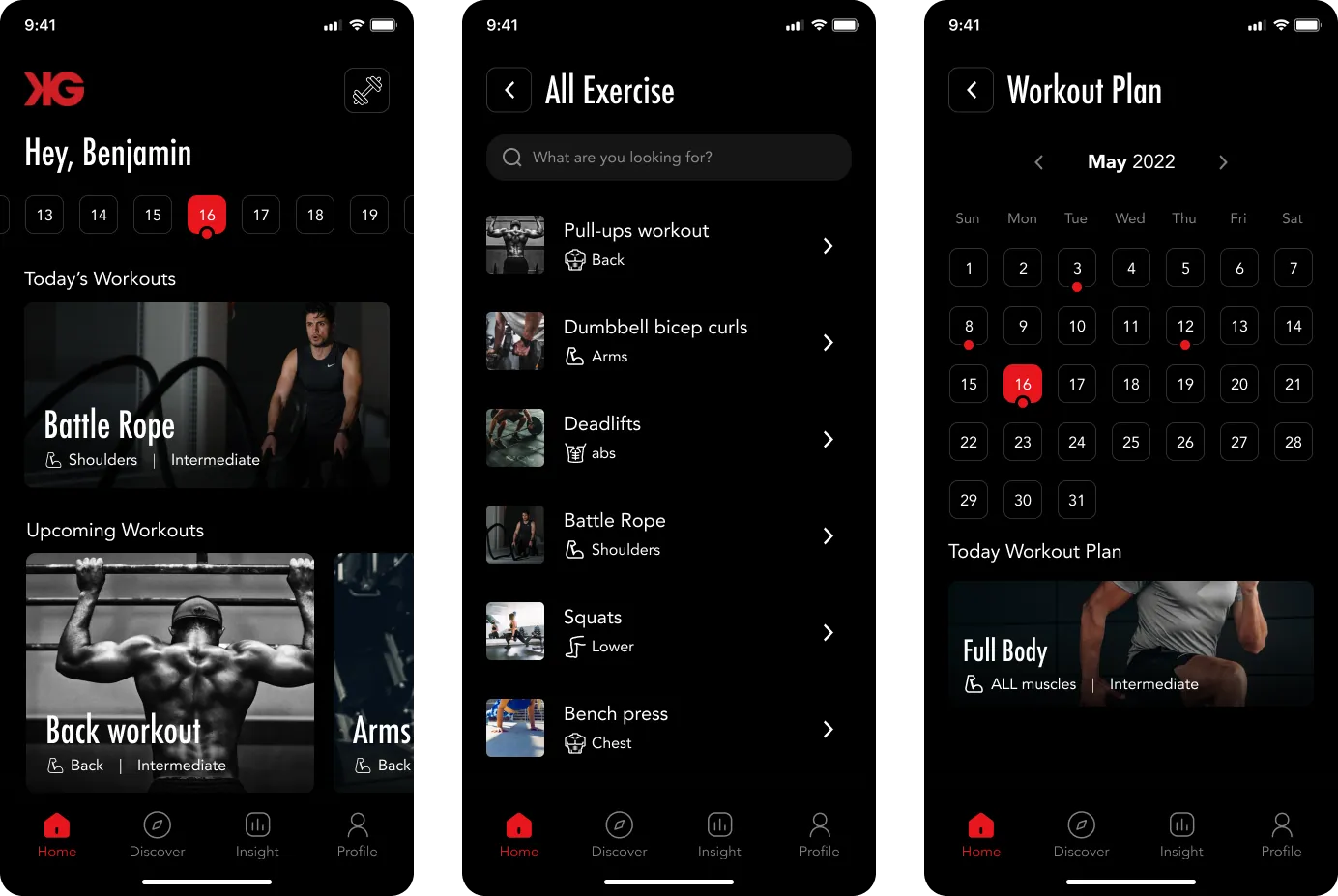
KG Method is a training app for a well known US coach, built for his own clients. It carries his programme: the workout plan, video demonstrations of every movement, and progress tracked over time. I designed it as a mobile product out of his existing brand identity.
3
Jobs the app had to do: the plan, the form, the progress
1
Existing brand identity translated into a product interface
0
Coaches present when a client actually trains
The Challenge
The client is a personal trainer in the US with a following, his own method, and a philosophy behind how he trains people.
He wanted to hand that to his clients as an app rather than a PDF and a text message. Not a consumer fitness product competing for downloads. A delivery system for people who already pay him.
Which makes the problem specific. What a client buys from a named coach is his attention.
The plan chosen for them, and someone telling them when the form is wrong. An app has neither. It has to carry the method into a room where the coach is not present, at six in the morning, to someone mid set with one hand free and no patience.
The Approach
So the app resolves to three jobs, each designed to survive that context.
The plan tells you what to do today without you working it out. The video demonstrations stand in for the coach watching your form, placed where the doubt happens, at the exercise, not in a library you have to go and find. Progress tracking closes the loop, and doubles as the evidence the method is working.
The other half was the identity. His brand was built for a person, made to motivate and to be seen.
A training interface has the opposite job. It gets used repeatedly, tired, in bad light, and it has to be legible before it is impressive. I kept the brand's force where it earns attention and pulled it back everywhere the app is a tool.
The Outcome
The method ships as a product.
His clients get the plan, the form and the proof in one place, and he gets a way to deliver his programme that is not limited to the hours in his day. The measure of a coaching app is not how it looks in the store. It is whether someone opens it mid workout and immediately knows what to do next.
UX strategy
UX design and flows
UI design
Mobile app design
UX
Amy
Amy is one product in the software suite of a German radio advertising consultancy. I joined as the main UX designer alongside a frontend and a backend developer, working on something that already existed and already had users. Six months of research, features and continuous design.
6
Months embedded, designing at the pace the team shipped
3
The whole team: me and two developers
0
Redesigns; the product was evolved, not replaced
The Challenge
This was not a blank page. Amy was live, part of a wider suite, and people used it to do their jobs every day.
Joining a product like that means inheriting decisions, conventions and muscle memory. The first job is understanding the thing well enough to be allowed to change it.
The core difficulty was density.
Amy is a data product. Its value is how much information it can put in front of someone, and that same quantity is what makes it hard to use. Professional users will not accept being shown less, because missing data makes a tool untrustworthy. But every extra element sits between them and whatever they opened the product to do.
The Approach
So the work was not reduction. It was ranking.
We kept the density and changed what it is arranged around: the action. Research went into what people actually come to Amy to accomplish, then each view was ordered so the path to that action stays clear while the supporting data stays available rather than hidden.
That is continuous work, not a redesign.
I was embedded with two developers for six months, so design happened at the pace things shipped. Research a question, design the feature, watch it land, adjust. The feature work concentrated on how data gets represented, because in a product like this the representation is the feature.
The Outcome
Amy came out of six months better at the thing it is for, without its users having to relearn it.
That is the harder outcome to point at, because nothing dramatic happened. In a mature data product a good change is one where all the information is still there and the work simply takes fewer steps.
UX research
Information architecture
Interaction design
Product design
UX
Ilitio
Open with two or three sentences on who the client is and what the product does.
The problem. Describe the real constraint they were up against, specifically.
The research and the thinking, and where it led. Then what shipped.
UX design
Design
Huniverse
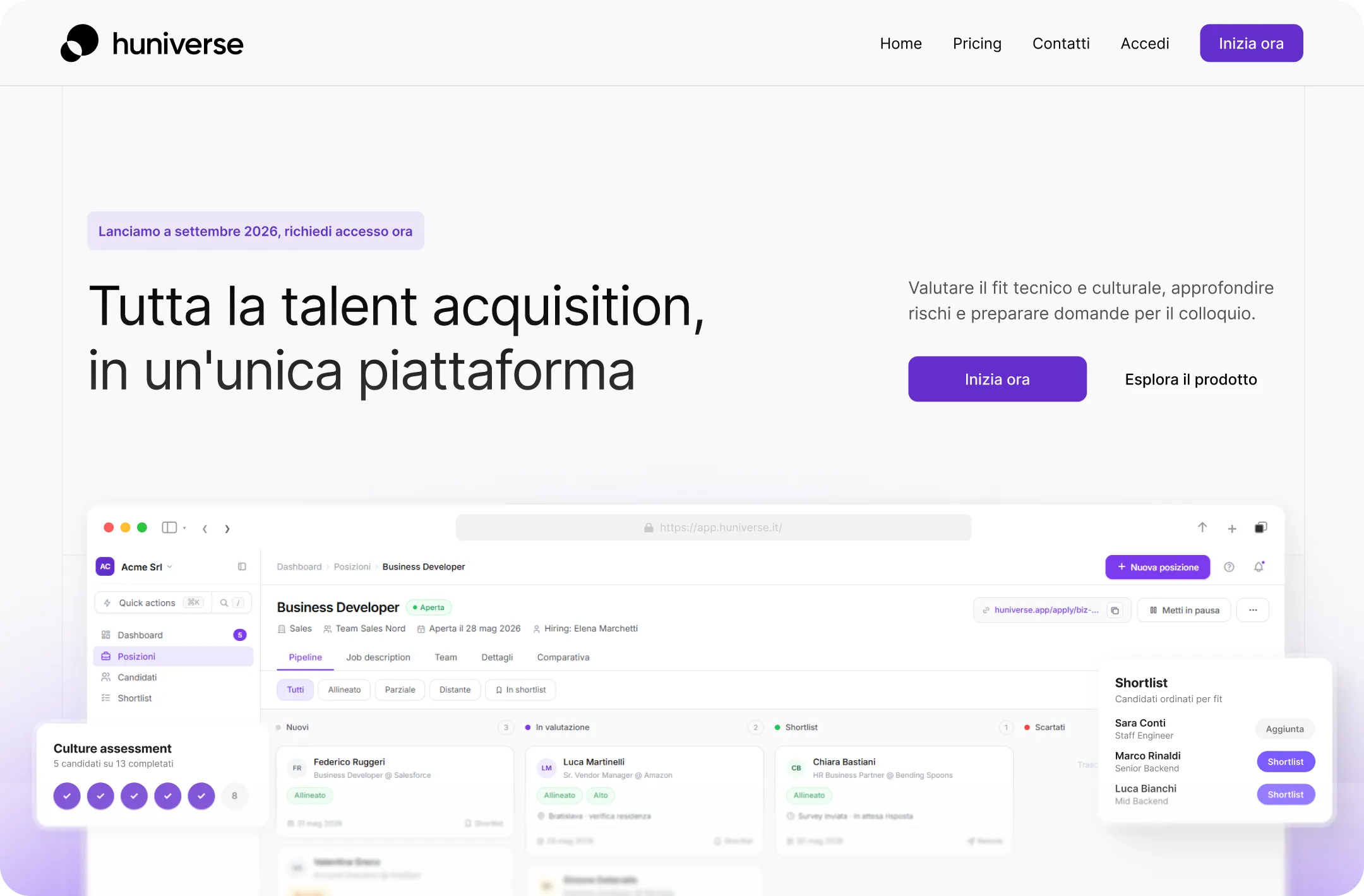
Huniverse builds hiring software that uses gamification, psychology and psychometrics to help companies find the right candidate. They were launching at an event in Bologna and needed a landing page for it: the product, the features, one page. I designed it.
1
Page, the entire surface area
3
Disciplines to make legible: gamification, psychology, psychometrics
1
Fixed date it had to be ready for, the Bologna launch
The Challenge
Huniverse's product is genuinely hard to explain in a short space.
It assesses candidates through gamification, psychology and psychometrics. Three technical ideas that most readers meet for the first time on the page describing them. The Bologna event set the date, and the page had one surface to do it on.
The risk was tone.
Lean into the gamification and a hiring product sounds like a toy, which is fatal when the buyer is accountable for decisions about people's careers. Lean into the psychometrics and it turns clinical. HR buyers are cautious by default. The page had to make the method sound rigorous and the experience sound human at the same time.
The Approach
So the page leads with the outcome rather than the mechanism.
What a company wants is the right hire and confidence behind the decision. Gamification and psychometrics are how Huniverse gets there, not what anyone is buying. Result first, method underneath it as evidence, so the technical part arrives as reassurance instead of as the pitch.
The rest was pacing.
One page means a single scroll and no navigation to rescue the reader, so every section has to earn the next one and the features have to land at a glance. I designed it scannable at the top and substantive further down, which is also how it behaves at an event, where half the audience is on a phone while someone is talking.
The Outcome
Huniverse went into its Bologna launch with a page that explains the product without making it sound like a game or a lab.
A narrow brief and a small piece of work. A launch is exactly the moment where one page carries more weight than its size suggests.
Landing page design
Web design
Concept · Design + Mobile
SwissBorg
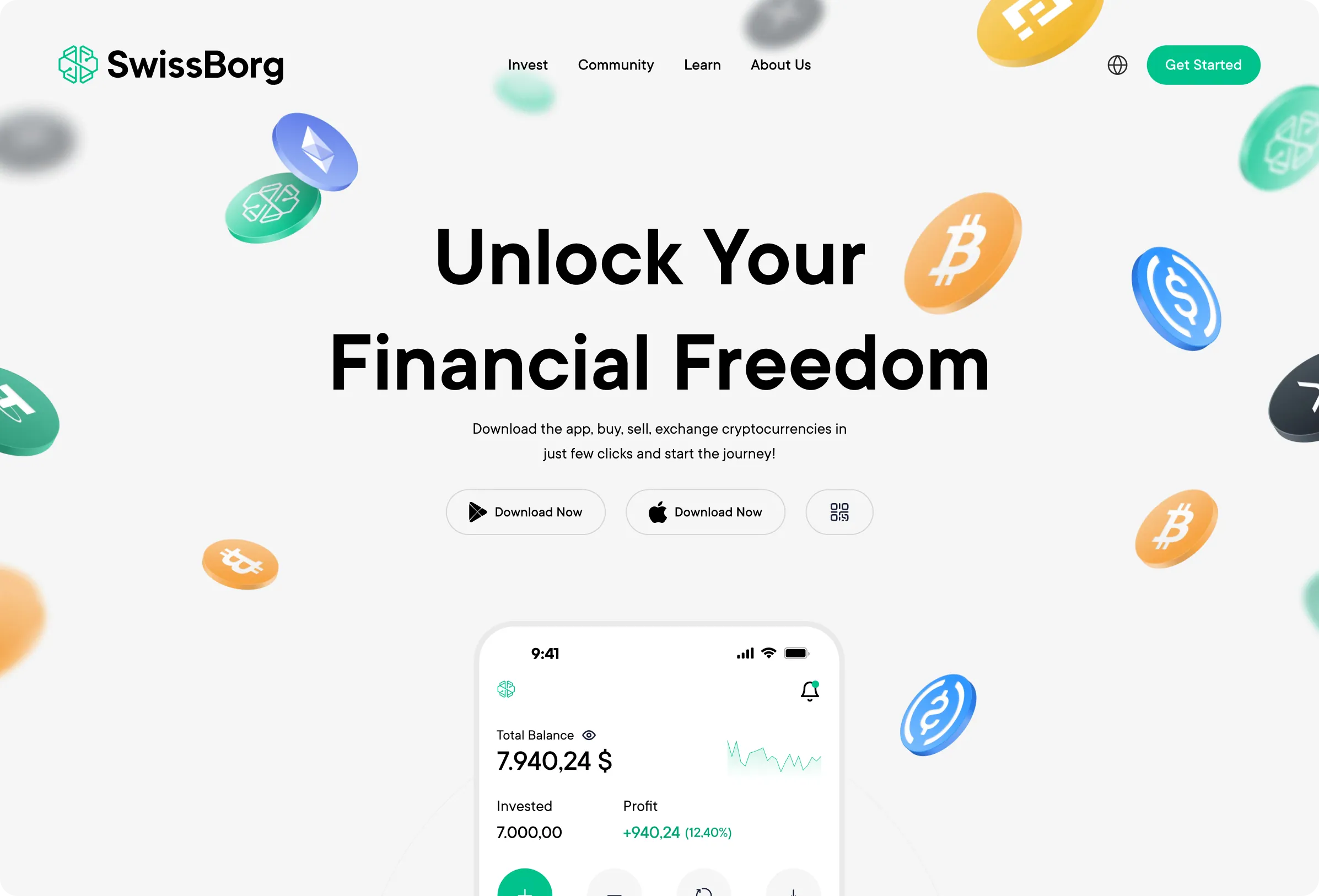
A self-initiated concept, not client work. SwissBorg is a Swiss crypto wealth app, and I used it to design two things that are usually made by different teams: the landing page that makes the promise, and the mobile app that has to keep it.
2
Surfaces designed: the marketing landing and the product itself
1
Question it tests: can the promise survive the interface
0
Client brief. This was self-initiated concept work
The Question
This one had no brief. I set it myself.
The interesting problem in consumer finance is not the interface on its own. It is the distance between how a product is sold and how it is used. Marketing pages promise simplicity. The product then has to show balances, markets, risk and choice, and the tone that sold it rarely survives contact with all that.
Crypto sharpens it.
The same app has to work for someone who finds the category intimidating and wants reassurance, and for someone experienced who wants density and speed. Those two people want opposite things from the same screen. Designing the landing and the app together was a way to test whether one voice can carry both.
The Approach
I designed the landing as the argument and the app as the proof, deliberately in the same pass.
The landing sets the register: what the product claims, how confident it sounds, how much it explains. Then every app screen could be checked against it. If a screen needed a tone the landing had not earned, the landing was wrong, not the screen.
Inside the app the work was hierarchy.
Reassurance for a newer user comes from being clear about what they hold and what is happening, not from hiding the complexity. The structure leads with state and keeps depth one level below rather than behind a mode switch. Mobile first throughout, because this is a product people check standing up.
What It Showed
It is a concept, so there is no launch and no result to claim.
What it produced is an argument. The landing page and the first screen of a product are the same design problem, and treating them as one pass is the only way the promise and the interface end up saying the same thing.
UX strategy
UI design
Mobile app design
Landing page design
UI / UX · Mobile + Web
Large Trader
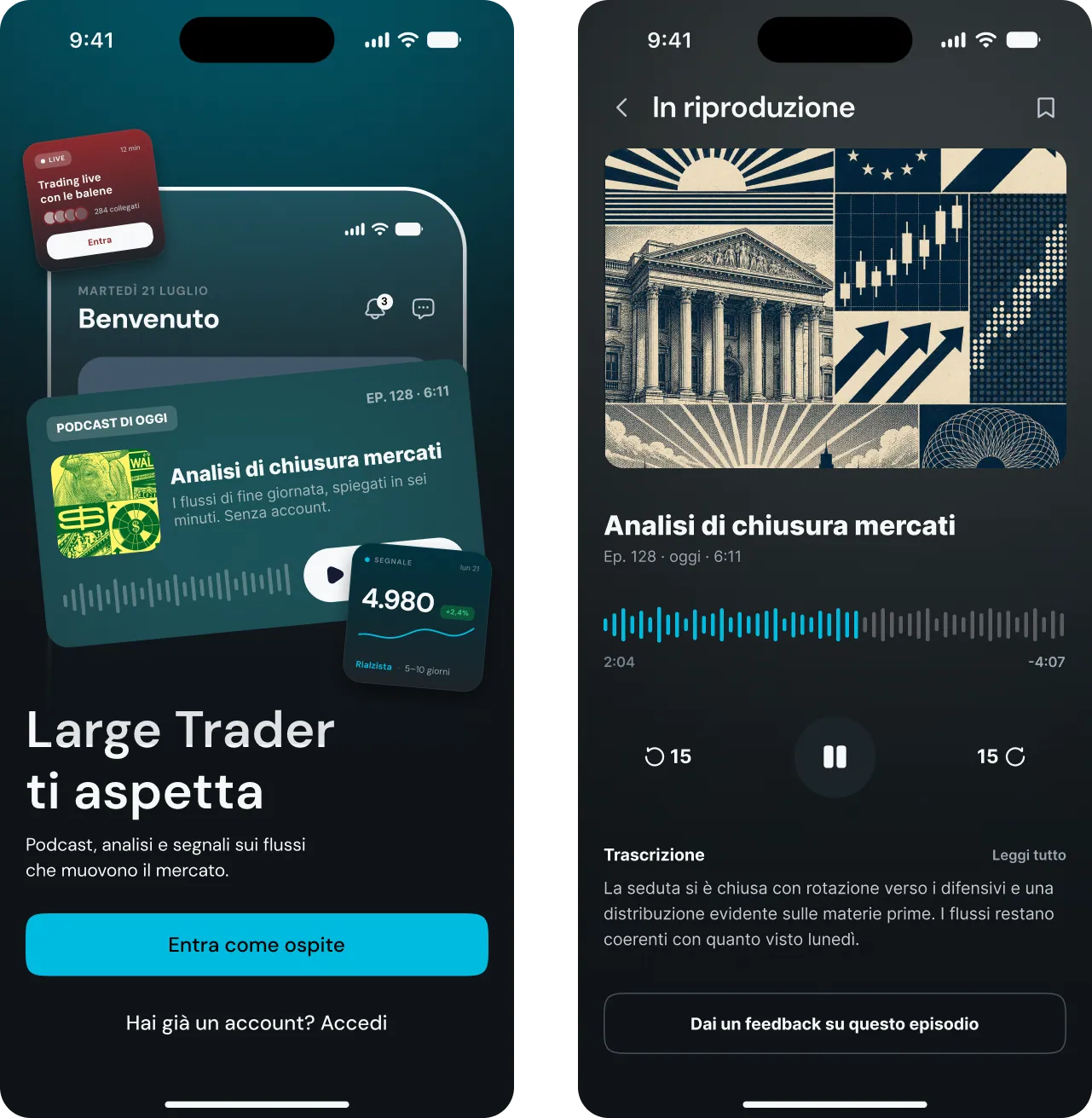
Maxx Mereghetti is a professional trader who teaches strategy through courses, with a community that lived in a Telegram group. Large Trader turns that into a product: signals, news, podcasts and events in one place. I designed the full experience, mobile and desktop.
4
Content types in one product: signals, news, podcasts, events
2
Platforms designed, mobile and desktop
1
Community to move, from a Telegram group into a product
The Challenge
The audience already had somewhere to go.
Telegram is free, already installed, and it is where the habit was. Signals arrived as messages, news as forwarded links, events as pinned posts. Moving people into an app means being better than a place they are already comfortable in, which is a far harder brief than adding features.
Telegram's real weakness is that everything is one stream.
A signal from three hours ago sits under a hundred messages of conversation. A podcast episode scrolls away. Nothing has a place, so nothing can be found twice. The app did not need different content. It needed the same content to stop being a feed.
The Approach
So structure came first.
Signals, news, podcasts and events each got their own home instead of competing in a timeline, separated by how urgent they are rather than by what they are. A signal is time critical and has to be readable in two taps. A podcast or a course is browsed slowly and rewards depth. Building around that difference is the thing a chat thread cannot do.
Then the two platforms, split by where each thing actually gets used.
Mobile carries the urgent side: notifications, signals, quick reads, listening on the move. Desktop carries the considered side, where there is room for detail and for sitting with the material. The same product weighted differently, so neither is a shrunken or stretched copy of the other.
The Outcome
Large Trader gives the community somewhere the content has structure instead of a scroll position.
Signals are where signals live. The courses and podcasts stay findable long after the day they were posted. The real measure is whether someone can find the thing they remember seeing last week. In a Telegram thread, they could not.
UX strategy
Information architecture
UI design
Mobile app design
Web app design
Wibo
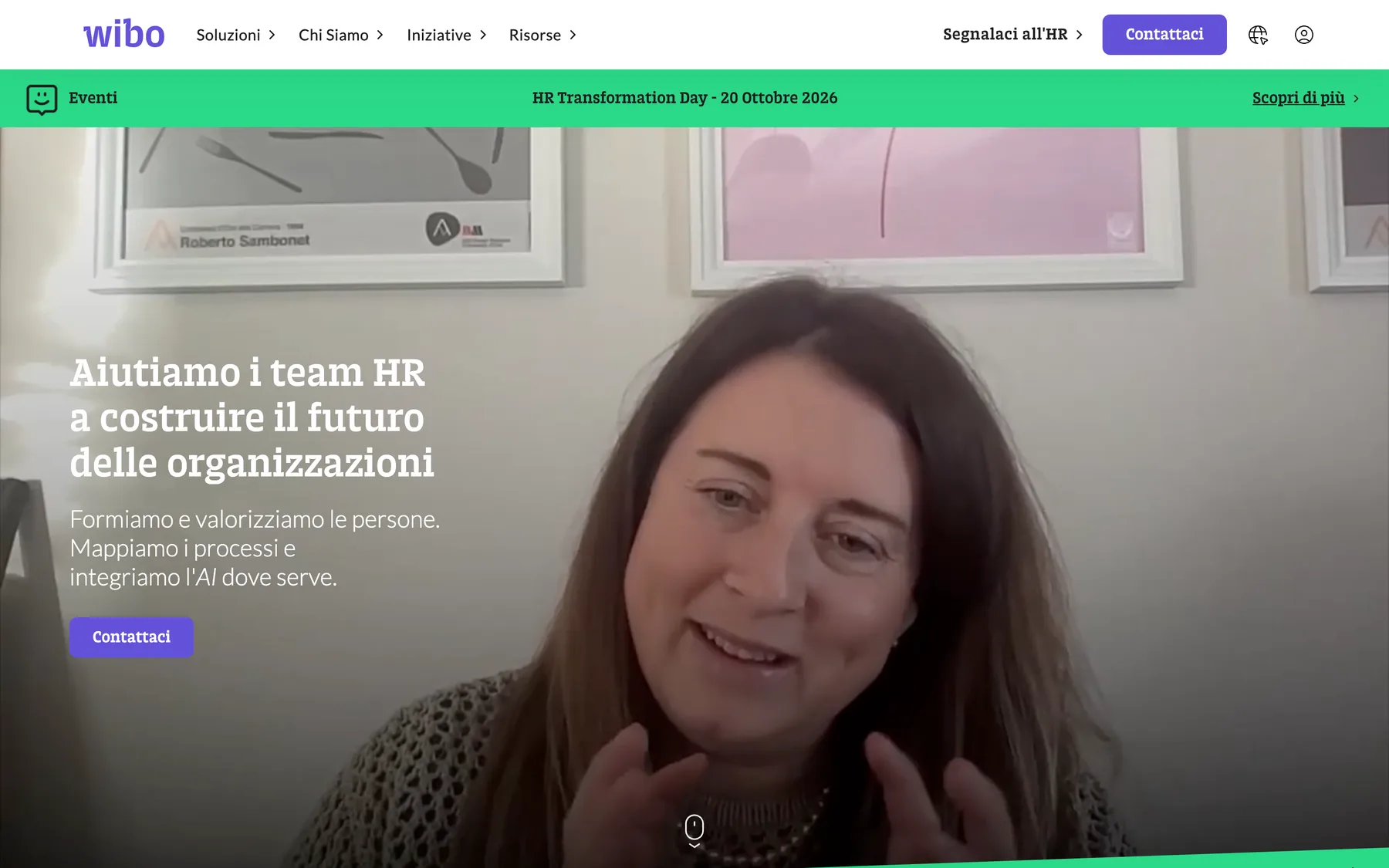
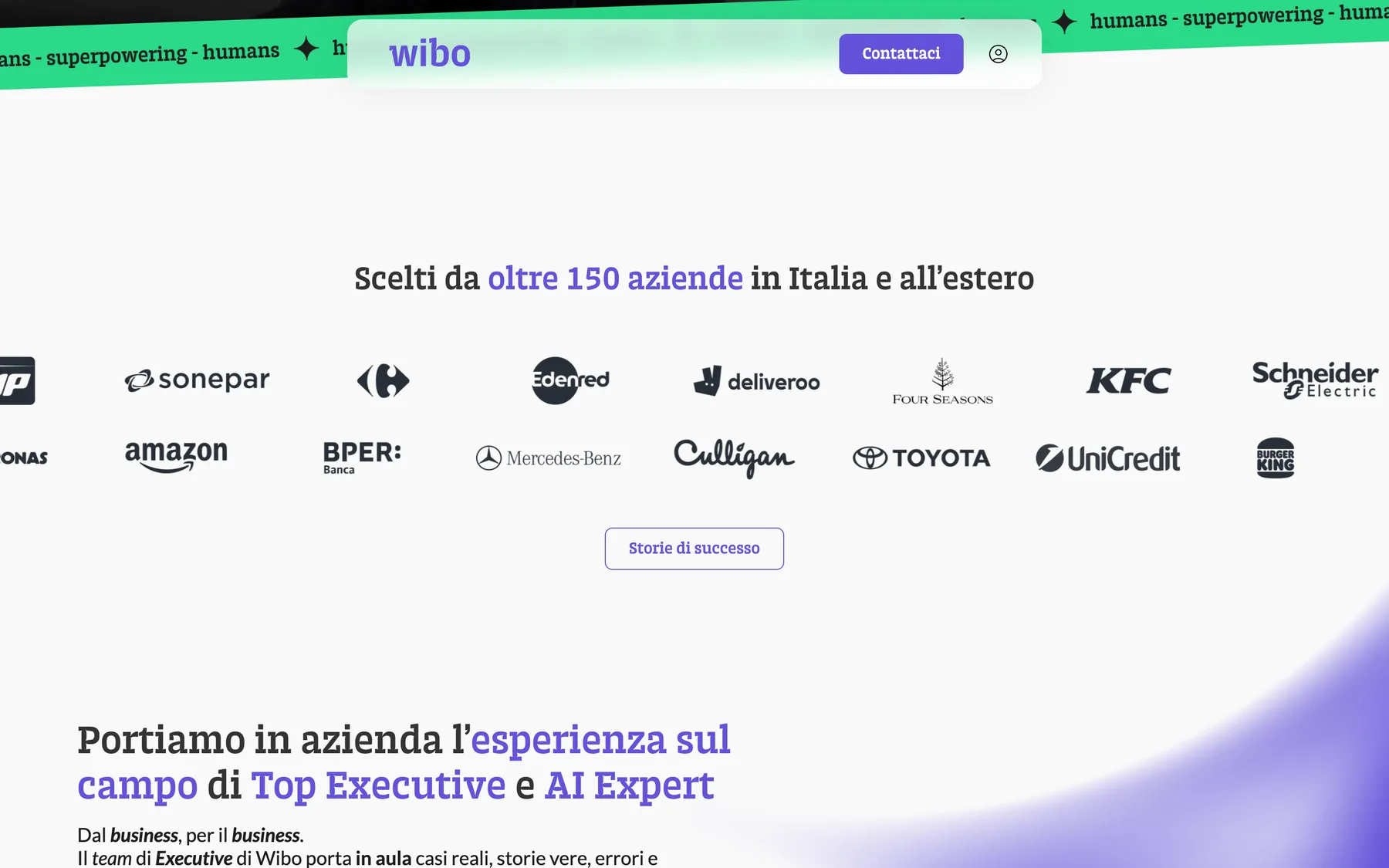
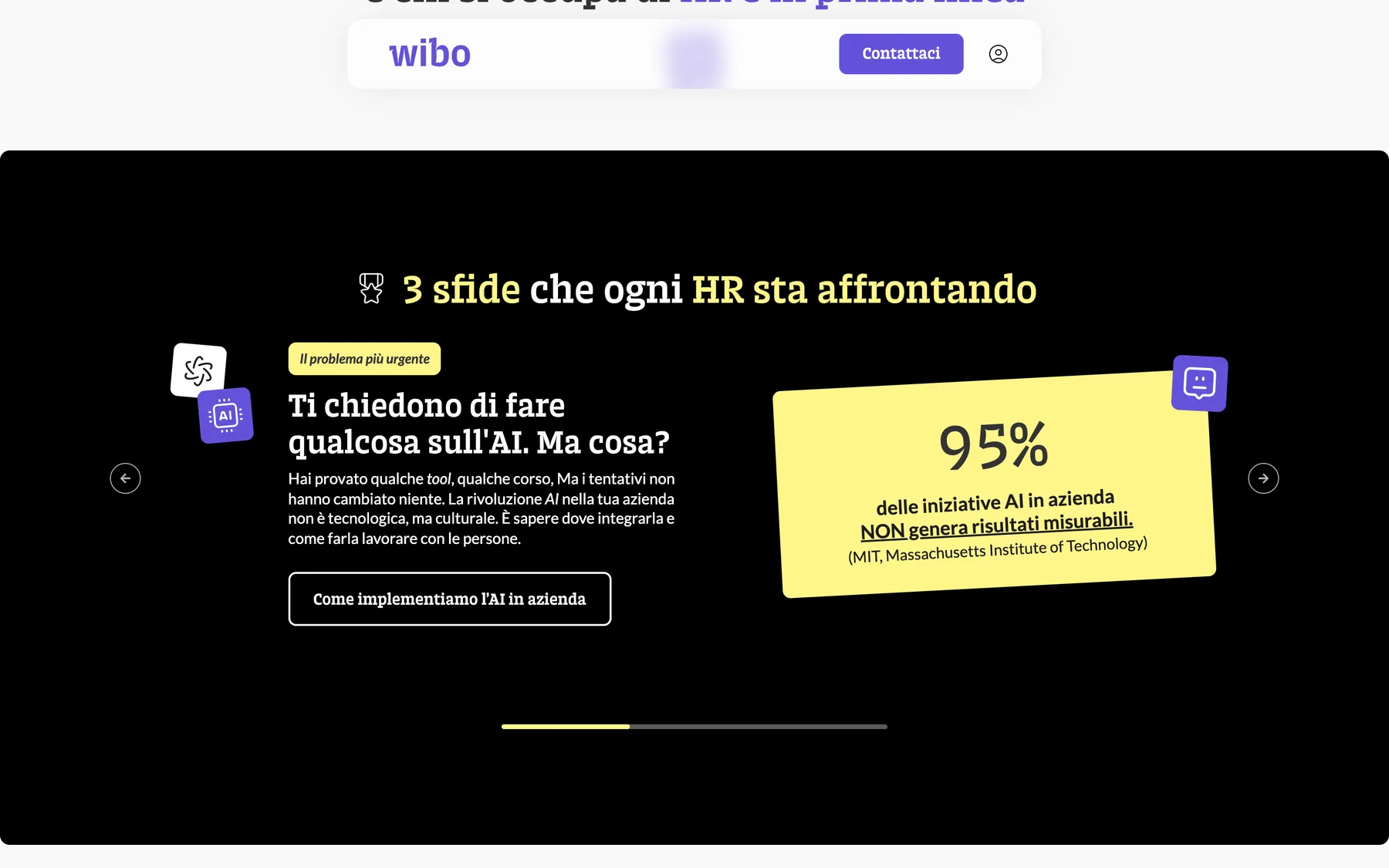
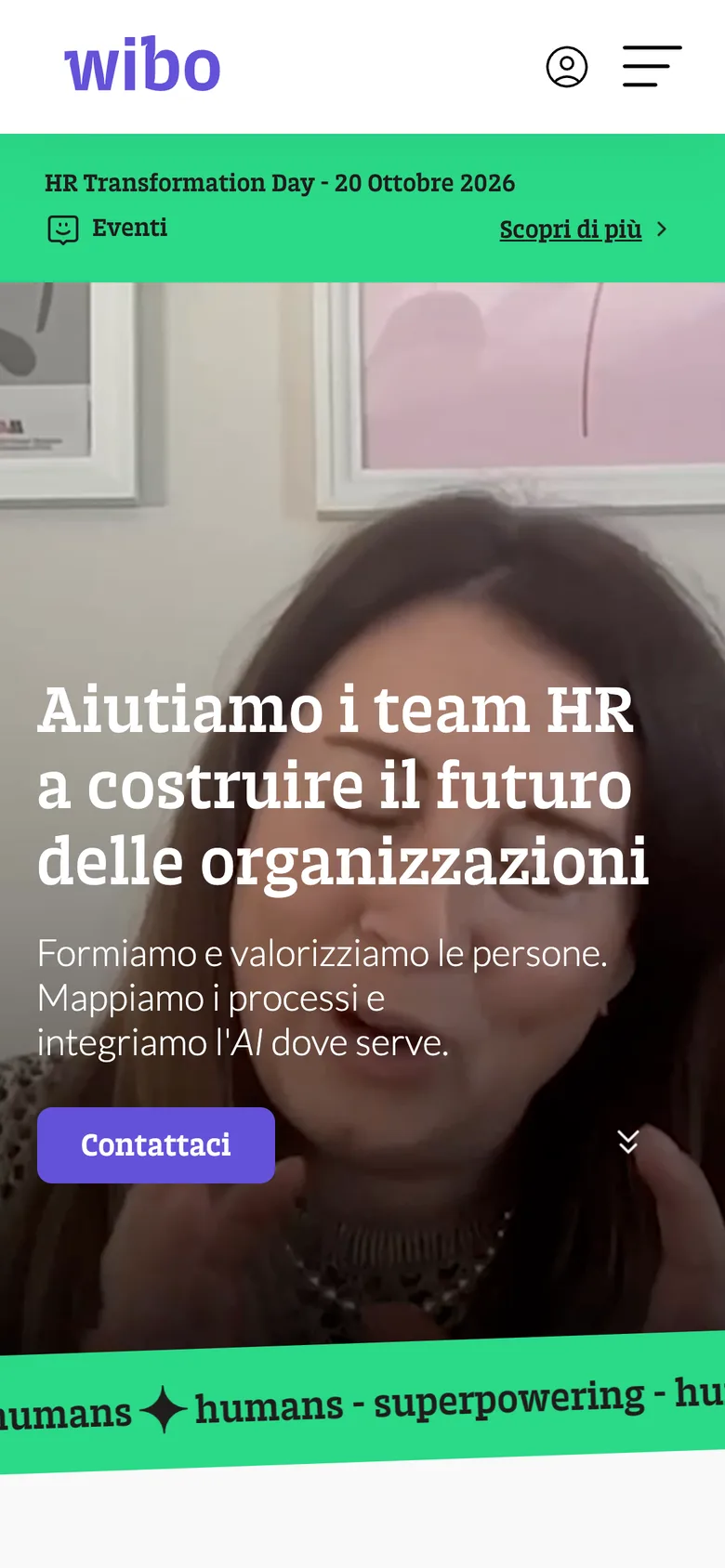
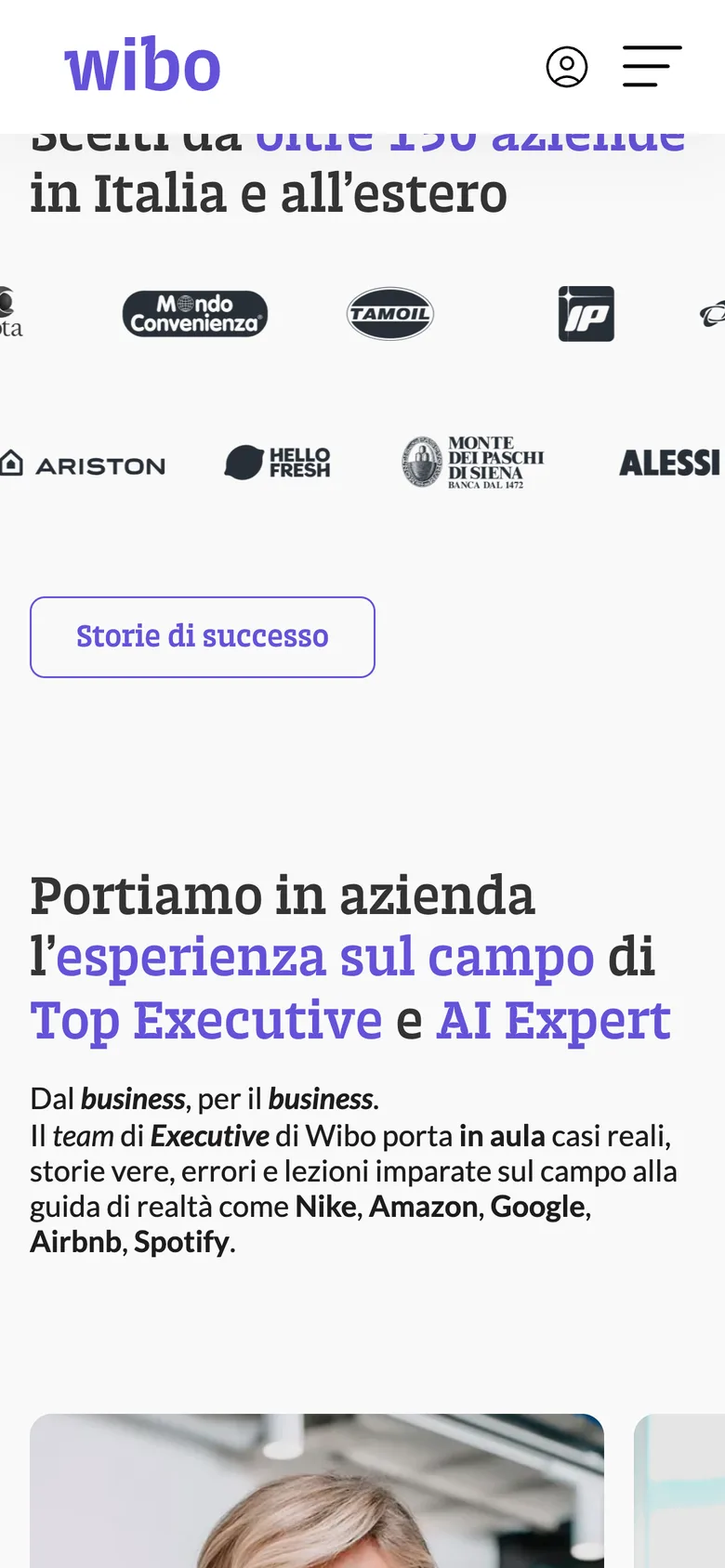
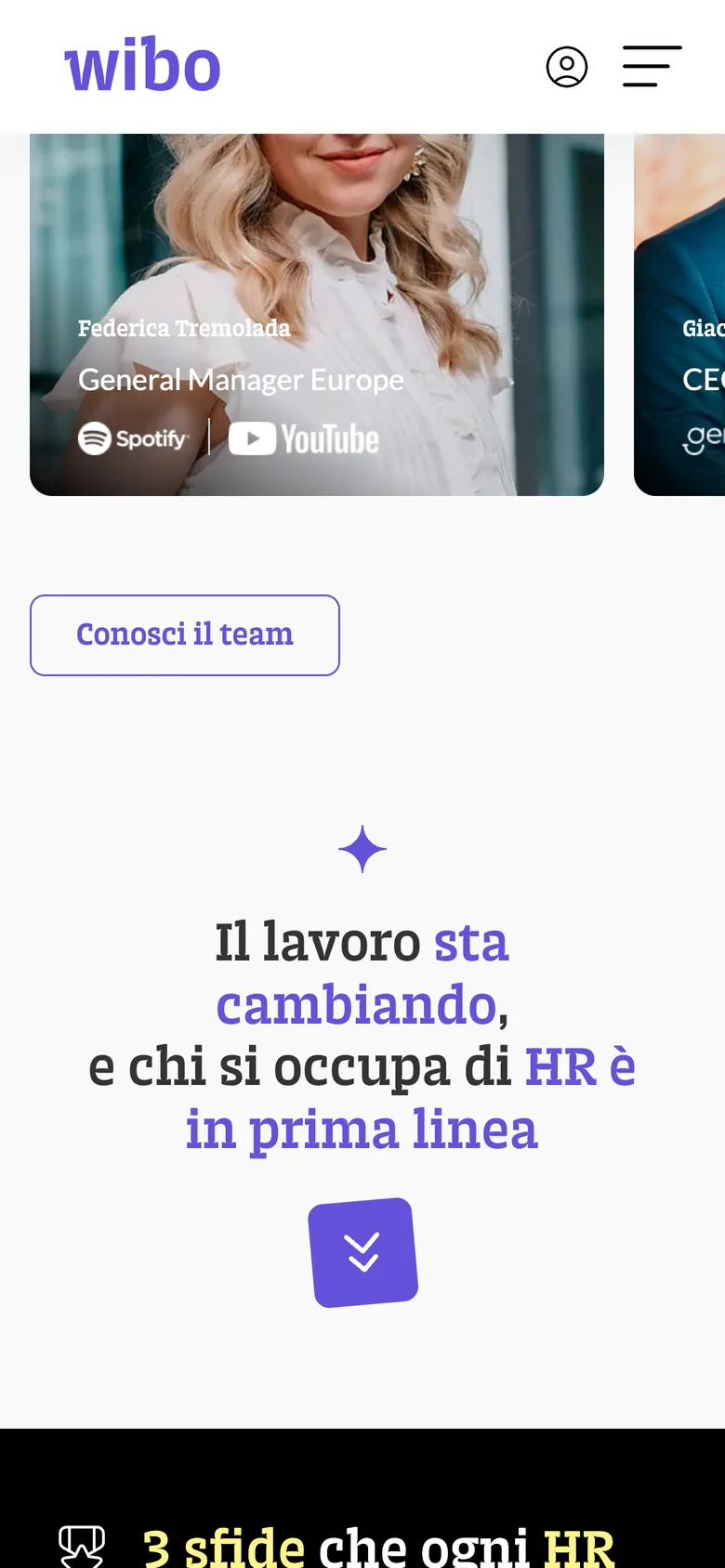
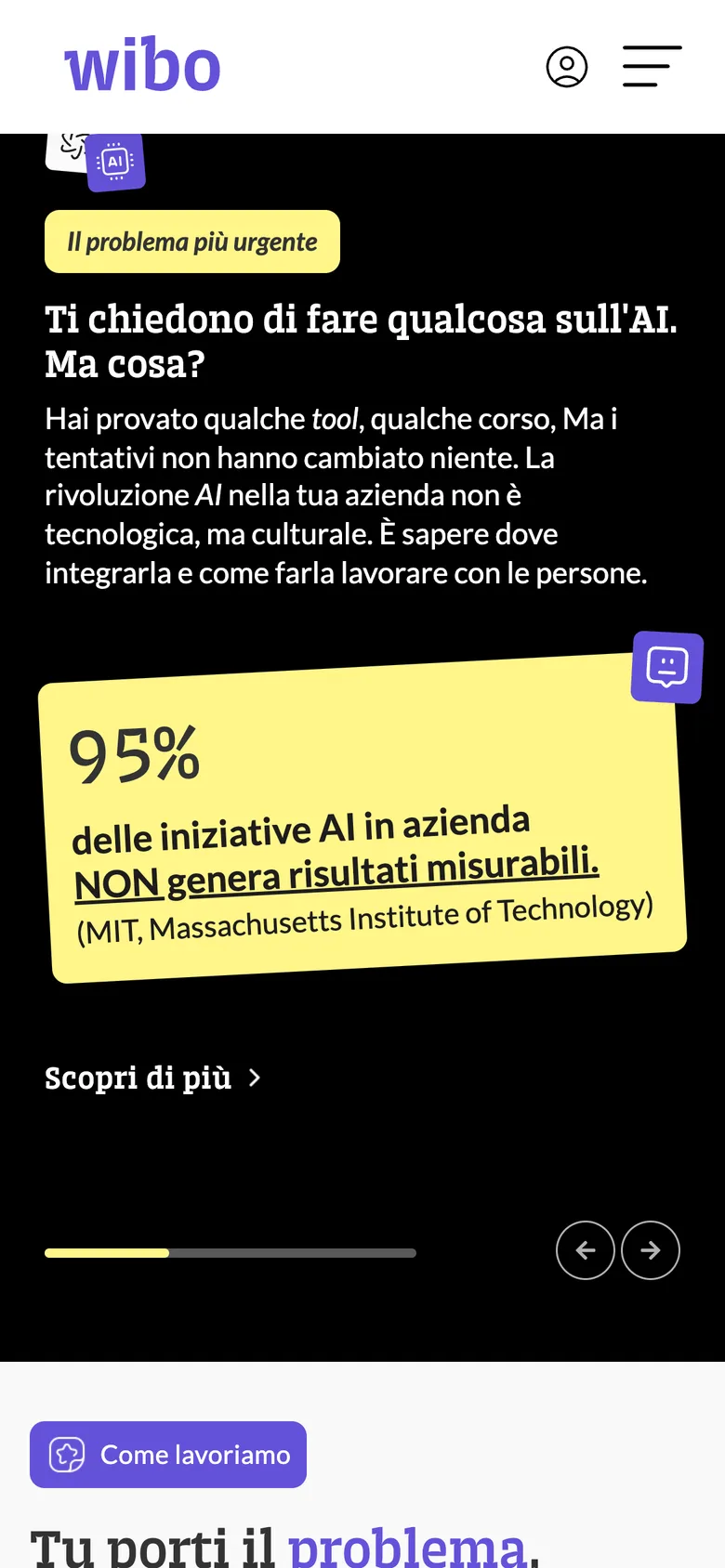
Wibo puts Fortune 500 executives in front of HR teams. Their designer made the site. I built it in Webflow across 2024: two languages, six CMS collections, desktop and mobile.
2
Languages on one localised build
6
CMS collections behind every list
180+
Content items running through them
The Challenge
Wibo is an Italian corporate training company. They train people at Toyota, UniCredit and Amazon, taught by executives from Spotify, Google and Eataly.
Their own designer had already drawn the site. My job was to build it. No say in the layout, no say in the type, no say in the shapes I was handed.
Which is its own discipline. You inherit every decision and your job is to make it hold up in a browser.
And this was not a brochure site. Executive teachers, success stories, events, articles, client logos, all of it in two languages. Most of what a visitor sees is a list, and every list had to keep working while the company filled it.
The Approach
So I built it as a content system rather than a set of pages.
Six collections sit behind the site. Teachers, success stories, blog, sparks, events, client logos. Every list on every page reads from one of them, so adding a teacher or an event is a CMS entry and never a layout job.
The second language doubled the surface, so I used Webflow Localization instead of a duplicate set of pages.
One structure, two locales, and a switcher that lands you on the page you were already reading rather than dumping you at the homepage. The design specified desktop and mobile separately, so both got built to match, with the filtering, the pagination and the hover states working in each.
The Outcome
It went live in 2024 and Wibo has been running it since.
They have repositioned in that time, from executive-led training toward mapping, training and AI, and kept publishing into the same structure. That is the measure on a build-only job. You are not judged on the design. You are judged on whether what you built is still standing after the client has changed their mind.
Just craft, for
the fun of it
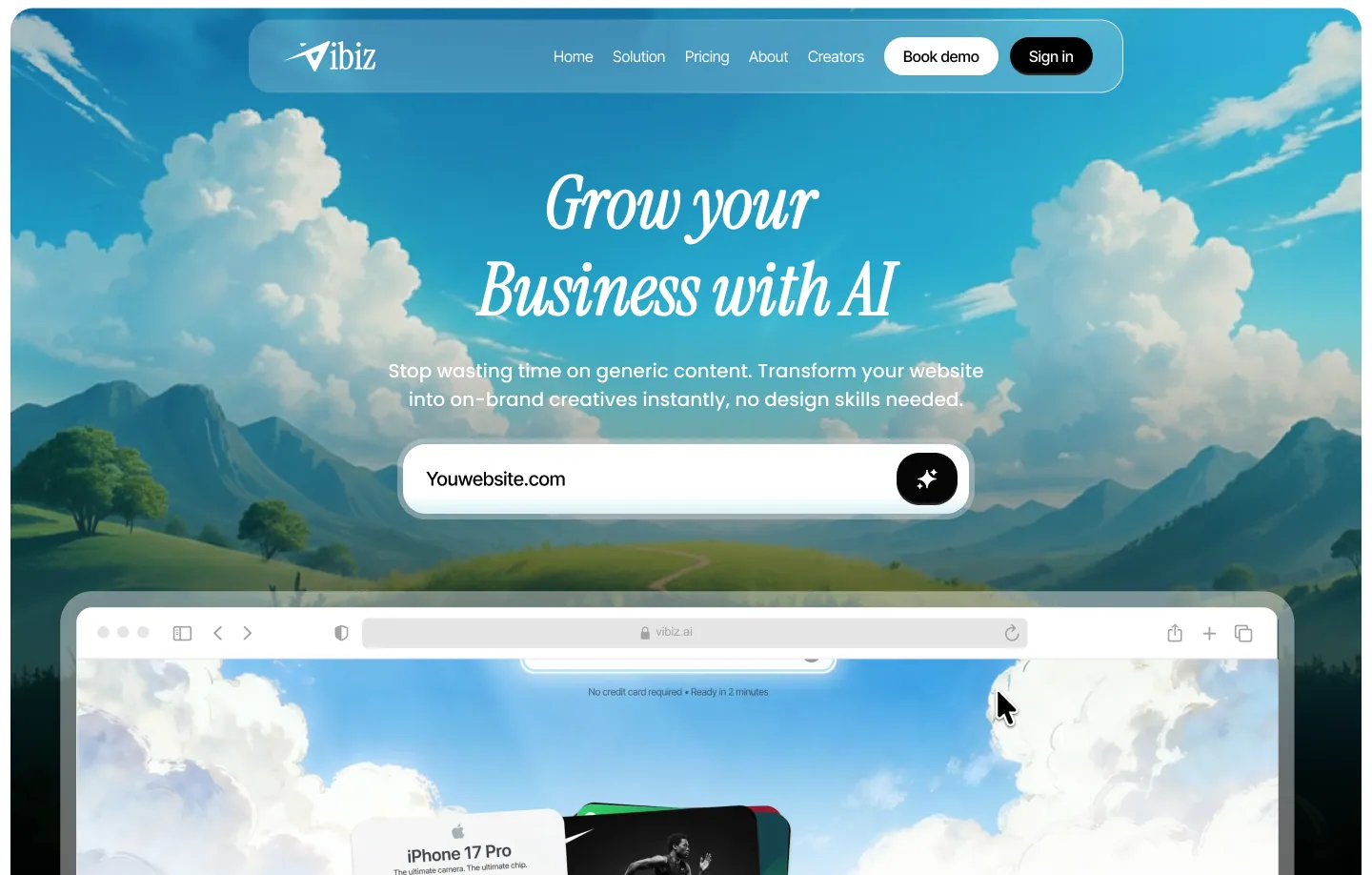
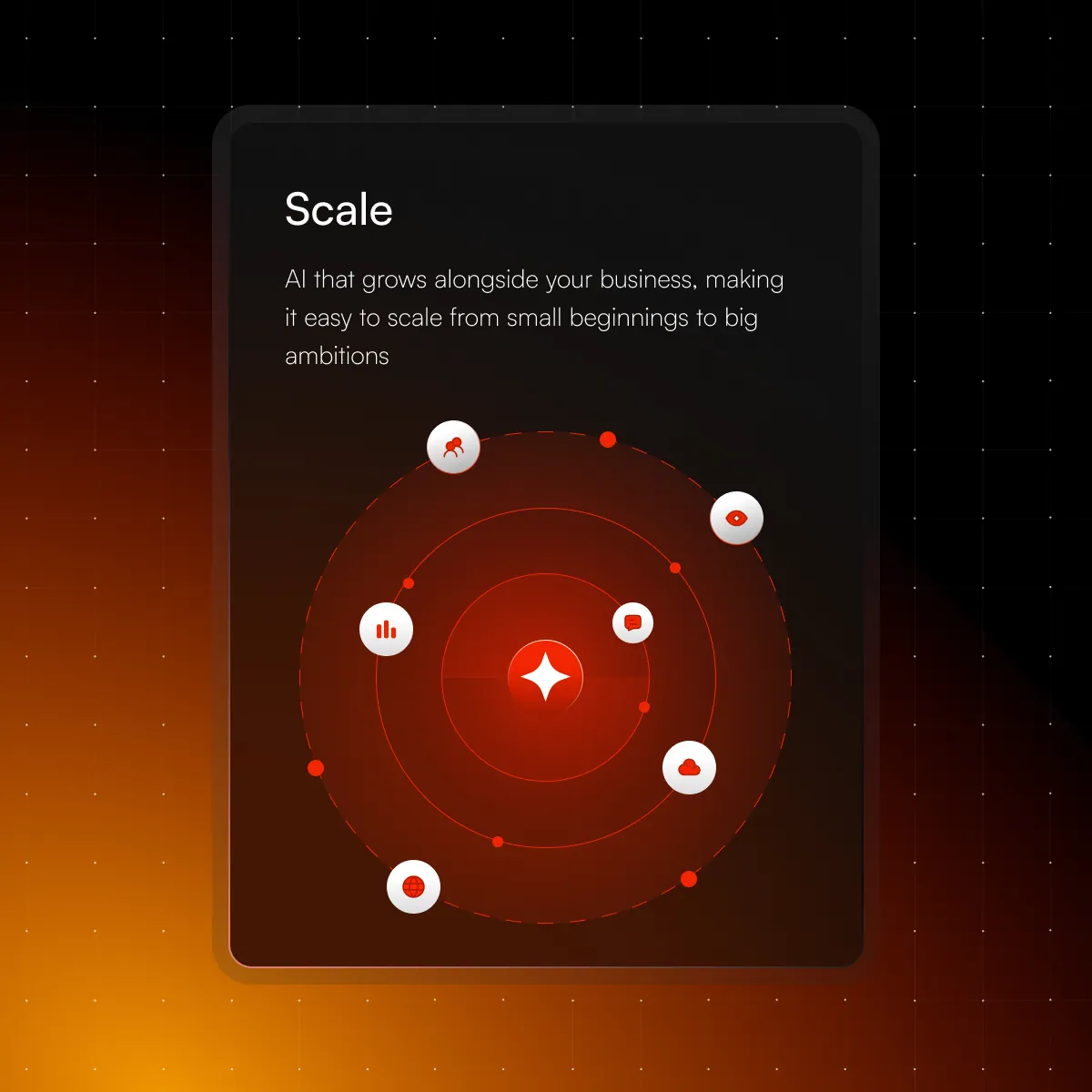
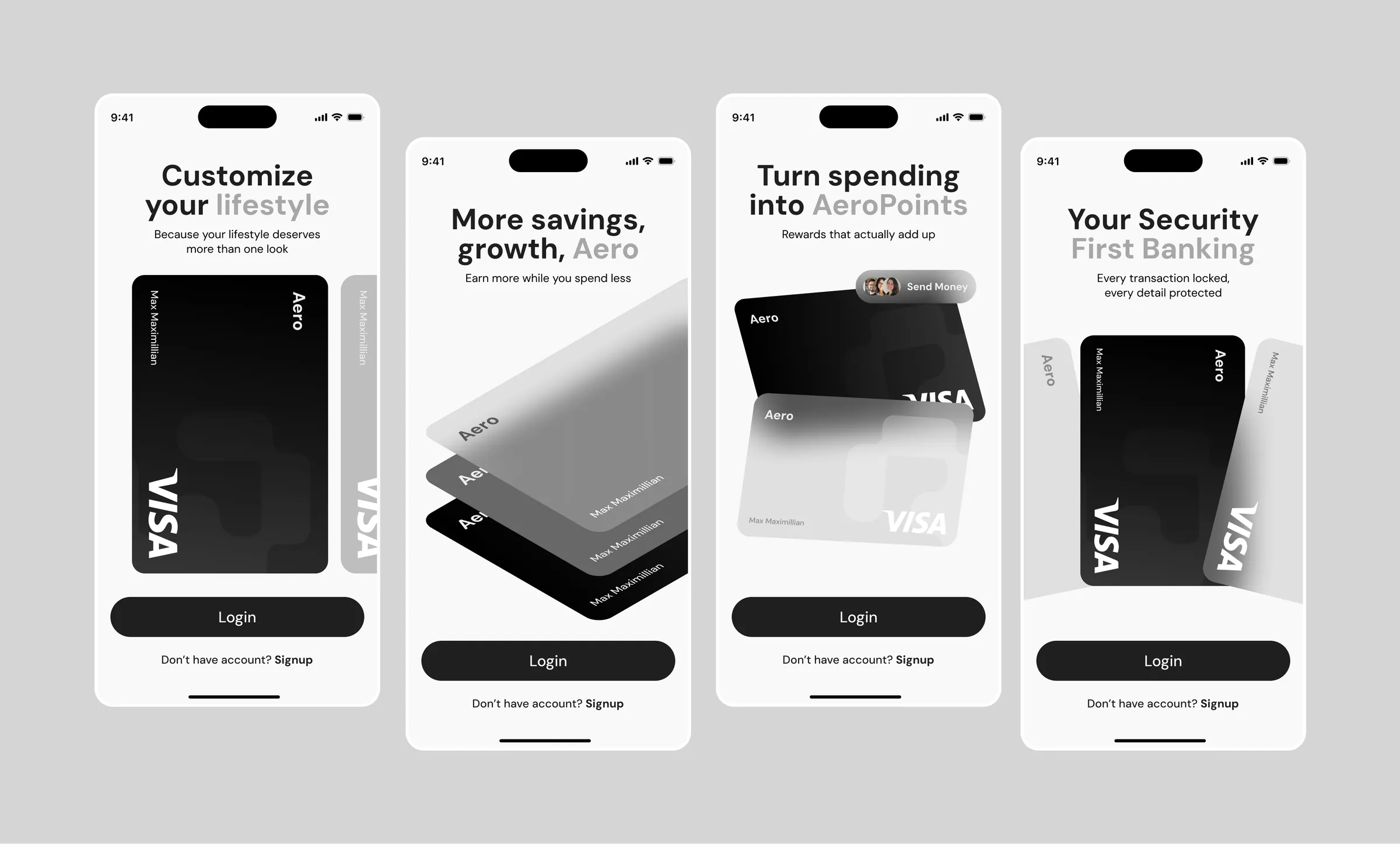
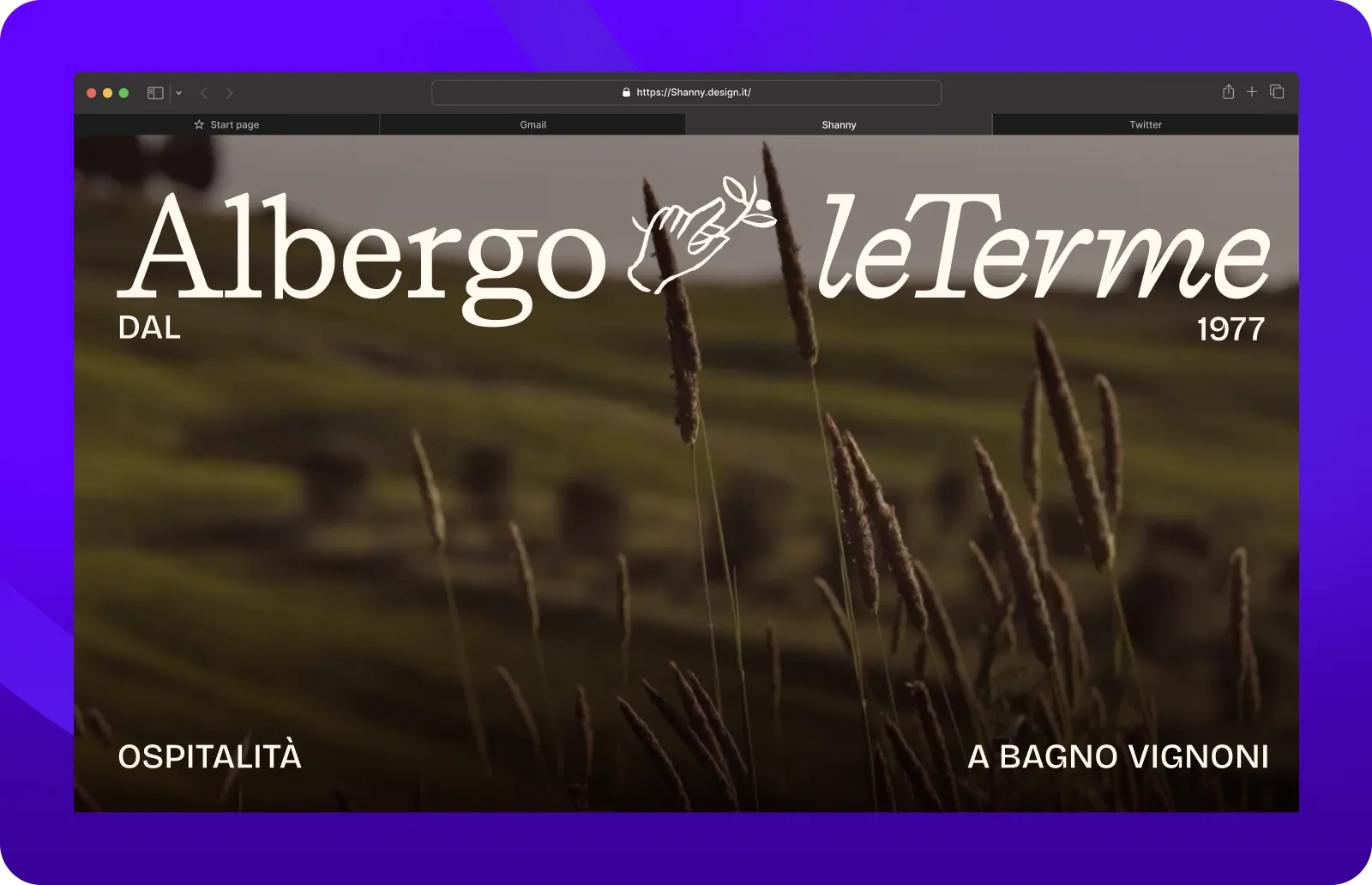
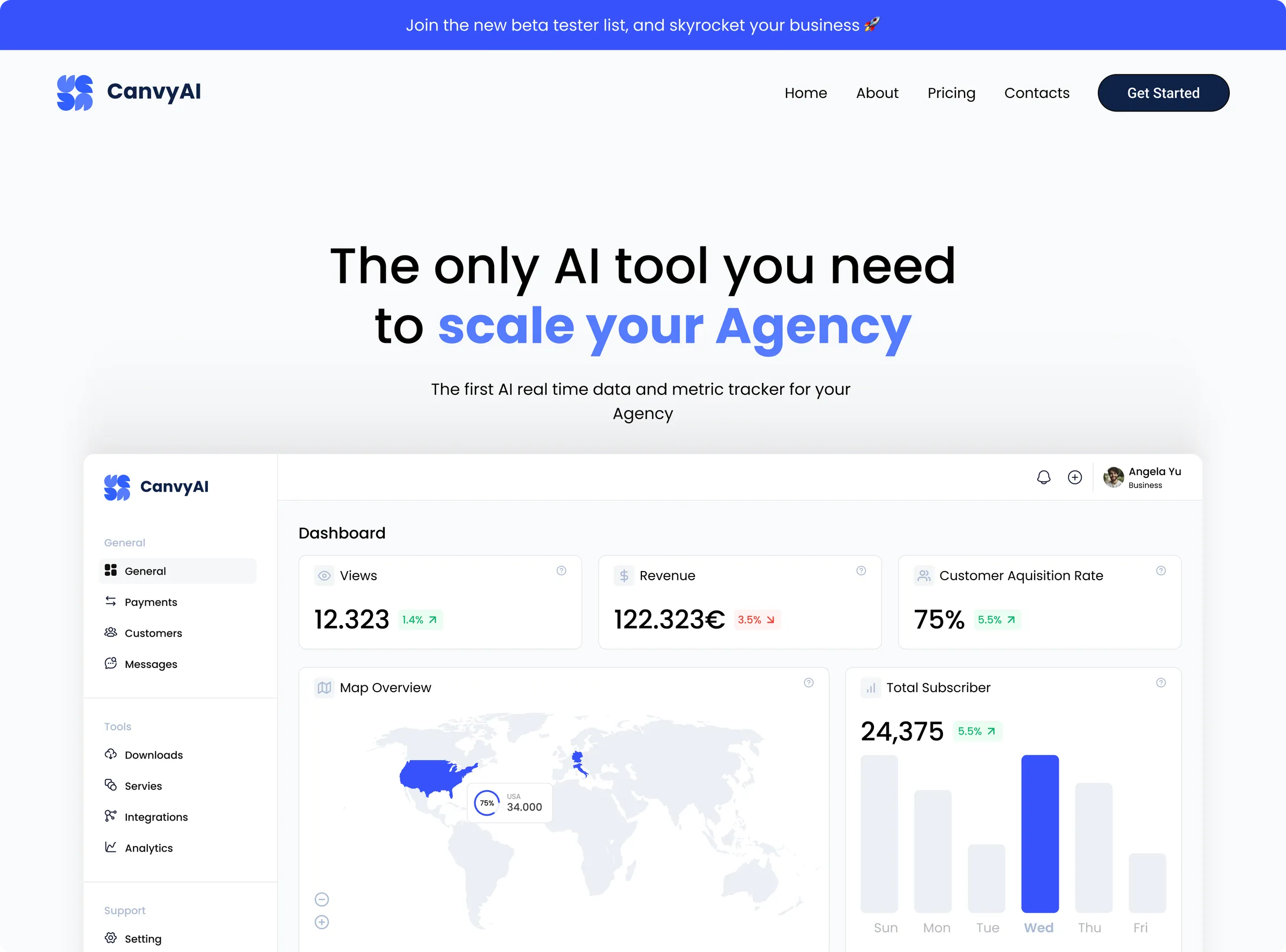
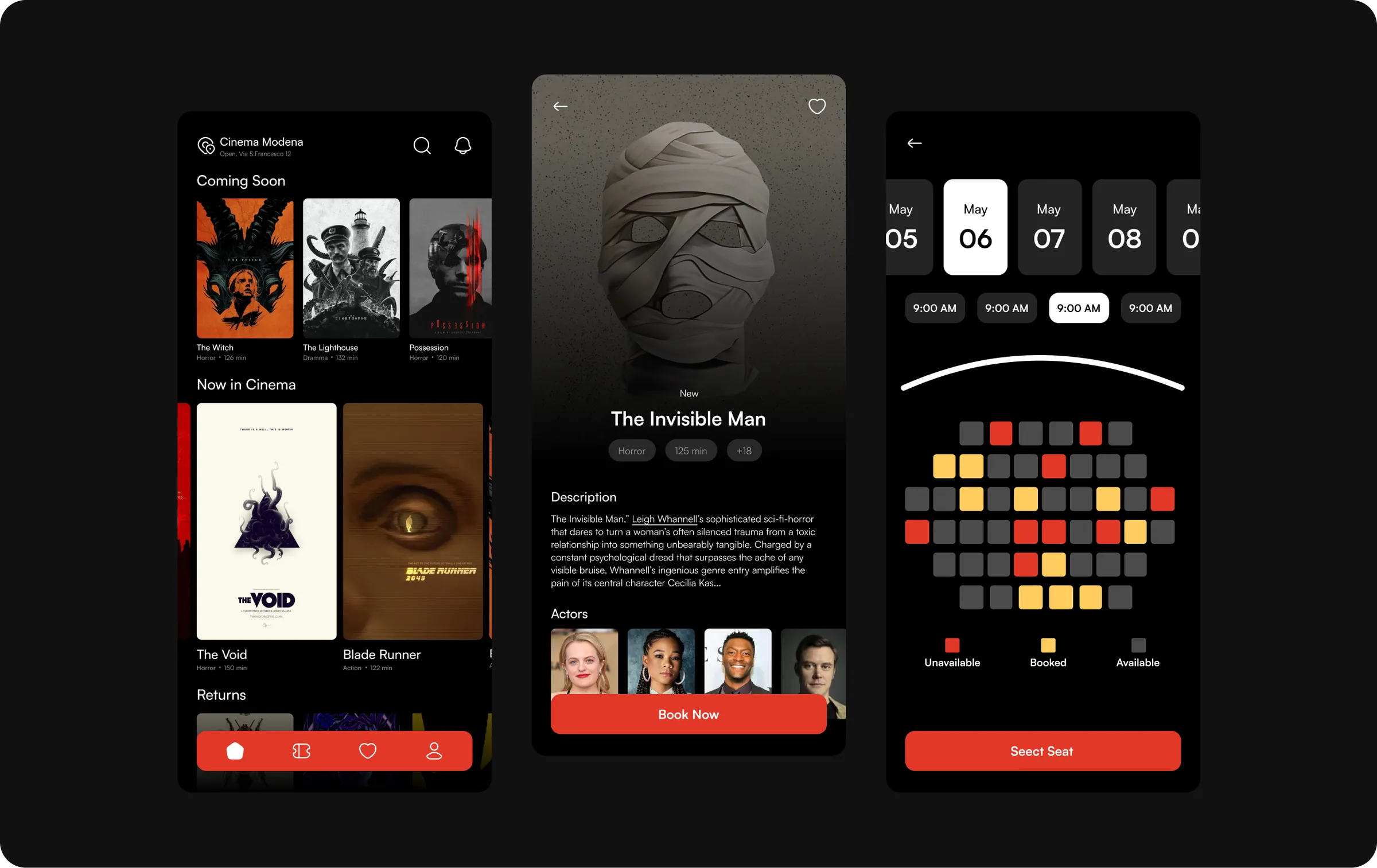
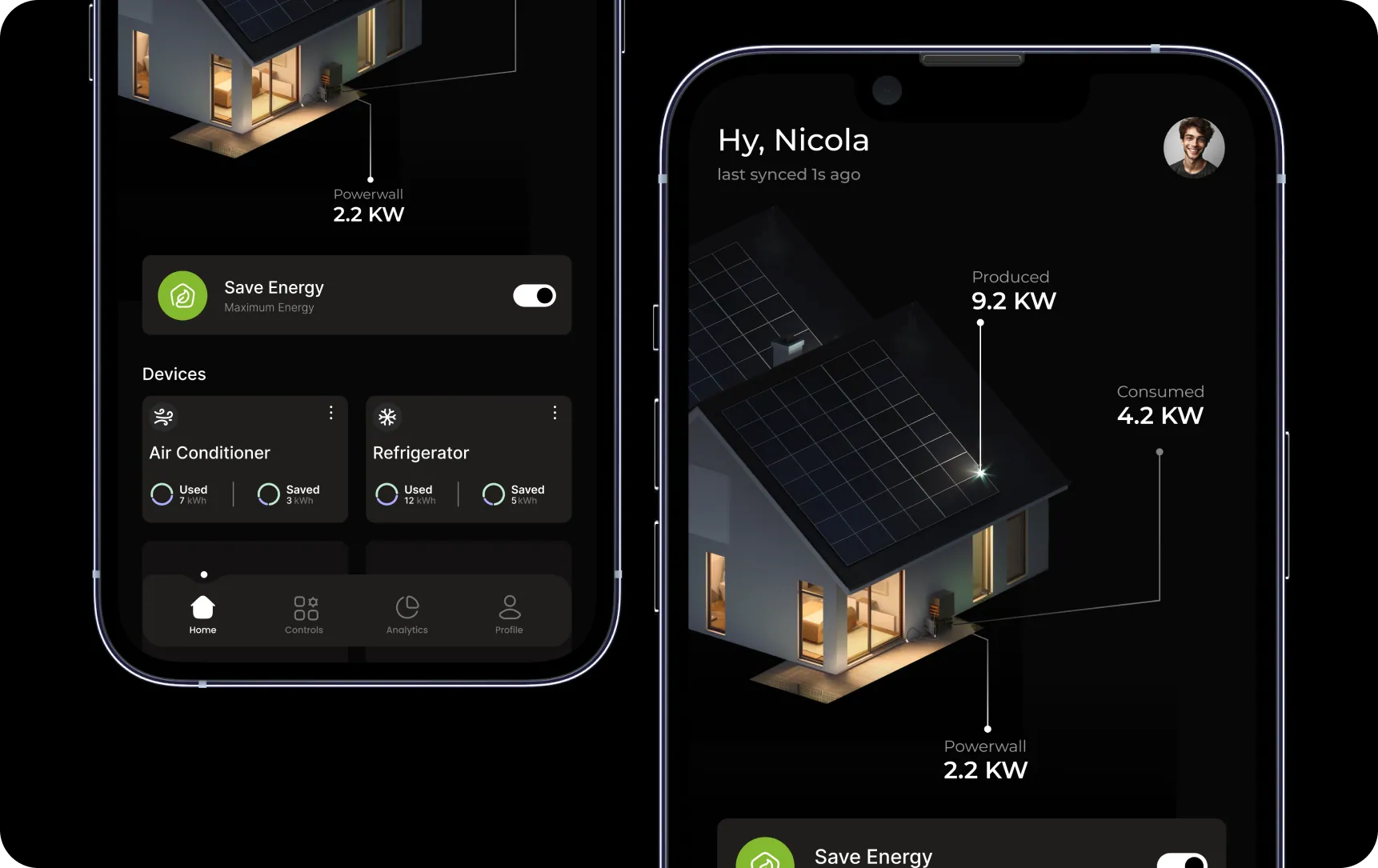
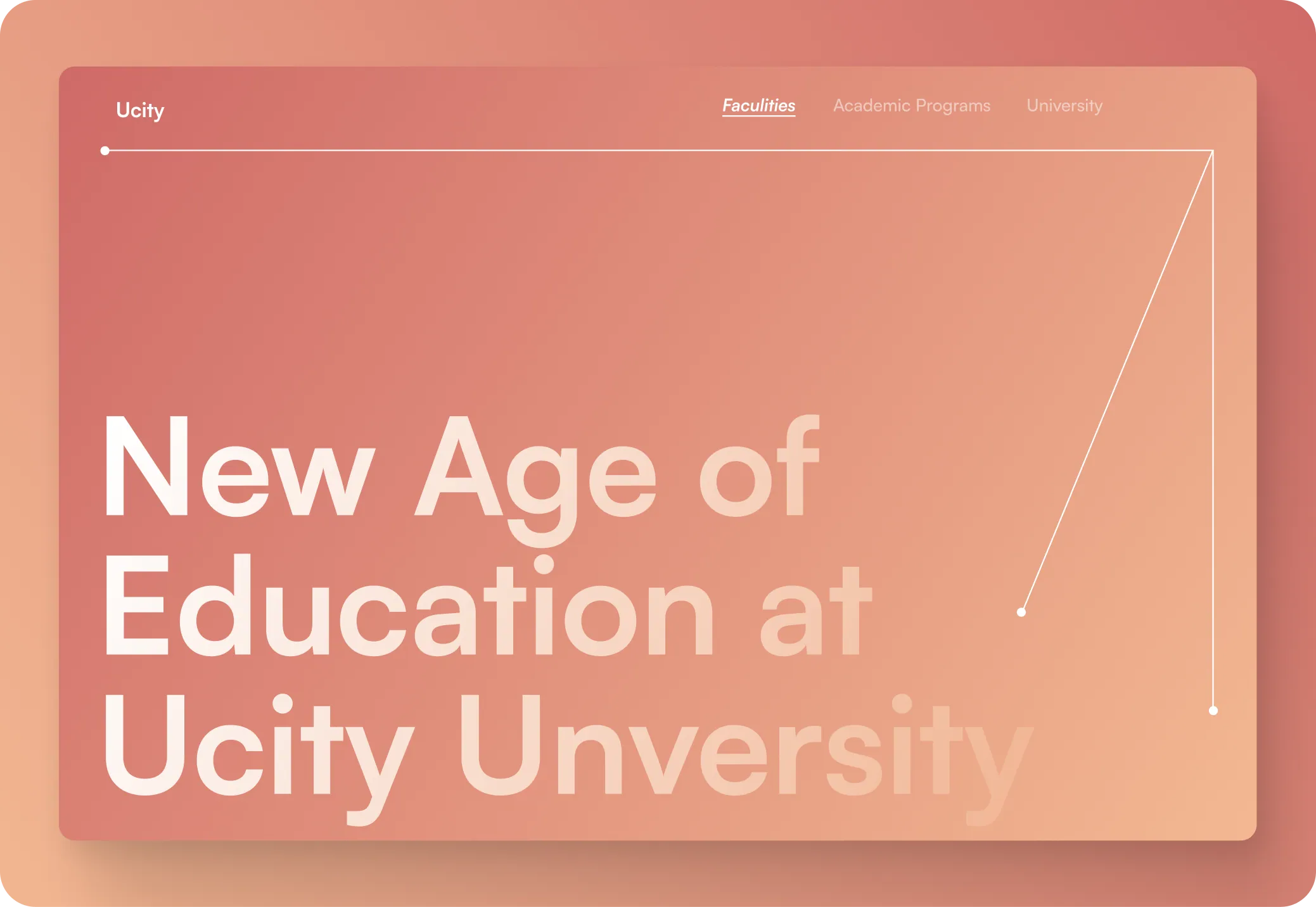
Quick UI explorations, side projects, and shots from work I can't fully share.
Kind words
“We went through two other designers before this. Night and day difference, not just in quality but in how easy the whole thing was to manage.”

Kind words
“We had a lot of ideas and not much clarity. He helped us make sense of it all, and the brand ended up being something we actually use as a reference internally now.”

Kind words
“Tight deadline, moving brief, and he still delivered. Just in Shop needed to go live fast and nothing felt rushed in the final result. That's rare.”

Got Questions

It depends on scope. A landing page is a matter of weeks; a full product or multi-page build takes longer. You get a timeline in writing before anything starts.
Either. I can take a project from wireframe through to a live Webflow site, or hand over the designs and a system for your own developers to build.
Some work is under NDA, and some of it is still in progress. Ask me on a call and I'll walk you through what I can show.
A short brief on the problem, whatever already exists, site, product, brand files, and one person who can make decisions. That's enough for a first call.
Yes. I work alongside in-house designers, developers and founders, remotely, with a regular call and async updates in between.